106 Calyx Software
Loan Application
Enter any additional amount in the Other field and click OK.
Entering assets and liabilities
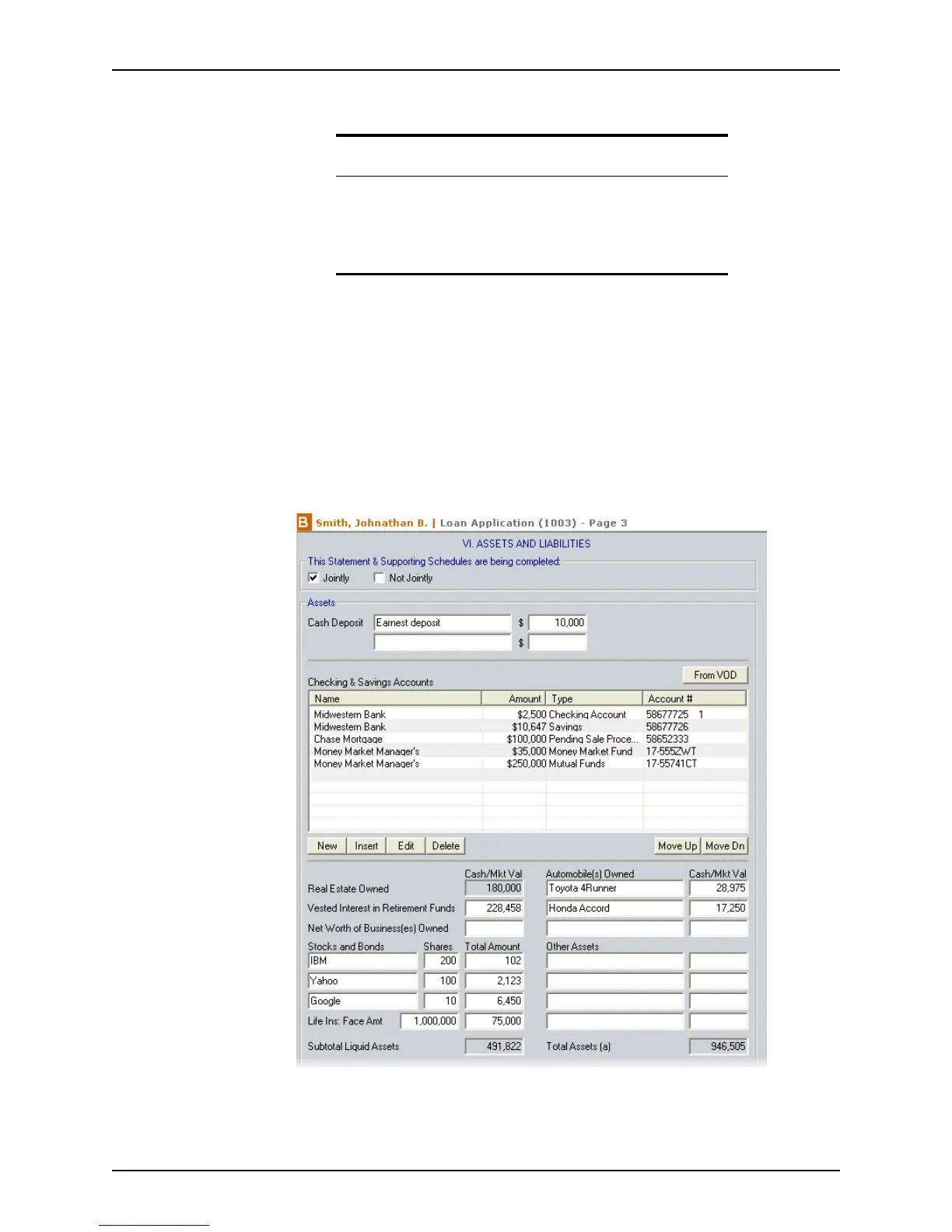
The Assets and Liabilities section of the Loan Application documents a borrower’s
assets, debts, and real estate owned. It provides a collective view of a borrower’s financial
status for the loan processor to evaluate and determine the borrower’s loan qualifications.
Entering assets
To complete the Assets section:
1 Open page 3 of the
Loan Application.
2 Verify with the borrower and co-borrower whether the information in this section is
being provided jointly or not jointly and select the applicable check box.
Related information
• For more information about creating tax and insurance dropdown
lists, refer to Creating dropdown lists, on page44.
• For more information about the
Mortgage Insurance Premium/
Funding Fee
dialog box, refer to Calculating mortgage insurance,
on page170.



 To Next Page