98 Calyx Software
Loan Application
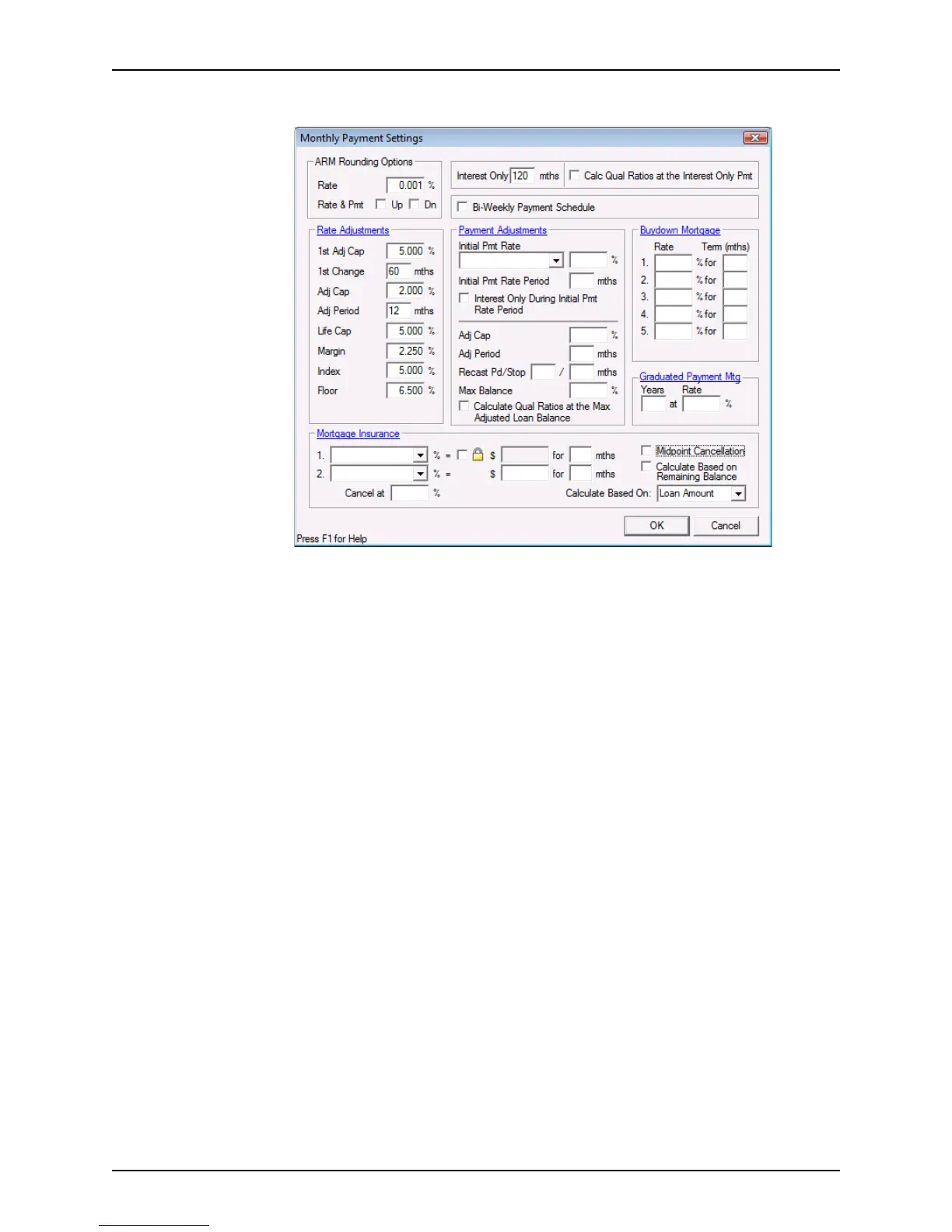
Click the Mth Pmt button to open the Monthly Payment Settings dialog box.
Use the
Monthly Payment Settings dialog box to set the payment structure and the
loan terms and specifications. This dialog box is also accessible from the
Borrower
Information
screen and these fields are also on the Truth-In-Lending screen.
These fields are populated in all screens when completed.
5 Enter the applicable terms into the dialog box and click OK when finished.
Entering property information and loan purpose
The property address, purpose of loan, and the name on the title are prepopulated from
the
Borrower Information screen.



 To Next Page