36 Calyx Software
Utilities configuration
Any data that is entered in the Processing Center dialog box is displayed on the printed
verification forms in the associated data folder.
If the return address for verifications and the company address are the same, you do not
need to enter the processing center information. However, if you have multiple-offices,
your processing center might have a different address.
The interface for entering company and processing center information is the same.
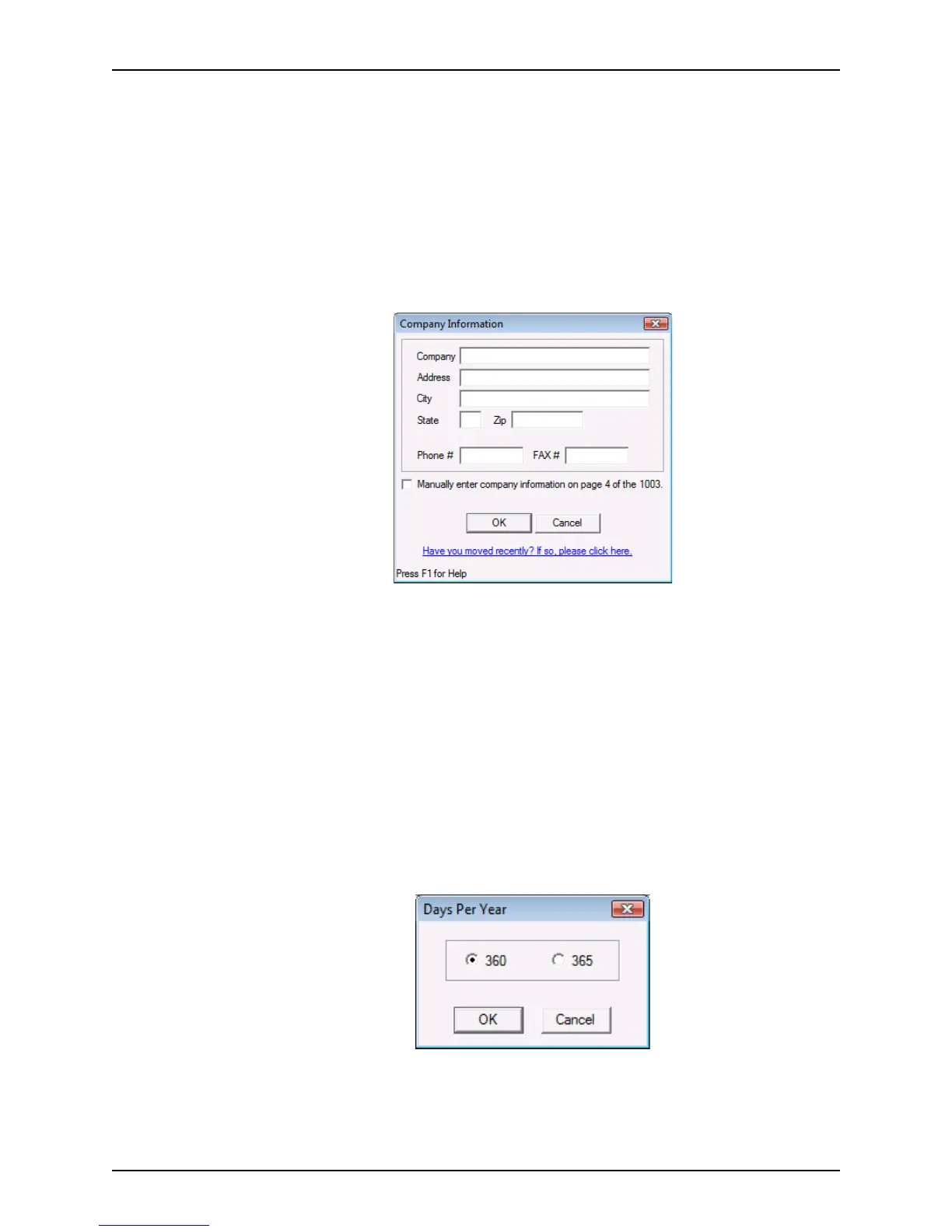
Company Info is used in the following example to illustrate the process:
1 Select Utilities > Company Defaults > Company Info.
The
Company Information dialog box is displayed.
2 Enter the company name, address, city, state, zip code, and telephone and fax
numbers.
3 To specify that you can manually enter company information on page 4 of the
Loan
Application
, select the check box in the Company Information dialog box.
4 Click OK.
Specifying the number of days in a calendar year
Use the Days Per Year option to specify the number of days per calendar year based on
your lender’s requirements.
To specify the days per year:
1 Select Utilities > Company Defaults > Days Per Year.
The
Days Per Year dialog box is displayed.
2 Select
360 or 365.
3 Click OK.



 To Next Page