Point User Guide 163
Transmittal Summary
• W-2 information
• 1099 information
• Verification of non-filing
• Record of account from the IRS
Tax Information (or 1098 Data)
This screen contains origination and discount fees and the first year of interest paid.
Transmittal Summary
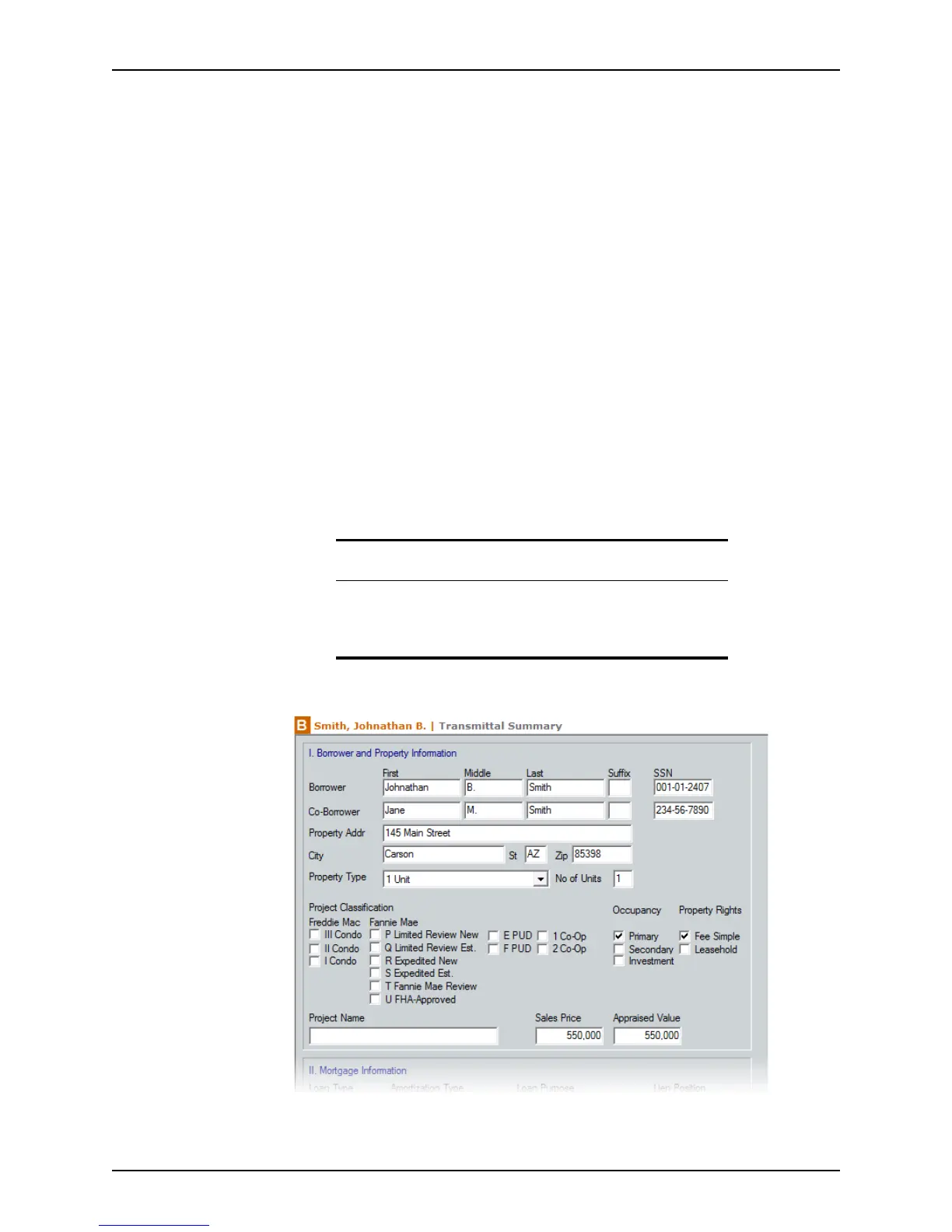
The Transmittal Summary contains detailed information about the loan and is required
when submitting a loan to underwriting.
Completing the Transmittal Summary
Complete the Transmittal Summary after you have completed the Loan Application,
disclosures, and verifications. Many of the fields are populated from other screens.
To complete the
Transmittal Summary:
1 Open a borrower file.
2 Open the
Transmittal Summary from the Forms menu or the shortcut toolbar.
3 Complete the
Borrower and Property Information section.
a Select the property type from the Property Type dropdown list.
Recommendation
If you have set up a master file and imported it into your current file,
most of the data automatically populates the Transmittal Summary. For
this reason, Calyx recommends completing all other forms before
completing this form.



 To Next Page