Point User Guide 267
Tracking loan shipment status
c If either property is held in trust, enter the date the trust was established, the
name on the trust account, the state where the trust was established, and the
grantor’s name on the trust account.
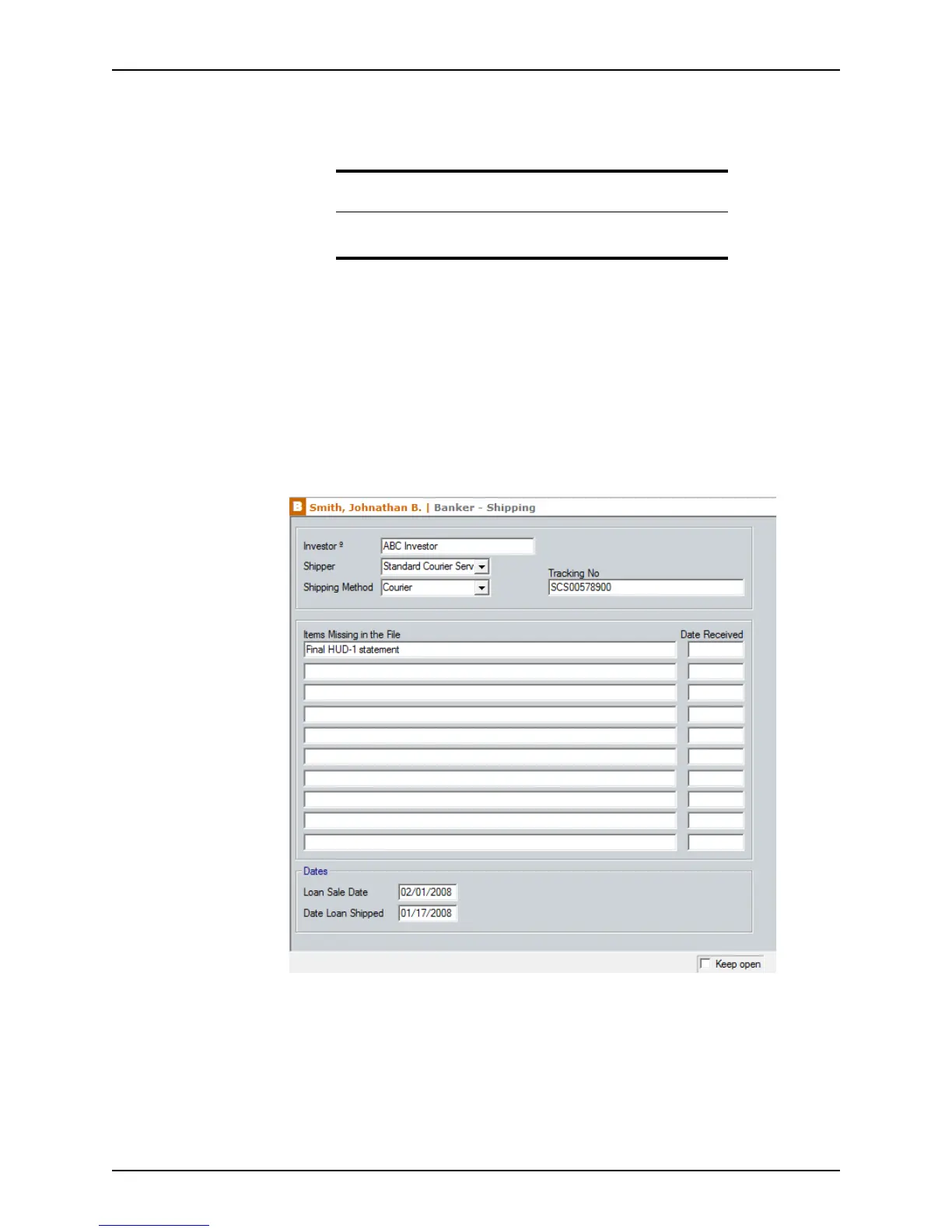
Tracking loan shipment status
Use the Shipping screen to record closed loan data and status of the shipment of the
loan to the correspondent investor. You can also track the documents that are missing
from the shipping file that must be obtained before shipping the loan to the correspondent
investor.
To use the
Shipping screen:
1 Open a borrower file.
2 Select Banker > Shipping.
3 If not prepopulated, enter the name of the investor or use the Cardex database to
populate the
Investor field.
4 Select the Shipper who shipped the documents and the Shipping Method from the
dropdown lists.
5 Enter the shipment tracking number in the
TrackingNo field.
6 Document if any items are missing from the file and the date they were eventually
received.
Related information
Refer to Chapter 19, Contact management (Cardex), for information
about using the Cardex database.



 To Next Page