Point User Guide 235
Tracking loan profit and loss
6 Use the long field below the Date and Amount fields to enter comments that pertain to
the trust accounts.
Tracking loan profit and loss
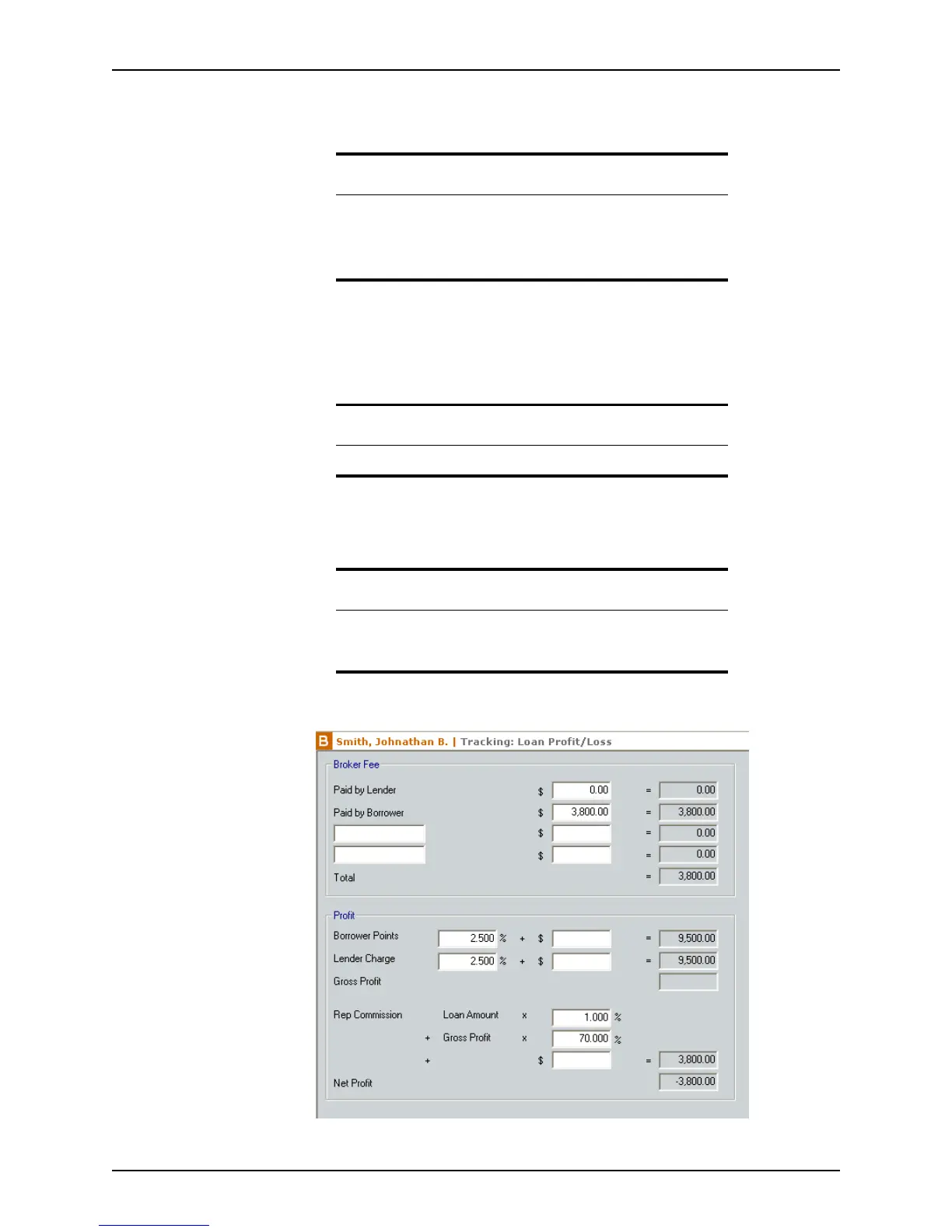
The Loan Profit/Loss screen calculates the profits and losses that are realized on a
particular loan.
To access the
Loan Profit/Loss screen:
1 Open a borrower file.
2 Select Track > Loan Profit/Loss.
Note
Point calculates the total of the funds that are paid, the funds that are
received, and the account balance. The remaining balance is included in
the Borrower status report and WebCaster status report.
The
Trust Account screen is predominantly used in California.
Attention
Loan profit/loss tracking is not available in prospect files.
Important
The Loan Profit/Loss information requires approved access. Only users
who are authorized to access the financial information screens are able
to access this screen.



 To Next Page