Point User Guide 329
Services
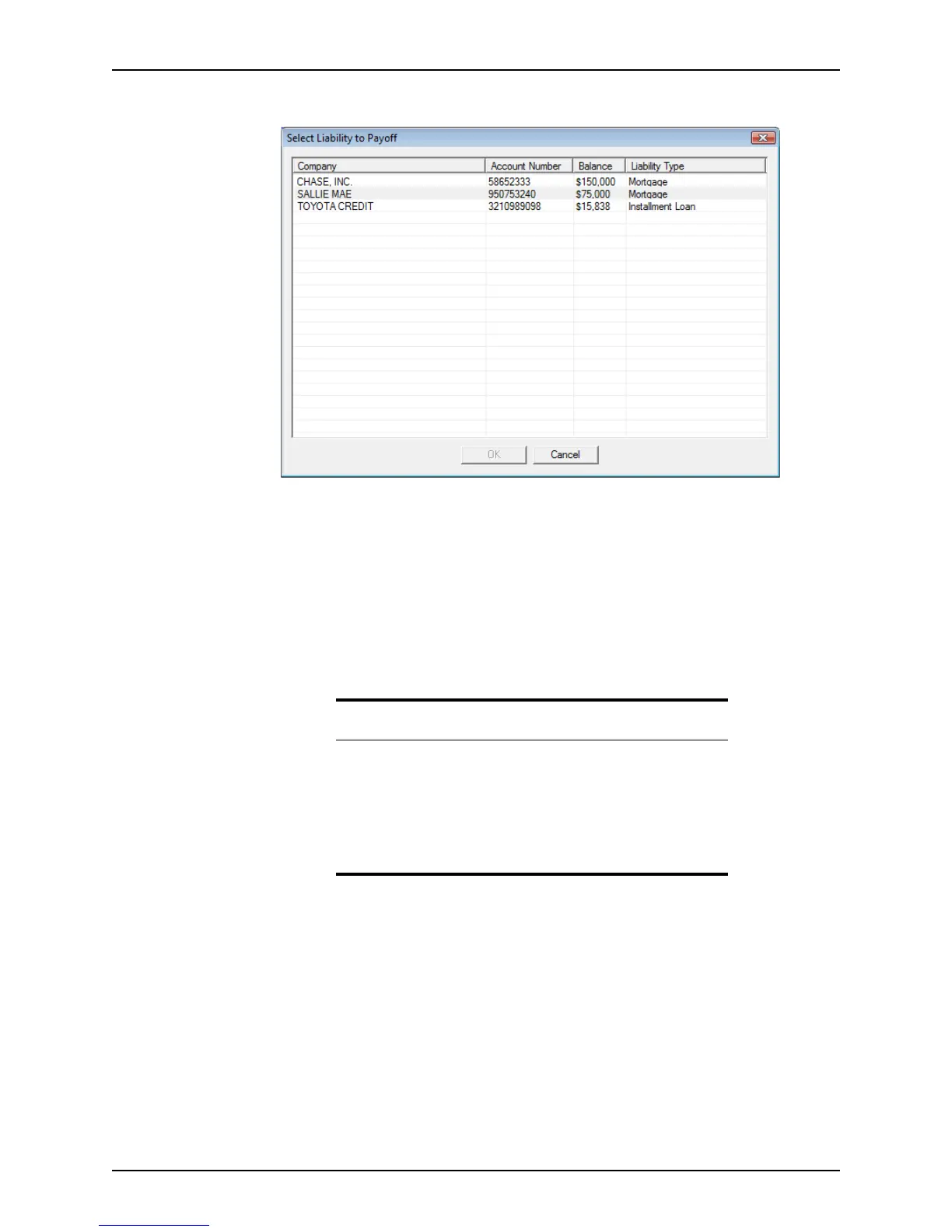
The Select Liability to Payoff dialog box is displayed.
c Select the liability to import from the list and click OK.
The fields for the corresponding lien section are populated with the selected
liability information.
d Complete the payoff information for up to four debts.
8 Click Submit.
The request is submitted to the selected provider.
When Point receives a response, a message is displayed the next time you open the
loan file.
VOE/VOI reports
Verification of Employment (VOE) and Verification of Income (VOI) reports are requested
to verify the borrower’s employment and income to determine their loan qualifications.
Point uses The Work Number to retrieve employment information for borrowers. The Work
Number provides payroll and human resources services, including online employment and
income verification.
If a borrower’s employer uses The Work Number services for employment and income
verification, the borrower’s employment information is stored in The Work Number
database. If the borrower’s employer does not use The Work Number, you are unable to
verify their employment and income through The Work Number.
Related information
• For information about the document repository and the Document
Information Preview dialog box, refer to Electronic document
storage, on page202.
• Refer to Requesting services, on page300, for information about
how to request a title report.
• Refer to Checking pending request status, on page303, for
information about retrieving pending requests.



 To Next Page