82 Calyx Software
Loan file overview
6 Click OK to confirm.
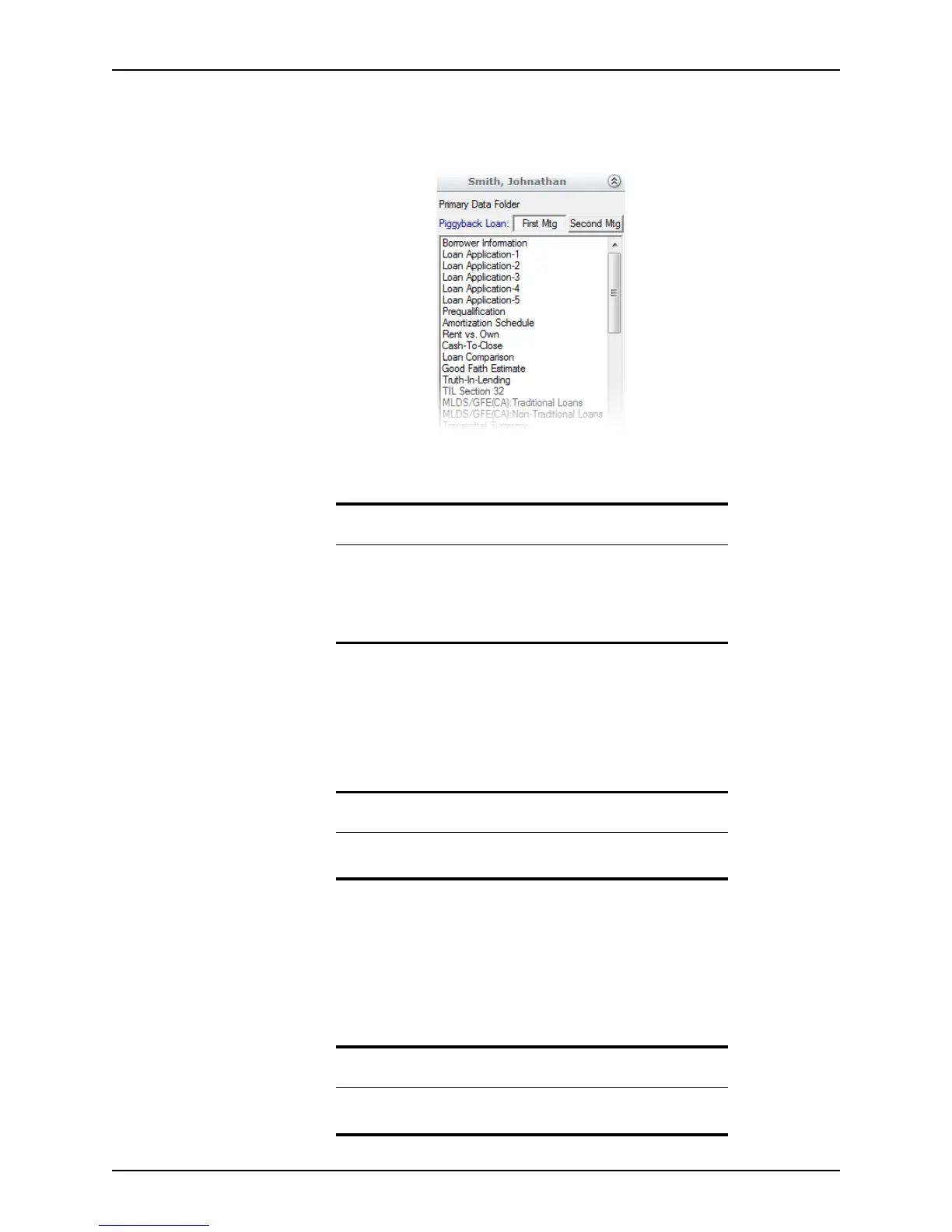
The loans are linked and data is synchronized between the two. The first and second
loan toggle buttons are added to the shortcut toolbar.
Click the First Mtg and Second Mtg buttons to toggle between the primary and
secondary loans.
Archiving loan files
If you are finished with a file and want to archive it without completely removing it from
your records, move it into its own archive folder. For example, you might want to create an
archive folder called Closed Loans.
Rebuilding lists
Point maintains an internal list of loan files to make searches faster. During normal use the
system stays up to date. However, Point cannot keep track of loan files that were moved
or copied with external programs such as Windows Explorer. If you have moved or copied
Rebuild List feature.
Related information
• For information about specifying search criteria for a file search, see
Searching for loan files, on page75.
• It is also possible to link to a first mortgage file from a second
mortgage file. Refer to Creating a new first mortgage with a new or
existing second, on page280, for more information.
Related information
To create an archive folder, refer to Creating new data folders, on
page466, for more information.
Requirement
If you are running PDS, you must have local data folder access to use the
Rebuild Lists function.



 To Next Page