68 Calyx Software
Loan file overview
Creating new prospect loan files
New prospect loan files are created from a blank file or by using a master template.
To create a new prospect file from a template or blank file:
1 Select the Loans tab from the navigation panel.
2 Select the data folder where you want to store the file from the dropdown list.
3 Select
Prospect.
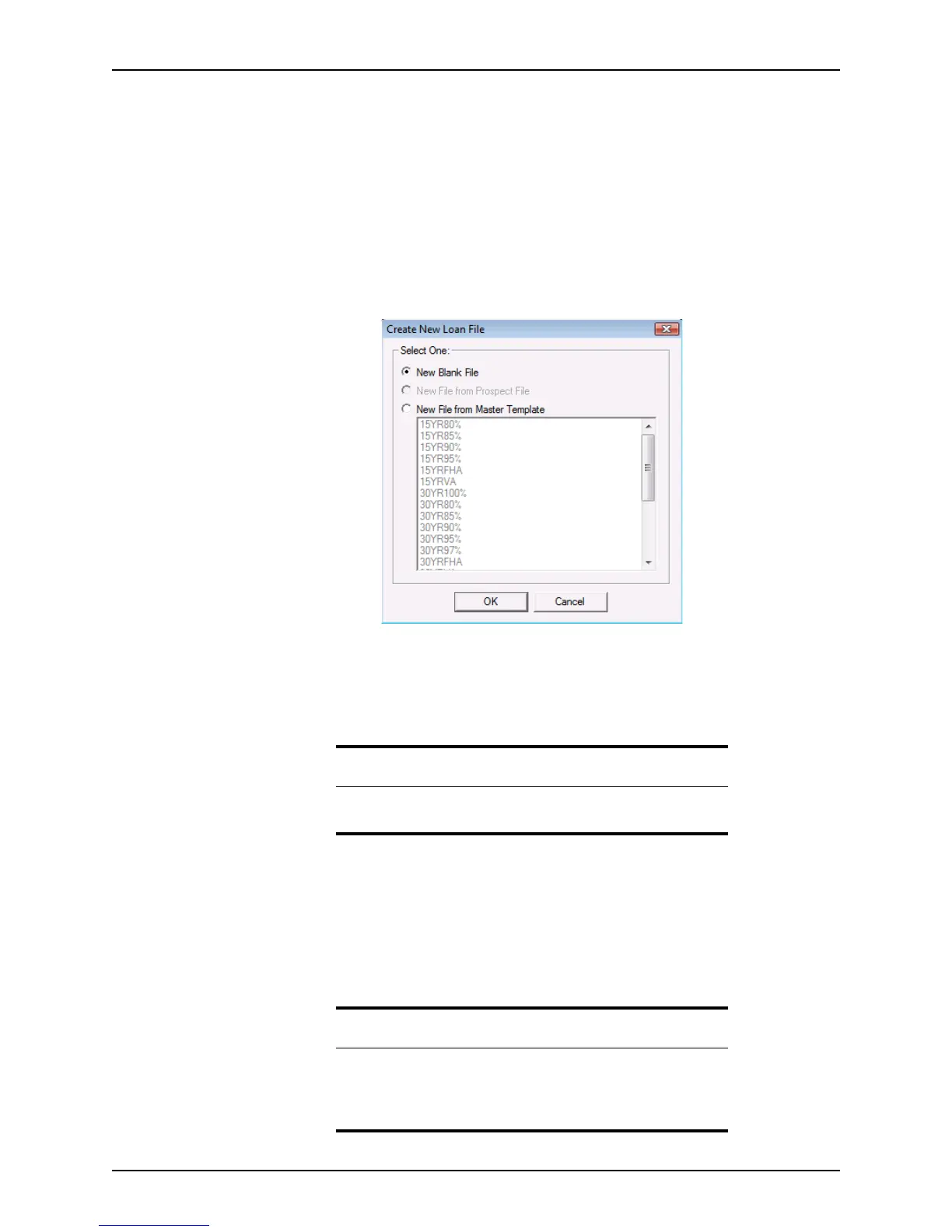
4 Click the New button or select File > New > Loan > Prospect... to open the
Create
New Loan File
dialog box.
5 Select the source of the new prospect file:
• To create a loan file with no data, select New Blank File.
• To create a loan file from a template, select New File from Master Template and
select the template to use from the list.
6 Click OK.
• If you selected New Blank File, a blank prospect file is created. The file
automatically opens to the
Prospect Information screen.
• If you selected New File from Master Template, a prospect file that contains the
data from the template you selected is opened to the
Prospect Information
screen.
Tip
If you select the New File from Master Template option, the template that
was used last is preselected.
Related information
• Refer to Borrower and prospect information screens, on page151,
for information about the
Prospect Information screen.
• For information about creating templates, see Creating master file
templates, on page357.



 To Next Page