Point User Guide 113
Entering assets and liabilities
13 When you are finished entering real estate, click Save & Close.
Use the Insert, Edit, and Delete buttons to add, change, or remove entries. Use the
Move Up and Move Dn buttons to move entries up or down in the list.
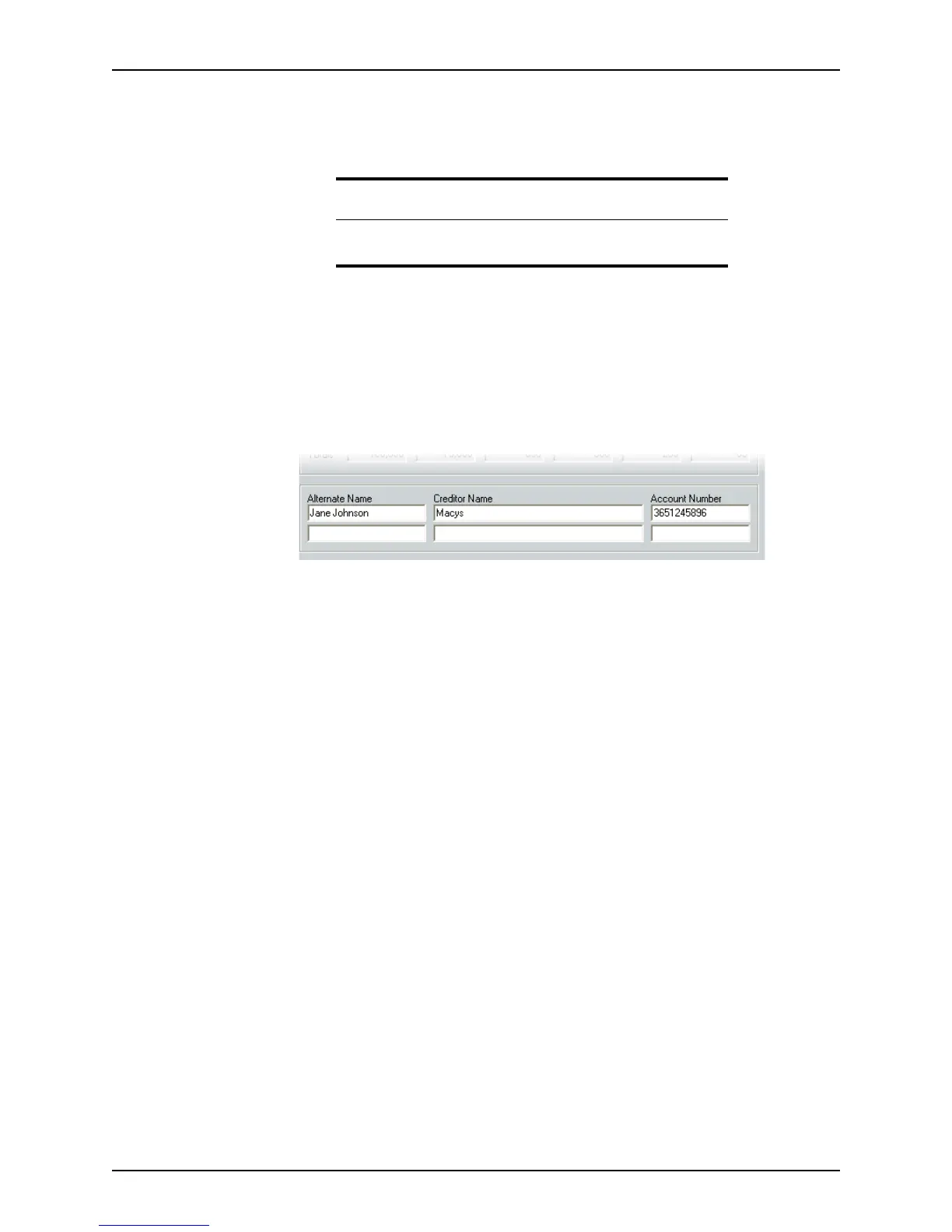
Entering liabilities in a different name
If a borrower was issued credit under a different name than the name they are using on
the
Loan Application, for example, a married woman had credit in her maiden name,
enter the account information at the bottom of page 3.
To enter liabilities in a different name:
1 Open page 3 of the
Loan Application and go to the bottom of the page.
2 Enter the
AlternateName the borrower used, the CreditorName, and the Account
Number
.
Matching liabilities to real estate owned
Use the matching liabilities function to match real estate with the corresponding loan on
the liabilities list. This feature is most useful when a borrower owns multiple properties and
has multiple loans because it identifies which loans are associated with which properties.
You can match a property to multiple liabilities.
To match liabilities and real estate owned:
1 Open page 3 of the
Loan Application and go to either the Liabilities section or the
Schedule of Real Estate Owned section.
2 If you are in the
Liabilities section, click the Match to REO button. If you are in the
Schedule of Real Estate Owned section, click the Match to Liability button.
Related information
Refer to Chapter 8, Verifications, for information about the Verification
of Mortgage/Rent
and Verification of Loan screens.



 To Next Page