Point User Guide 29
Buttons and options
FHA/VA loan
The following buttons are located on the FHA/VA screens. Buttons that were previously
described are not included in this list.
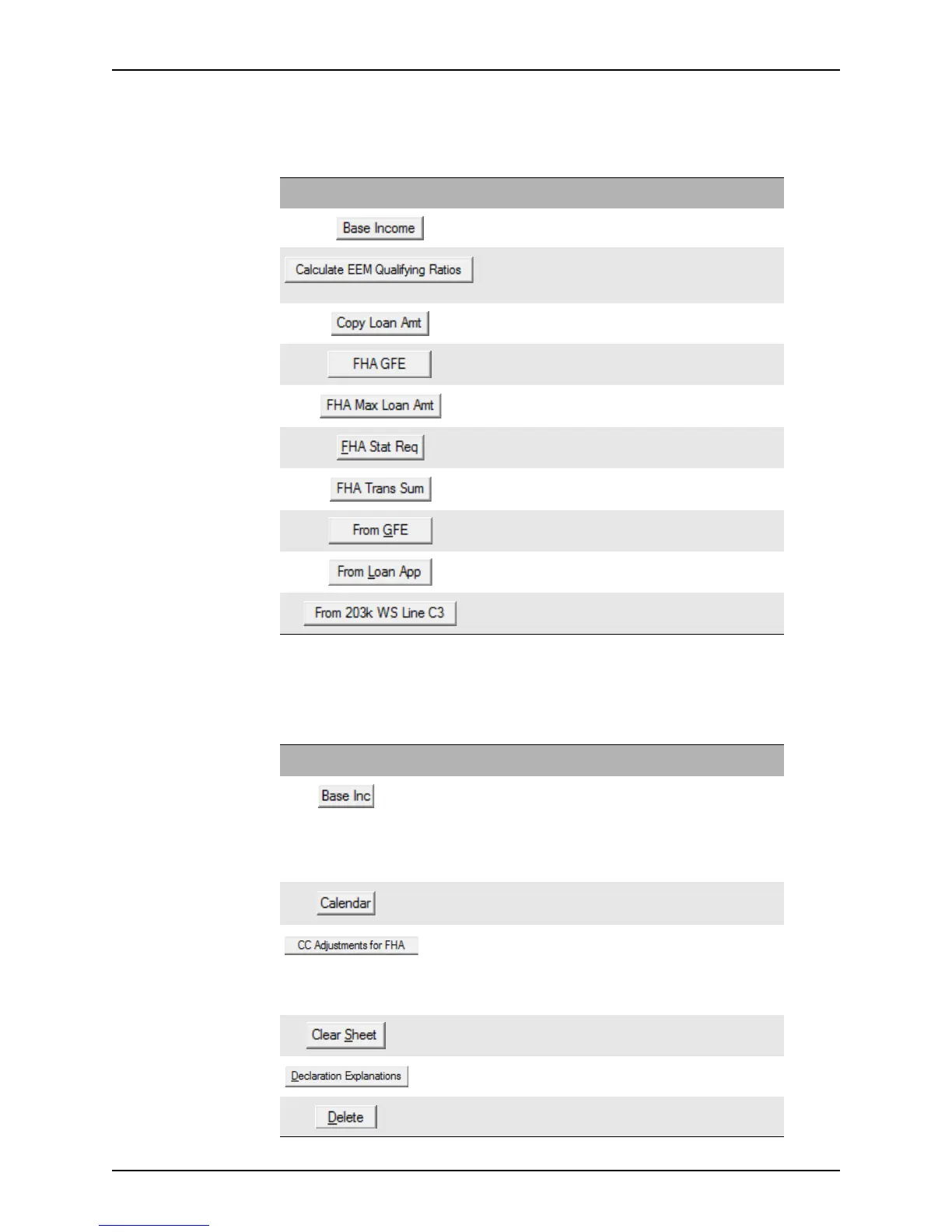
Loan Application
The loan application buttons are located on the five pages of the Loan Application.
Buttons that were previously described are not included in this list.
Button Description
Opens the Monthly Income Calculator to edit the
monthly income.
Calculates the EEM (Energy Efficient Mortgage)
Qualifying ratios and enters them into the
Underwriter
Comments field in the Transmittal Summary.
Copies the loan amount from the
Information screen.
Opens the FHA GFE dialog box.
Calculates the maximum FHA loan amount.
Opens the FHA Statutory Requirements screen.
Opens the
FHA Transmittal Summary.
Retrieves data from the Good Faith Estimate.
Copies data from the
Loan Application.
Copies the line C3 calculation from the 203(k)
Maximum Mortgage Worksheet
.
Button Description Page
Opens the Monthly Income Calculator which is used
to convert a borrower or co-borrower’s salary to a
monthly rate.
This button is also located in the
Income Information
dialog box which is accessible from the Income button
on the
Information screens.
2
Opens a calendar which is used to calculate the length
of a construction loan.
1
Opens the
FHA: Additional Items Closing Costs
dialog box which is used to calculate and enter closing
cost items from the FHA screens.
This button is also located on the
Cash-to-Close
screen.
4
Erases everything on page 5 of the Loan Application. 5
Opens the
Declarations Explanations dialog box. 4
Deletes the selected entry from the employment, assets,
or liabilities list.
2, 3



 To Next Page