Point User Guide 471
Managing data folders
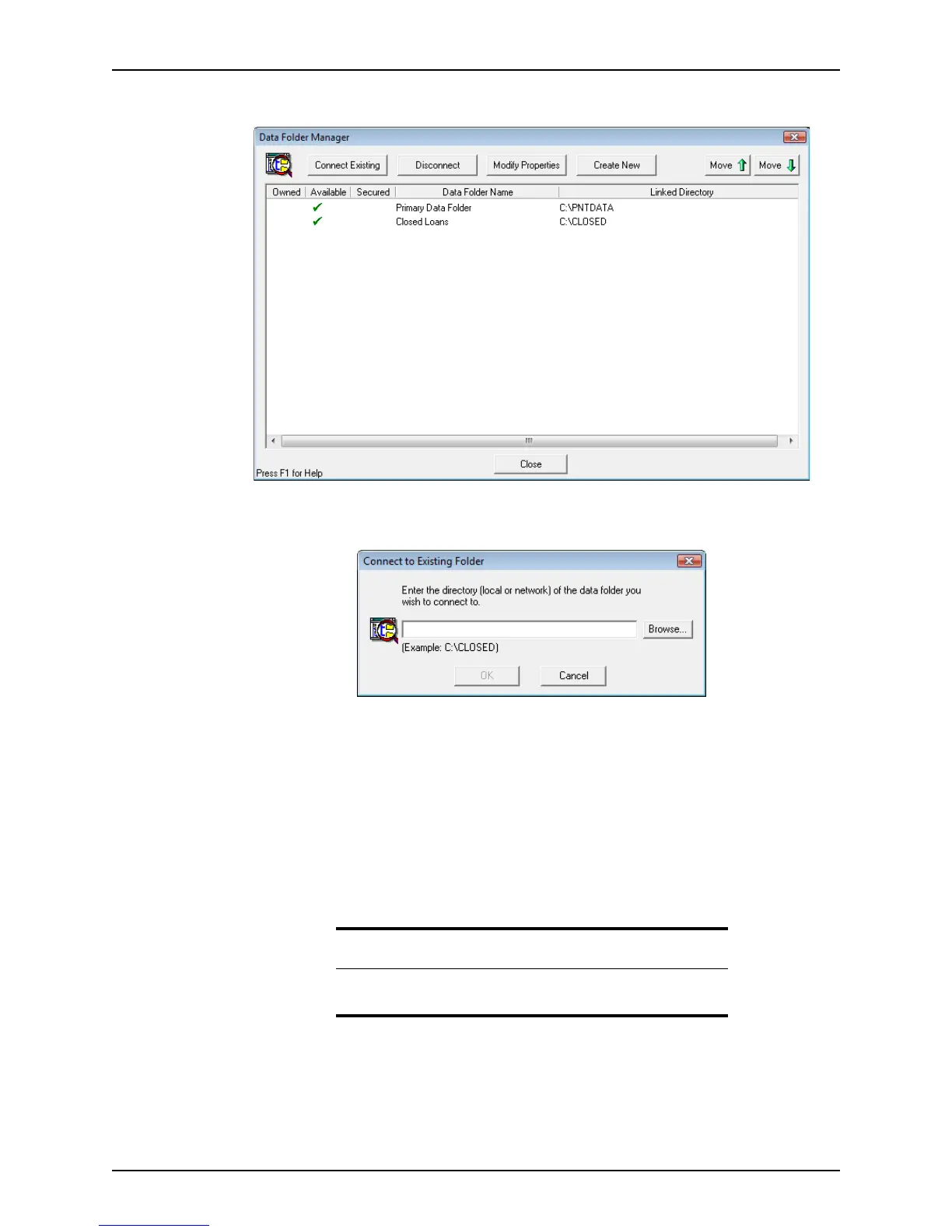
The Data Folder Manager dialog box is displayed.
3 Click Connect Existing.
The
Connect to Existing Folder dialog box is displayed.
4 Click Browse to navigate to the folder to connect to or enter the folder path manually.
5 Click OK.
The data folder is added to the
Data Folder Manager.
Disconnecting data folders
To remove access to a data folder, you can disconnect it.
1 Open Point Administrator.
2 Click Setup Data Folders.
Important
Disconnecting folders only removes them from Point. It does not delete
them from your computer.



 To Next Page