444 Calyx Software
Contact management (Cardex)
• Copy and delete records
• Print records
• Create categories
• Edit categories
• Populate Point forms
• Search for records
• Sort records
Creating categories
Create categories to help organize your information for quick retrieval. You might want to
create some categories, such as the categories in the following list, before you begin:
• Appraisers
• Hazard Insurance
• Investors
• Lenders
• Mortgage Insurance
• Notary
• Realtors
• Referrals
• Title Companies
To create a Cardex category:
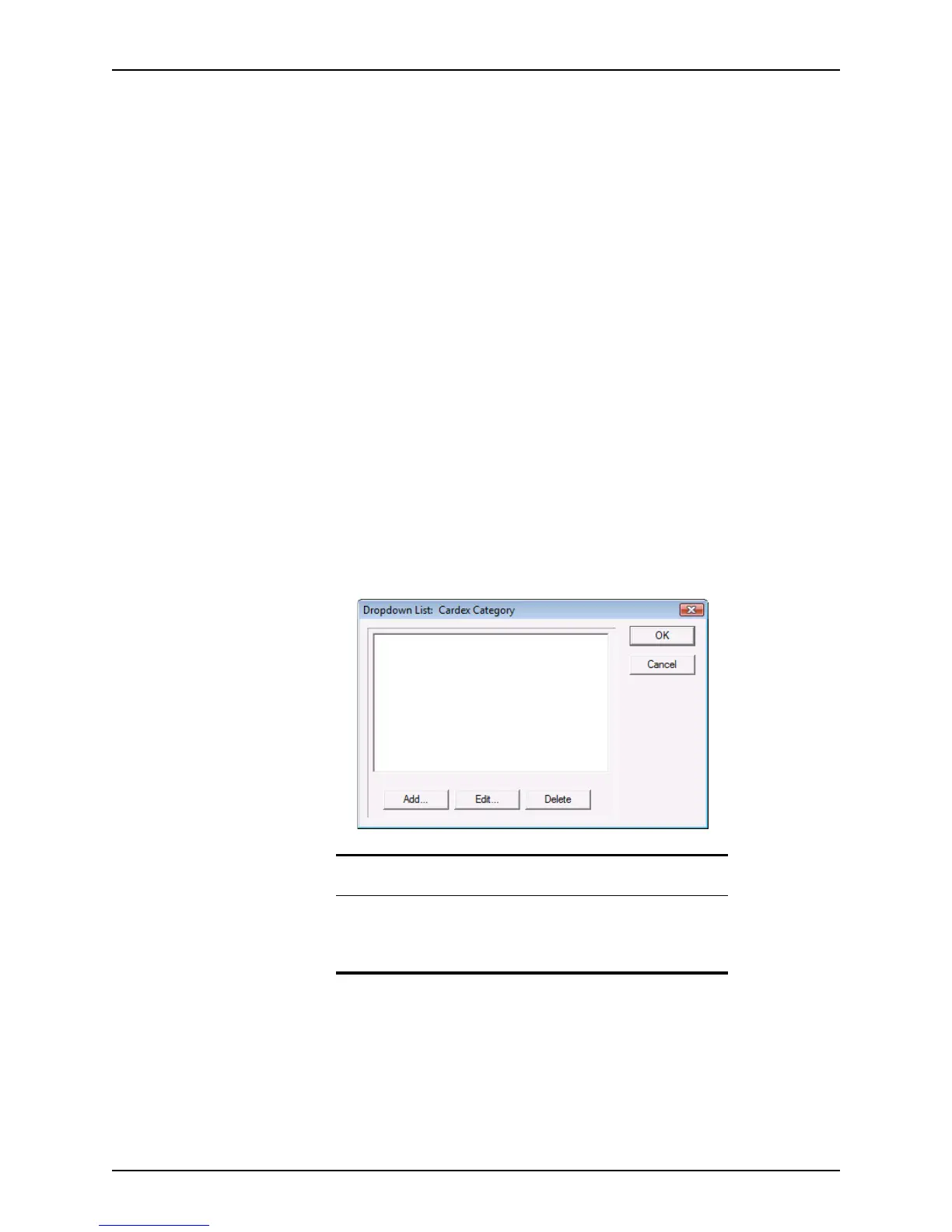
1 Select Utilities > Dropdown Lists > Cardex Category.
The
Dropdown List: Cardex Category dialog box is displayed.
2 To add a category, select Add, enter a category name, and click OK.
To edit a category, select the category name and click Edit. Modify the category name
in the
Edit Selection dialog box and click OK.
To delete a category, select the category name and click Delete.
Tip
You can also access the Dropdown List: Cardex Category dialog box
by clicking Edit Categories in the
Cardex Database [Browsing for
all records]
dialog box or by clicking the Category button in the
Cardex Record dialog box.



 To Next Page