Point User Guide 383
Creating custom reports
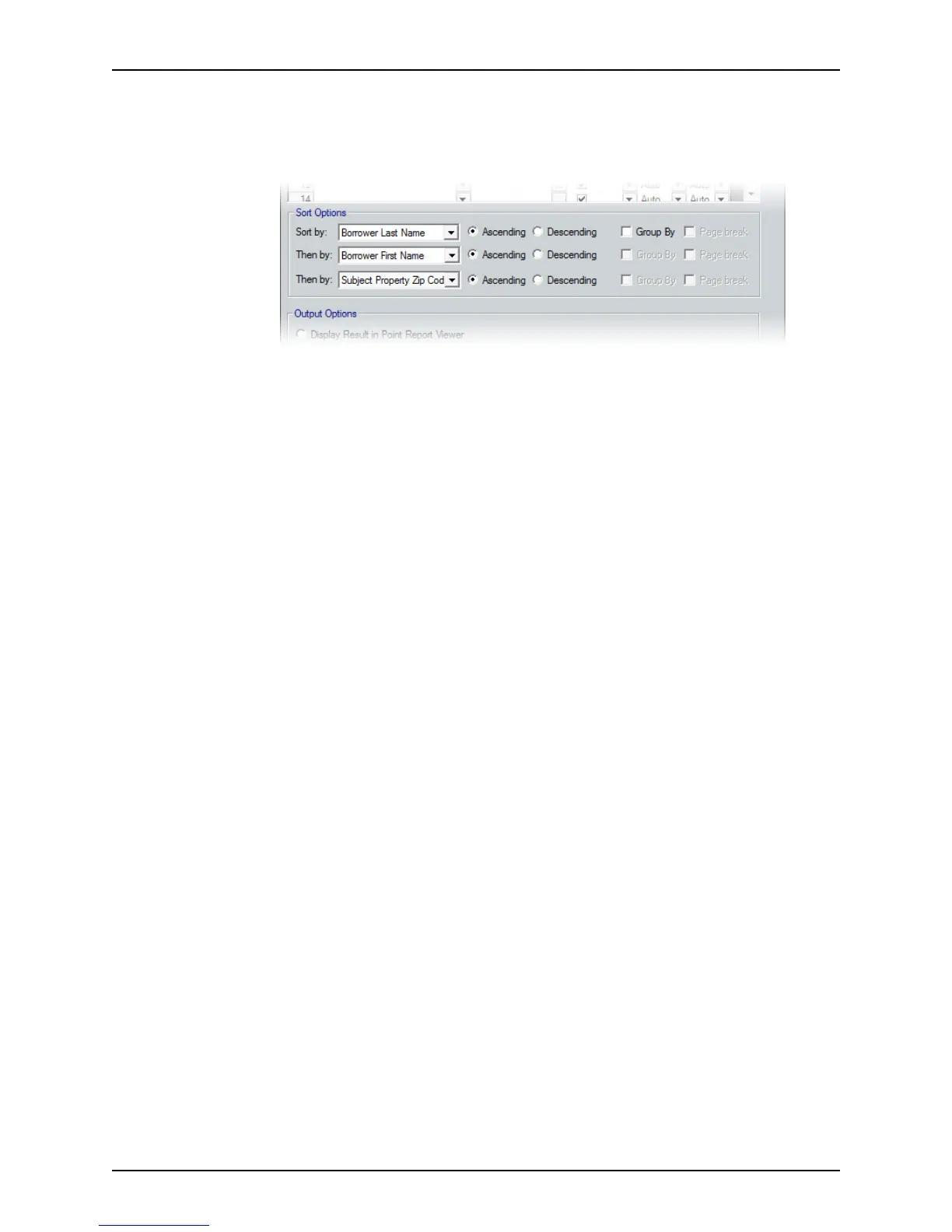
Specifying template sort options
Use the Sort Options section of the Template screen to specify the sequence in which
the records are to be sorted in the resulting report.
To specify template sort options:
1 Select the sequence in which the records are to be sorted in the report from the Sort
by, Then by, and Then by dropdown lists.
a Specify the first field to sort by in the Sort by dropdown list.
b Specify the second field to sort by in the first Then by dropdown list.
c Specify the last field to sort by in the second Then by dropdown list.
2 For each option that you specified in the Sort by dropdown lists, select
Ascending or
Descending, Group by, or Page break to specify the record format.
Ascending/Descending
Sorts data according to increasing or decreasing numerical or alphabetical
sequence.
Group by
Groups data by the option selected in the Sort by or Then by dropdown lists. For
example, if you selected Loan Rep from the dropdown list, all loan files will be
grouped together by loan representative.
Page Break
Available when
Group By is selected. Inserts a page break between the groups
that are specified in the dropdown list.
Specifying output options
The following report output options are available:
• Point Report Viewer
• Microsoft Excel® spreadsheet



 To Next Page