268 Calyx Software
Banker functions
7 The LoanSaleDate is prepopulated from the Funding screen; enter the date when
the loan was shipped to the investor in the
DateLoanShipped field.
Tracking loan sale responsibilities
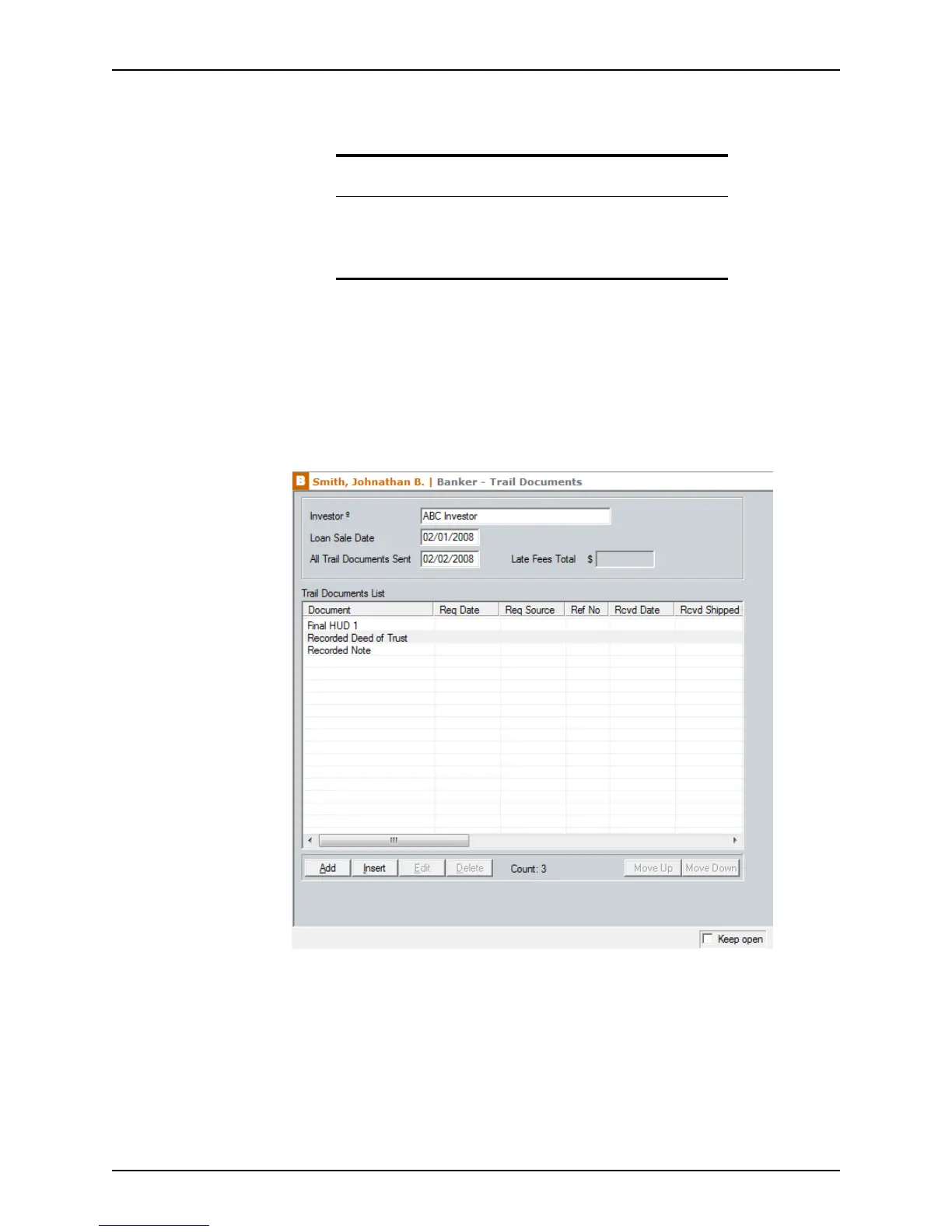
Shippers use the Trail Documents screen to record and track the documents that are
required to satisfy the loan sale responsibilities on a loan that was purchased by a
correspondent investor.
To use the
Trail Documents screen:
1 Select Banker > Trail Documents.
The
Investor and LoanSaleDate fields are automatically populated from other
screens. The
LateFeesTotal field is populated from information in the Trail
Document Entry
screens.
2 To add a document to the document list:
a Click the Add button.
Related information
• Refer to Creating dropdown lists, on page44, for information about
creating custom dropdown lists.
• Refer to Chapter 19, Contact management (Cardex), for information
about using the Cardex database.



 To Next Page