Point User Guide 277
Supplementary screens
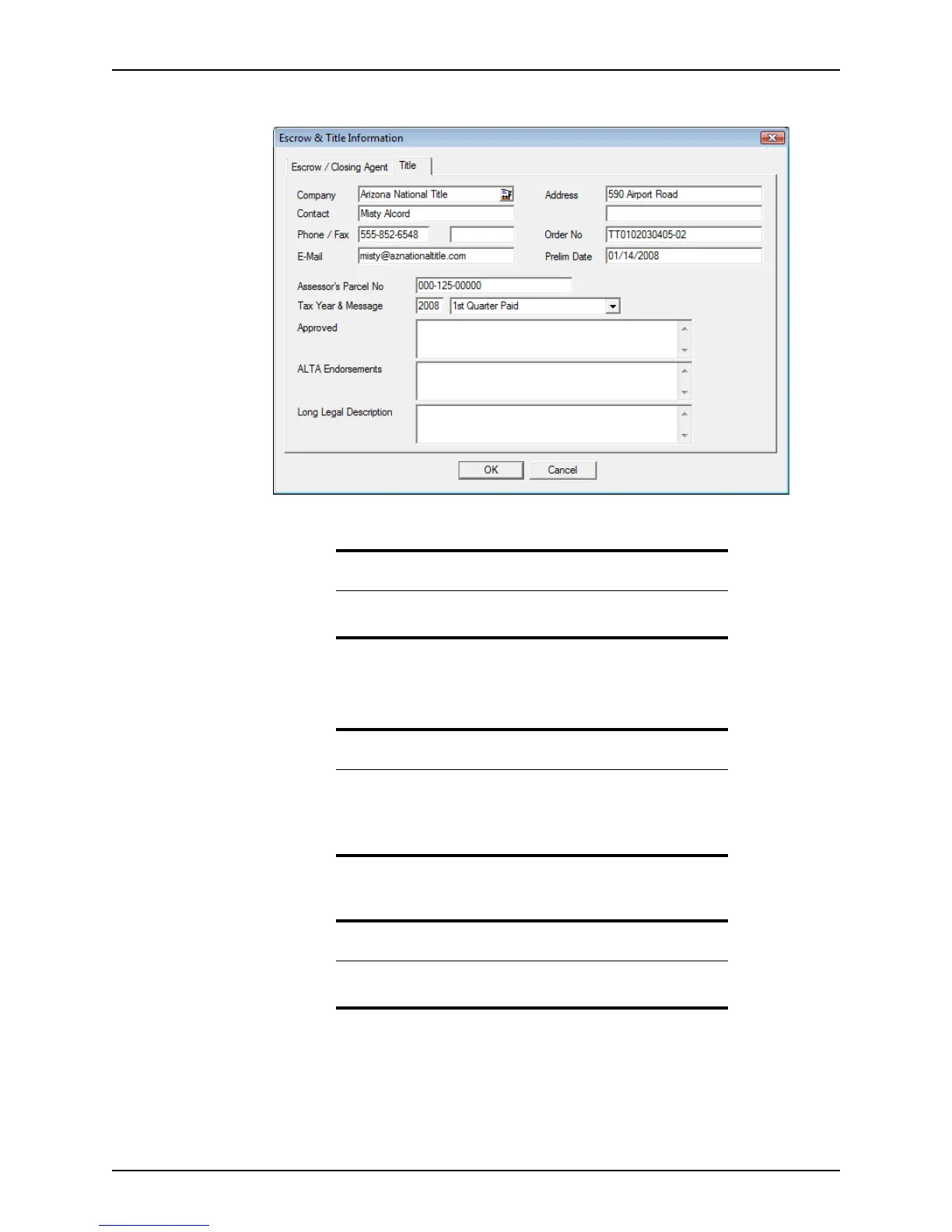
7 Click the Title tab.
8 Edit the information as needed.
9 Click OK to save the changes and exit the dialog box.
Tip
Some of this information is automatically populated if escrow and title
were requested through the Point Services interface.
Important
Information is retained in each tab when you switch to another tab.
However, you must click OK when you exit the dialog box to
permanently save any changed data.
Click Cancel to exit the dialog box without saving any changes.
Related information
For information about ordering title and escrow by using the Point
Services interface, refer to Title and escrow, on page319.



 To Next Page