372 Calyx Software
Reports
Double-click an amount to produce a table that contains a report that details the loan
representative’s sales for the specified time period.
Business Analysis report (Banker with Excel)
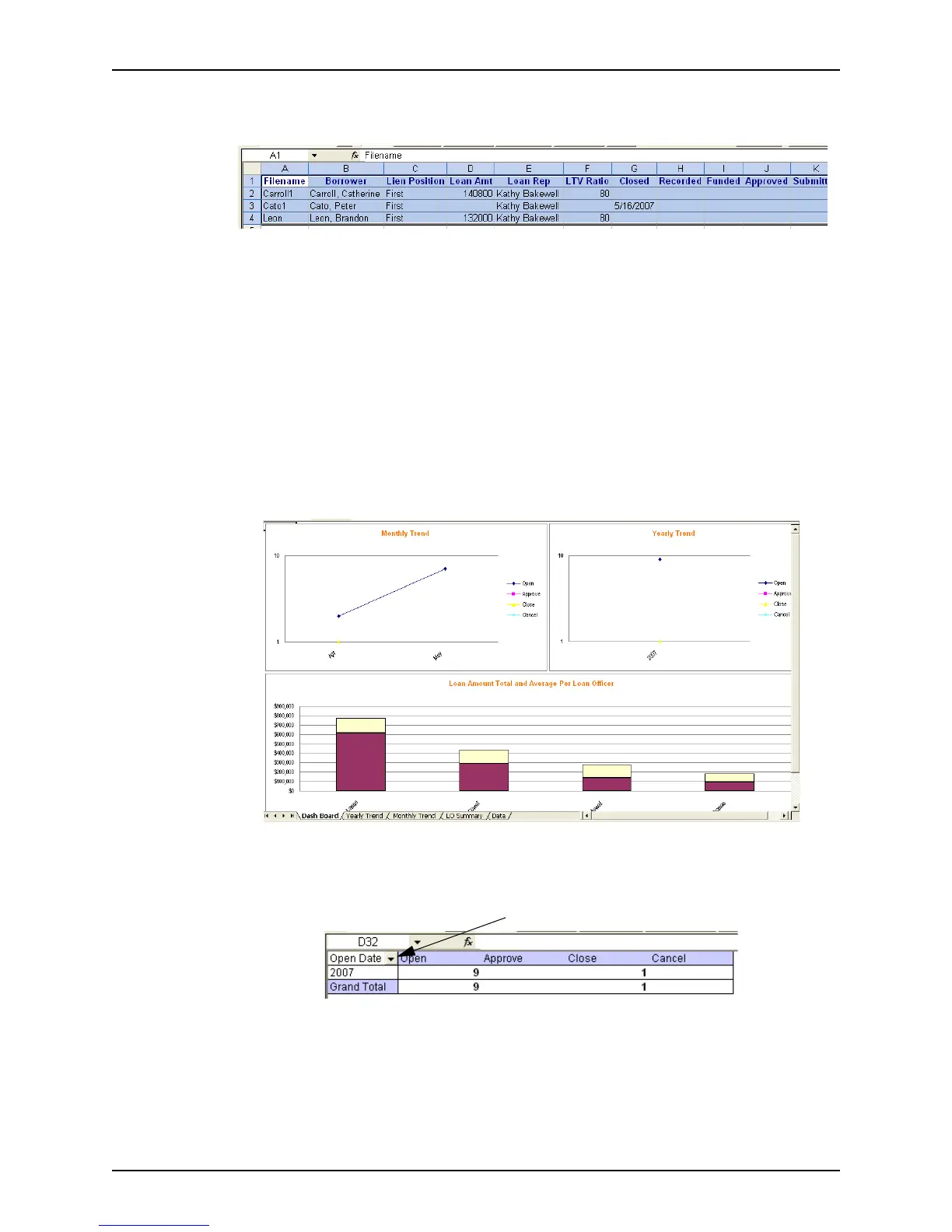
The Business Summary Report contains several panels. Several viewing options are
available for the data in the report. You can access them through the buttons at the top of
the report. The viewing options are described on the following pages:
• Dash Board
•Yearly Trend
• Monthly Trend
• Range Analysis
•Data
Dash board
Displays all the panels of the report in graphical format.
Yearly trend
Displays a table of the loans by representative and yearly trend.



 To Next Page