Point User Guide 469
Managing data folders
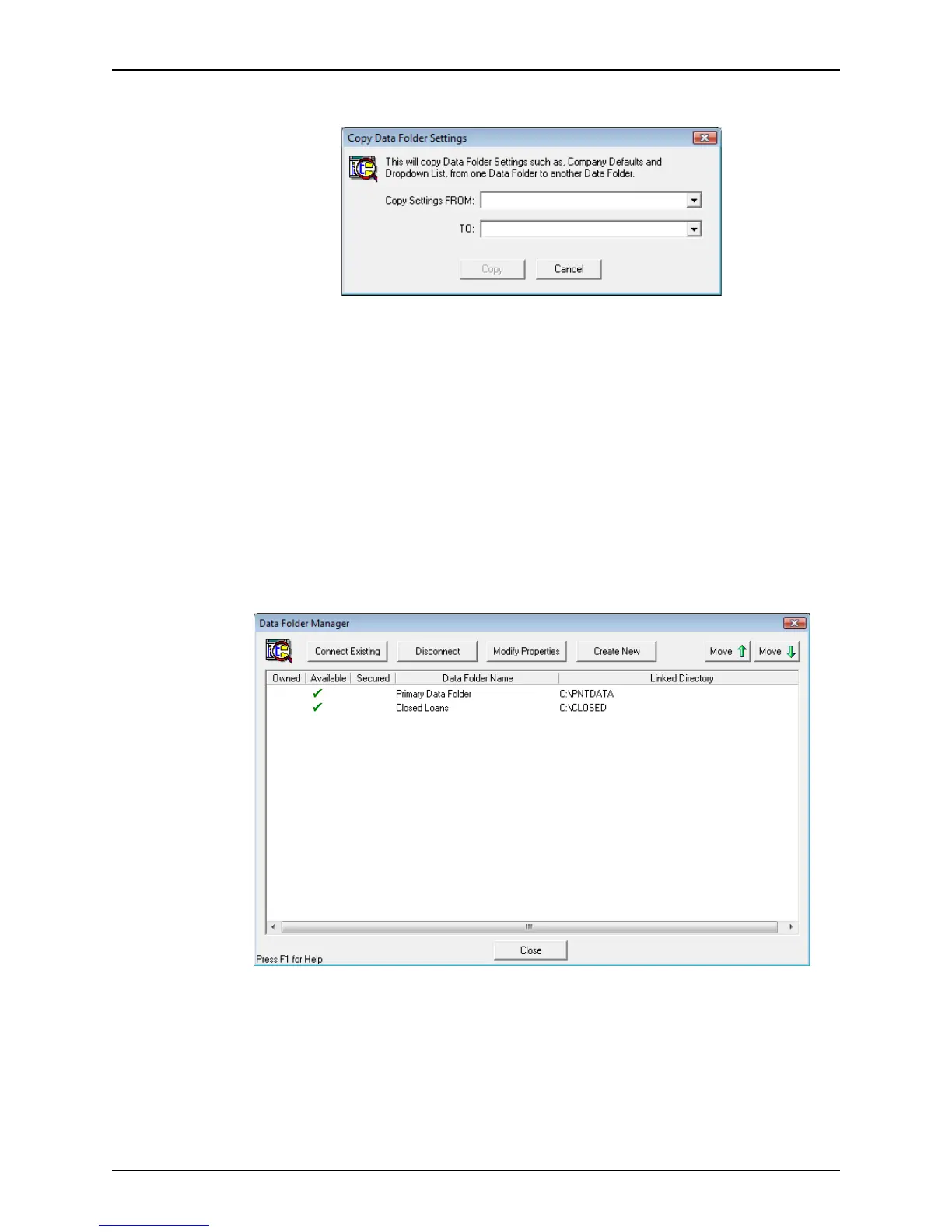
The Copy Data Folder Settings dialog box is displayed.
4 In the Copy Settings FROM dropdown list, select the data folder from which you want to
copy settings.
5 In the TO dropdown list, select the destination folder.
6 Click Copy.
A confirmation message is displayed to indicate that the data folder settings were
copied successfully.
Modifying data folder properties
You can modify a folder’s attributes at any time.
To make changes to the data folder properties:
1 Open Point Administrator.
2 Click Setup Data Folders to open the
Data Folder Manager.



 To Next Page