Point User Guide 339
Interfaces
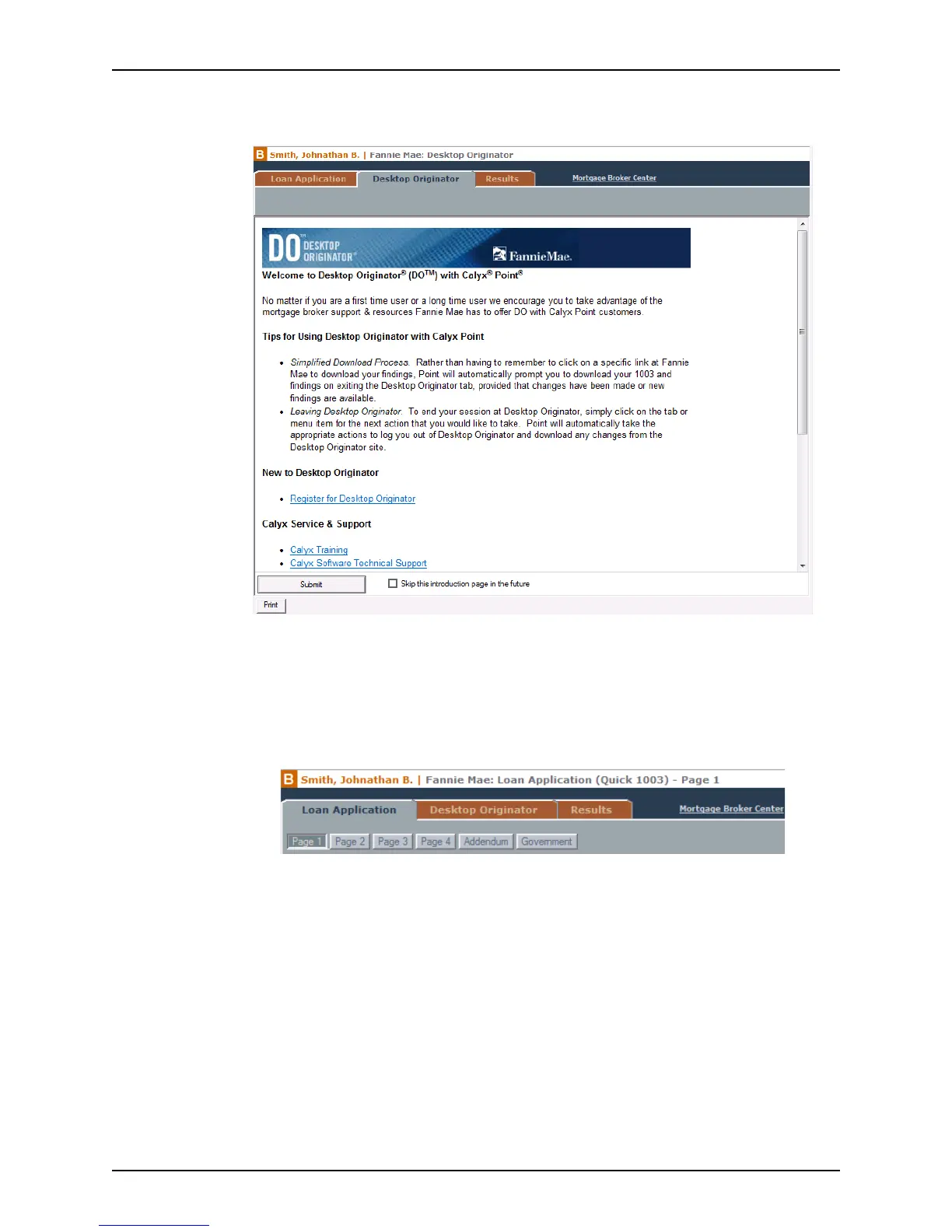
2 Select Interfaces > Fannie Mae > Desktop Originator, or Interfaces > Fannie Mae
Desktop Underwriter.
To skip the introduction page in the future, select the
Skip this introduction page in
the future
check box at the bottom of the Originator screen.
Navigating the Fannie Mae screens
Use the three tabs at the top of the Fannie Mae screen to toggle between Point and the
Fannie Mae web site.
The following tabs are available from the Fannie Mae screen:
Desktop Originator or Desktop Underwriter tabs
Launches Fannie Mae’s web site.
Loan Application tab
Toggles to the Point Loan Application.
Results tab
Toggles to the Point Fannie Mae results screen.
Use the buttons below the tabs to navigate among the pages.



 To Next Page