476 Calyx Software
Data folder and user management
11 Click OK.
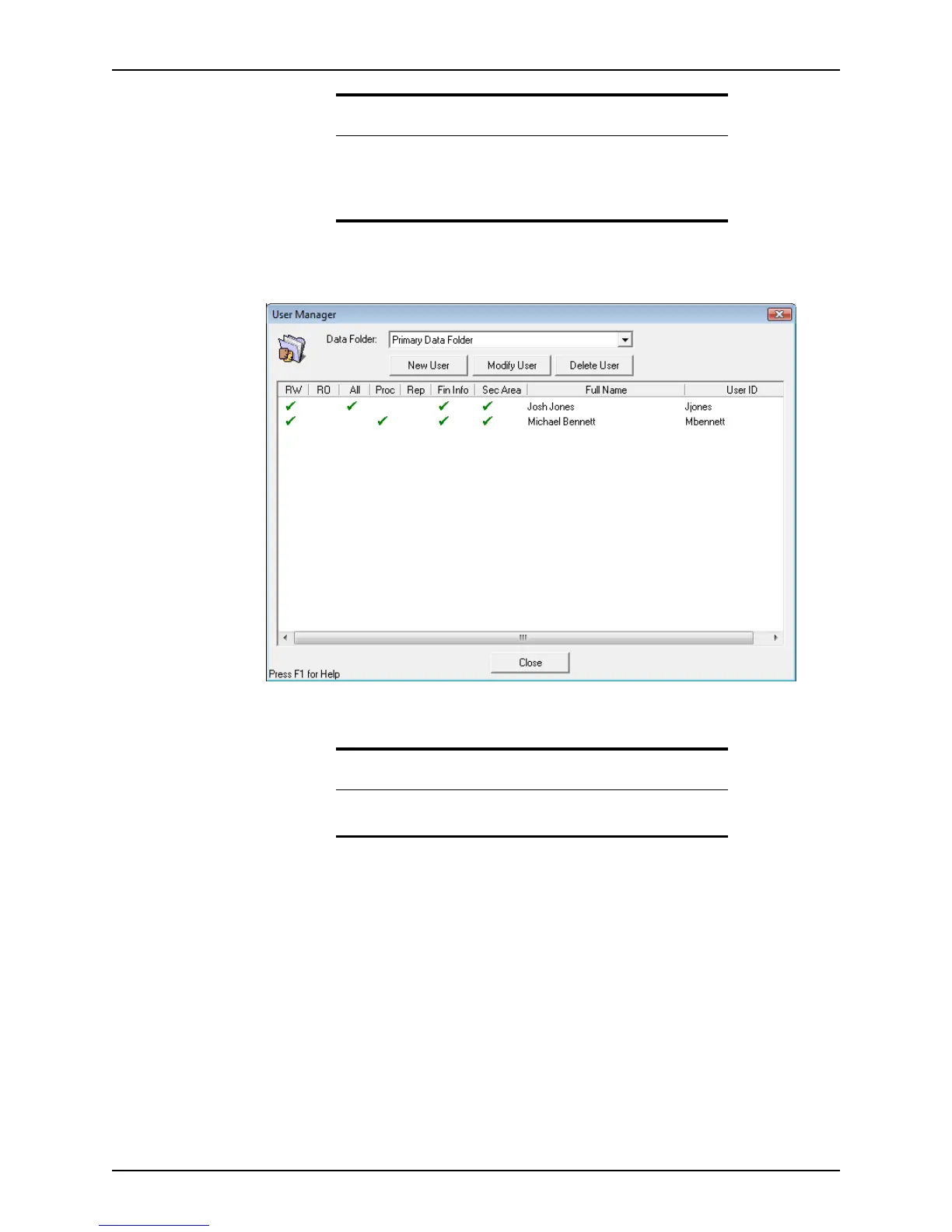
The new user is added to the user list for that folder in the
User Manager dialog box.
The access rights for each user are indicated by a check mark in the corresponding
column.
Copying user settings
You can copy user settings from folder to folder so it is not necessary to repeat the setup
process for each folder a user can access.
To copy user settings:
1 Open Point Administrator.
2 Click Copy Users and enter the Supervisor password if prompted.
Important
Secure access is required to move, copy, and delete files.
Users without access to secured areas can add to the conversation log,
but they cannot delete or print the entries. Credit Scores are also grayed
out.
Related information
For information about creating dropdown lists, refer to Creating
dropdown lists, on page44.



 To Next Page