Point User Guide 281
Subordinate financing
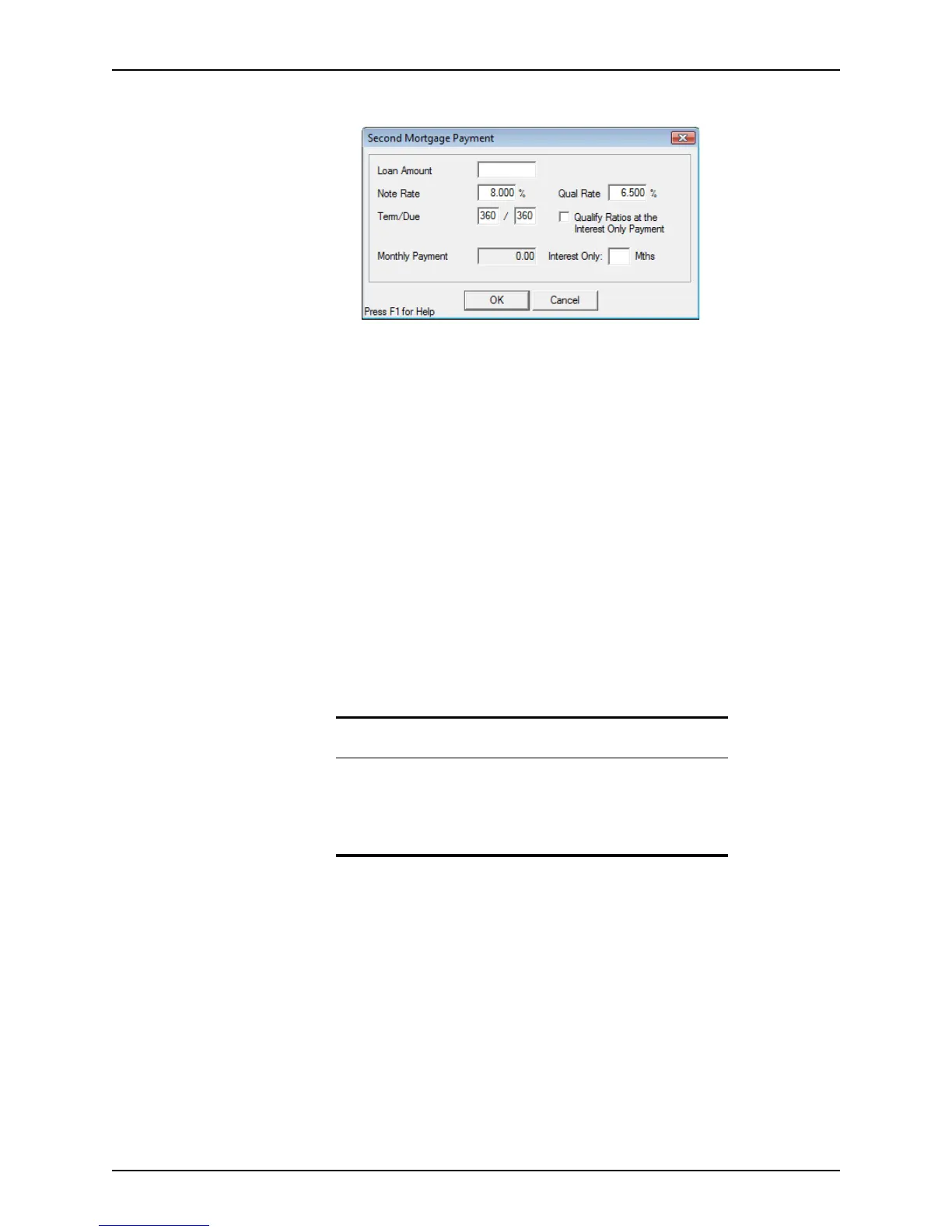
The Second Mortgage Payment dialog box is displayed.
5 Enter the information about the second mortgage and click OK.
6 Create a new second file or link to an existing file.
To create a new file:
a Select Create Second Mortgage File > Create New Second Mortgage.
b Name the second file if Auto File Naming is not enabled and click Save.
The link between the two files is established. A dialog box prompts you to open
the second file.
To link to an existing file:
a Select Create Second Mortgage File > Link to Existing Second Mortgage.
b In the
Search & Select a File to Link To dialog box, enter the search criteria to
help you locate the file to which you want to link.
c Select the file from the results and click OK.
Point synchronizes the two files. Some of the data in the second mortgage file
might change.
d Click OK in the
Confirmation dialog box.
Creating second mortgages for an investment property or second home
To create a second mortgage for an investment property or second home:
1 Open a borrower file.
Related information
• For more information about linking loans, refer to Linking first and
second mortgage files, on page80.
• Refer to Borrower and prospect information screens, on page151,
for more information about the
Borrower Information and
Prospect Information screens.



 To Next Page