228 Calyx Software
Loan tracking
Tracking title conditions
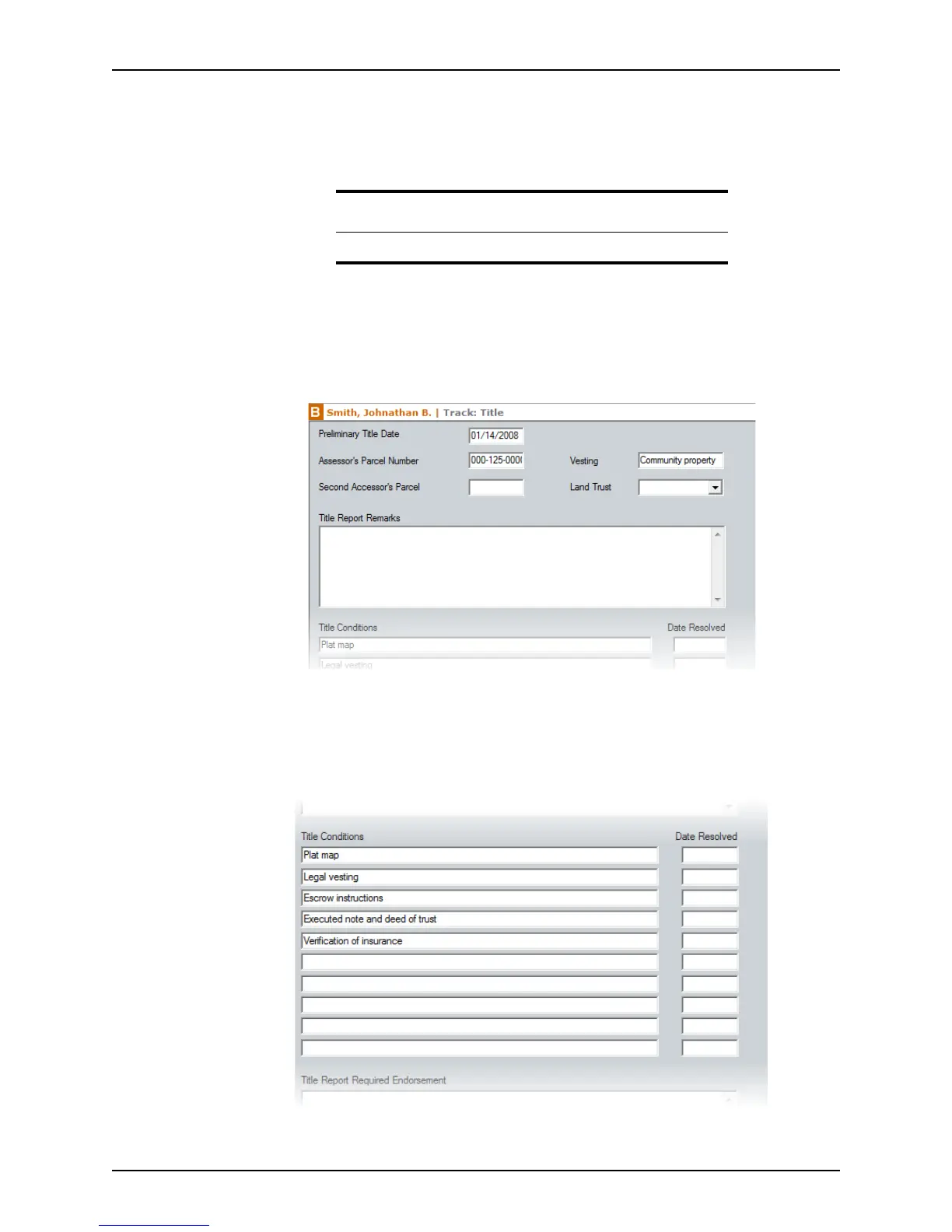
Use the Title screen to track the title conditions that must be cleared from the title report
before the loan can close.
To access the
Title screen:
1 Open a borrower file.
2 Select Track > Title.
The
Title screen is displayed.
3 Complete the upper portion of the screen with the
TitleDate, Assessor’sParcel
Number
, Vesting, and LandTrust. Enter any additional information about the title
report in the
TitleReportRemarks field.
4 Enter the conditions that are required before the title insurance can be issued in the
Title Conditions section.
Attention
Title tracking is not available in prospect files.



 To Next Page