Point User Guide 315
Services
The values are shown in the following table:
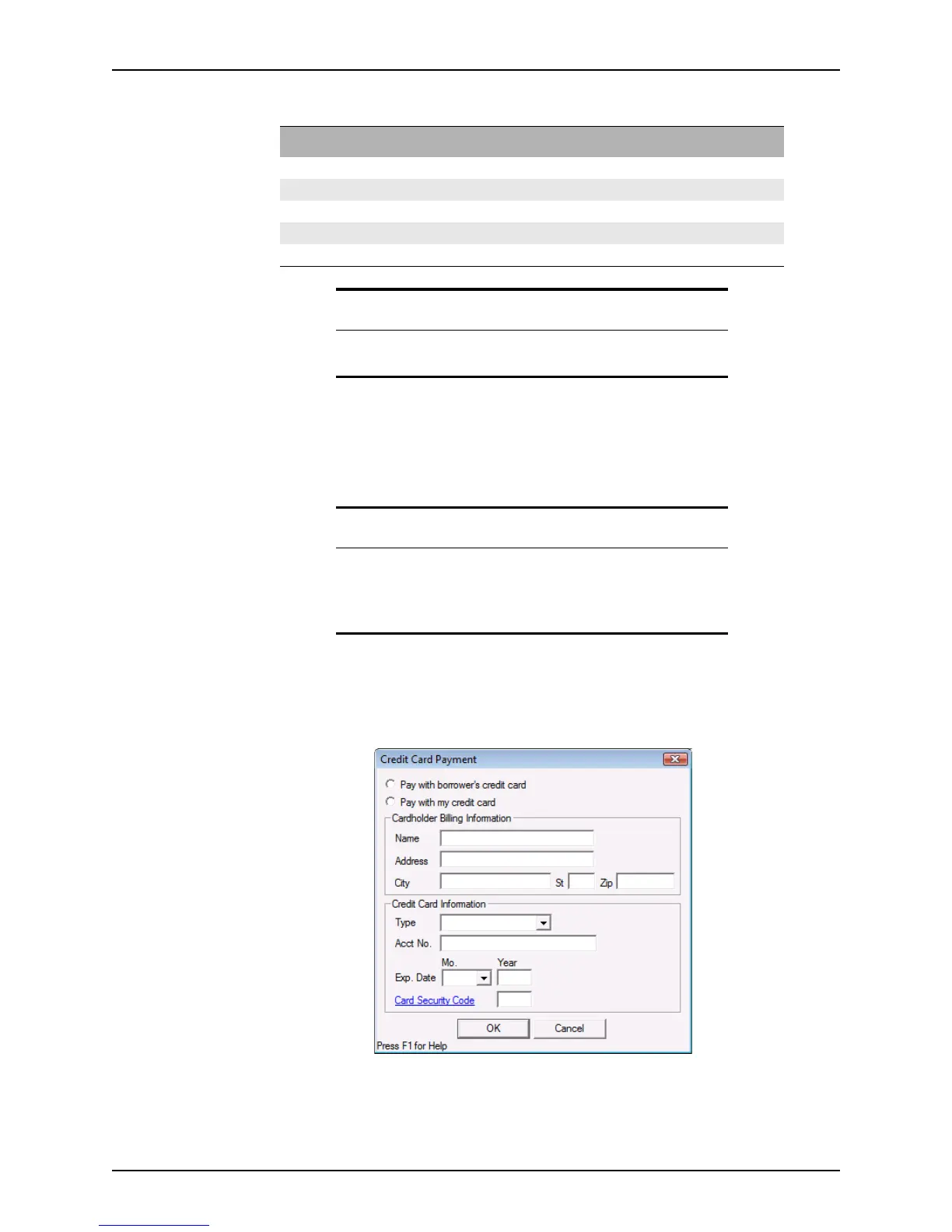
Paying for a credit report by credit card
Some credit reporting agencies offer the option of paying by credit card when ordering a
credit report. The
Pay by credit card check box is available only when the vendor offers it
as an option.
To pay by credit card:
1 Select the
Pay by credit card check box in the Credit Report Request dialog box.
2 Click Enter Credit Card to open the
Credit Card Payment dialog box.
3 Select either
Pay with borrower’s credit card or Pay with my credit card.
4 Complete the
Cardholder Billing Information section.
Model name type Min score value Max score value
TransUnion Empirica 336 843
FICORiskScoreClassic04 336 843
EquifaxBeacon 5.0 300 850
EquifaxBeacon 363 850
ExperianFairIsaac 300 850
Related information
Refer to Requesting services, on page300, for information about how to
request a credit report.
Important
The credit card option is available only if it is configured on the vendor’s
system.
If the option is not enabled, the vendor you selected does not accept
credit card payments.



 To Next Page