472 Calyx Software
Data folder and user management
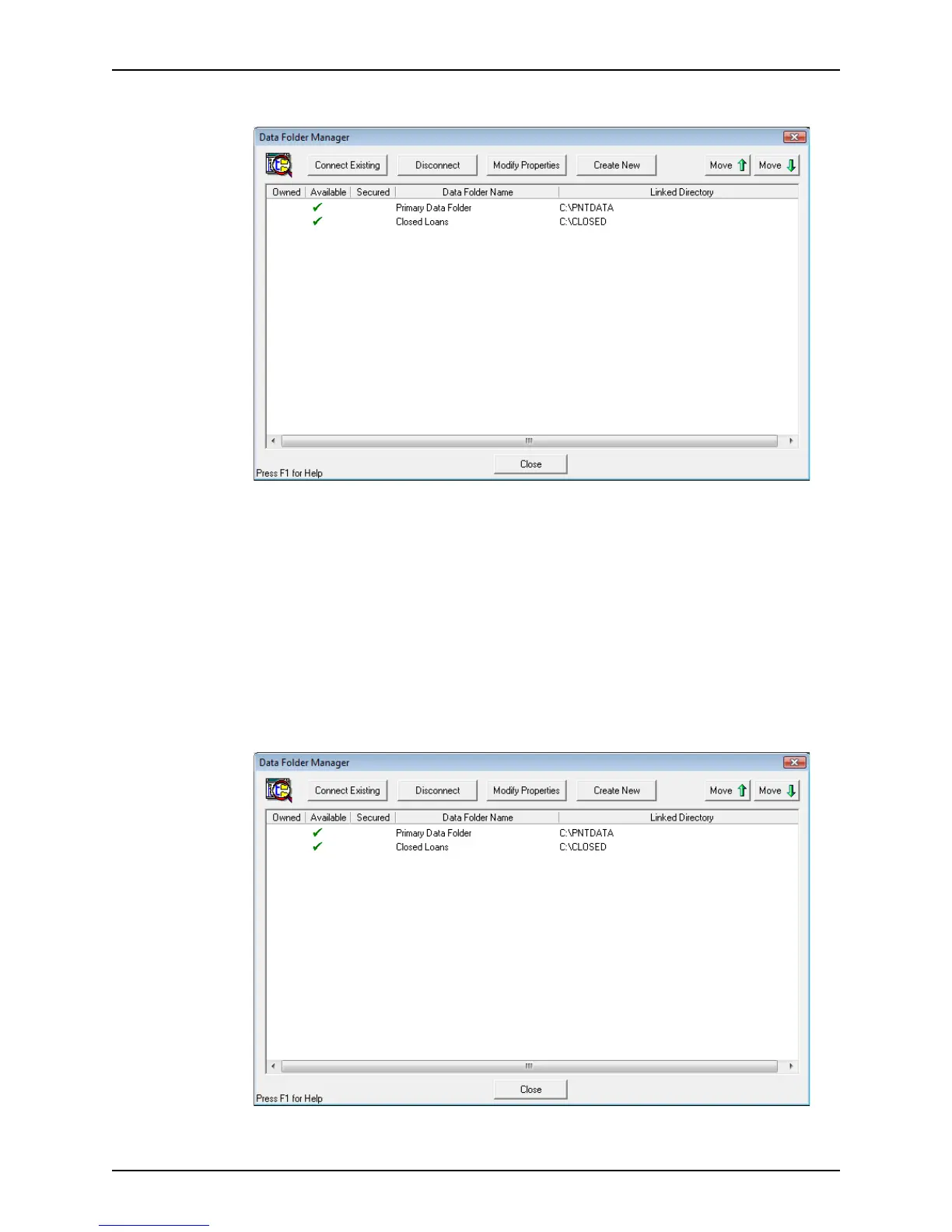
The Data Folder Manager dialog box is displayed.
3 Select the data folder you want to disconnect.
4 Click Disconnect and click Yes to confirm.
Changing the order of folders in dropdown lists
It is possible to arrange the order of folders in the data folder dropdown lists by changing
the order in the
Data Folder Manager.
To change the order of the data folders:
1 Open Point Administrator.
2 Click Setup Data Folders.
The
Data Folder Manager dialog box is displayed.
3 Select the data folder you want to move.



 To Next Page