Point User Guide 23
Toolbar icons
Toolbar icons
Point employs many of the standard Windows® operating system icons to complete the
most common functions, such as printing and saving. However, many icons are also
unique to the Point application.
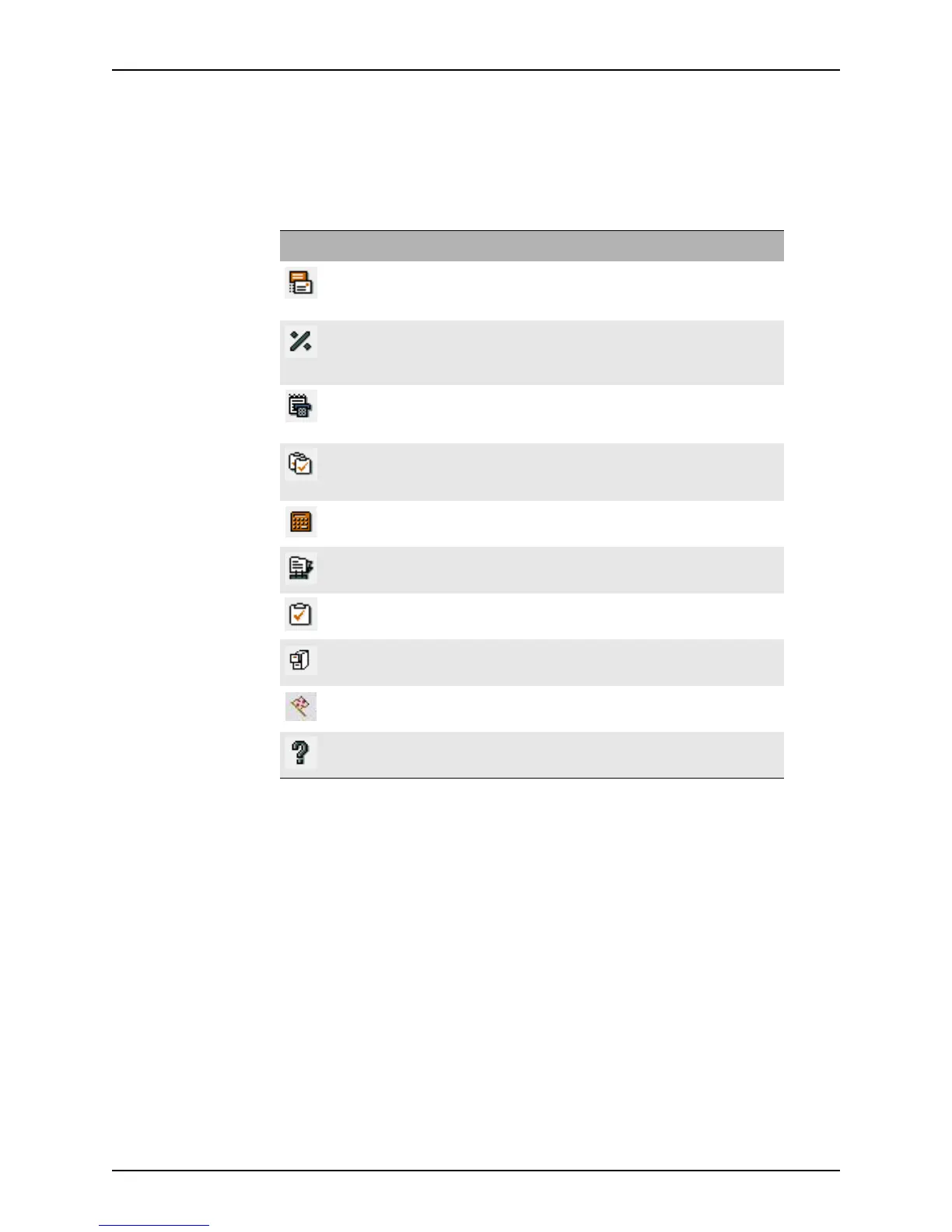
The following icons are unique to Point:
Key combinations
Point uses standard Windows operating system key combinations to accomplish various
tasks.
The types of keys include:
• Activating keys
• Function keys
• Hot keys
• Movement keys
• Scrolling keys
Icon Name Function
Email E-mails the file or form.
Ratios Displays the top, bottom, LTV, and CLTV ratios for a
loan.
Conversation log Displays the conversation log for a particular loan.
Show tasks Displays the list of tasks associated with the open
loan.
Calculator Launches the calculator provided with the Microsoft
Windows operating system.
Cardex Opens the Cardex database.
New task Creates a new task.
Document storage Opens the Document Storage dialog box.
Flag Displays vendor interface notification messages.
Help Launches Point Help.



 To Next Page