Point User Guide 313
Services
Correcting submission errors when requesting disclosures and closing documents
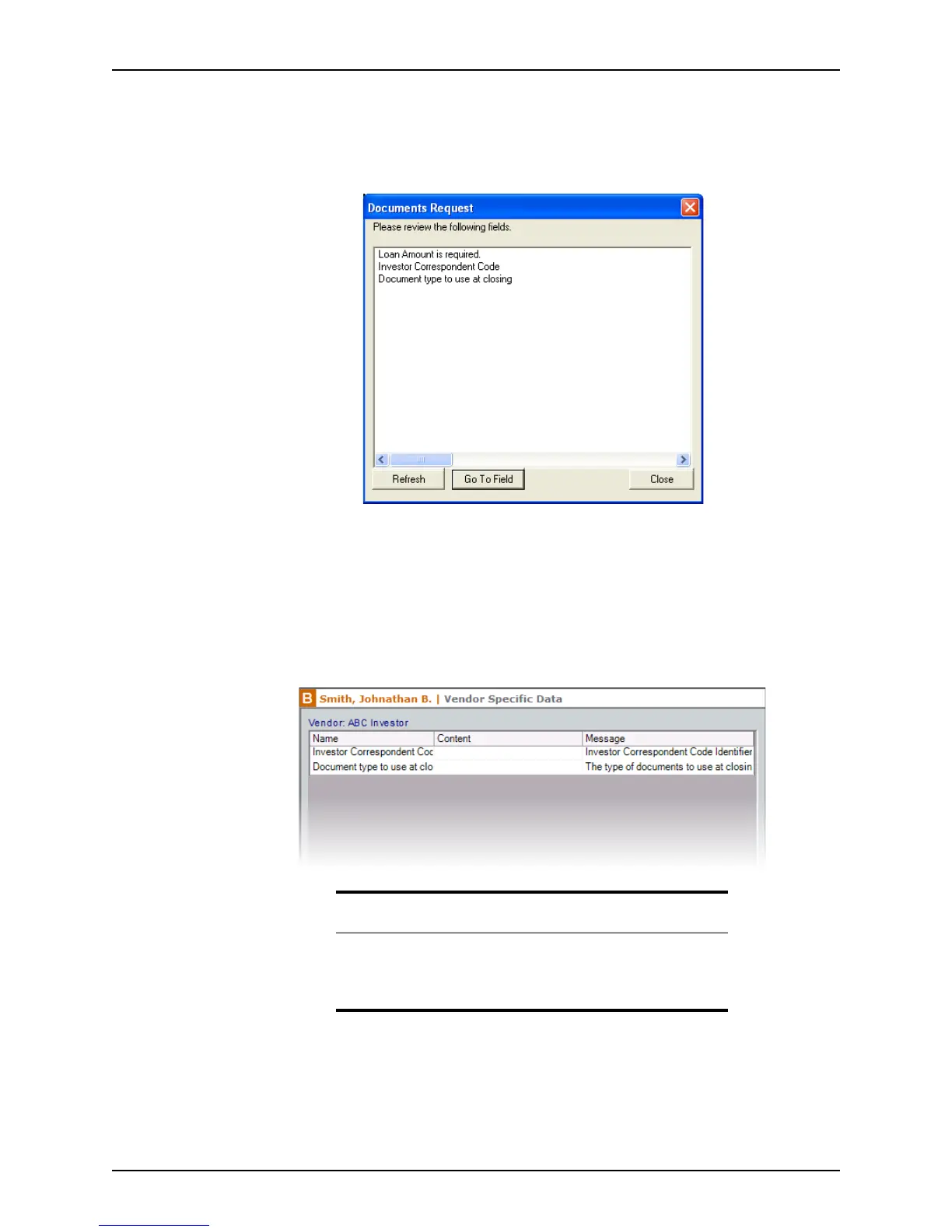
When requesting initial disclosures or closing documents, the loan information is verified
during transmission. If any data is invalid or is missing from the loan file, a dialog box is
displayed that contains a list of fields with errors.
To correct the fields that contain invalid or missing data:
1 Double-click the field or select the field and click Go To Field to access the screen with
the field that caused the error.
If there is a field that is not included in Point but is required by the document provider,
the
Vendor Specific Data screen is displayed.
The
Vendor Specific Data screen contains a list of fields that are required by the
selected documents provider. Add the missing data in the
Content field.
2 Add or correct the data as needed for each field that has an error.
Note
After a report is requested from a vendor for the first time and the
required missing fields are recorded in the
Vendor Specific Data
screen, the field names are retained when subsequent loans use the
same vendor.



 To Next Page