386 Calyx Software
Reports
7 Enter a file name in the Save As dialog box.
8 Click Save.
The template is stored and is available for future retrieval from the Reports &
Marketing tab when the
Reports option is selected.
Specifying mail merge output
Use Marketing document templates to send the same information to multiple recipients
using mail merge.
To set a report template to output to a mail merge document:
Select
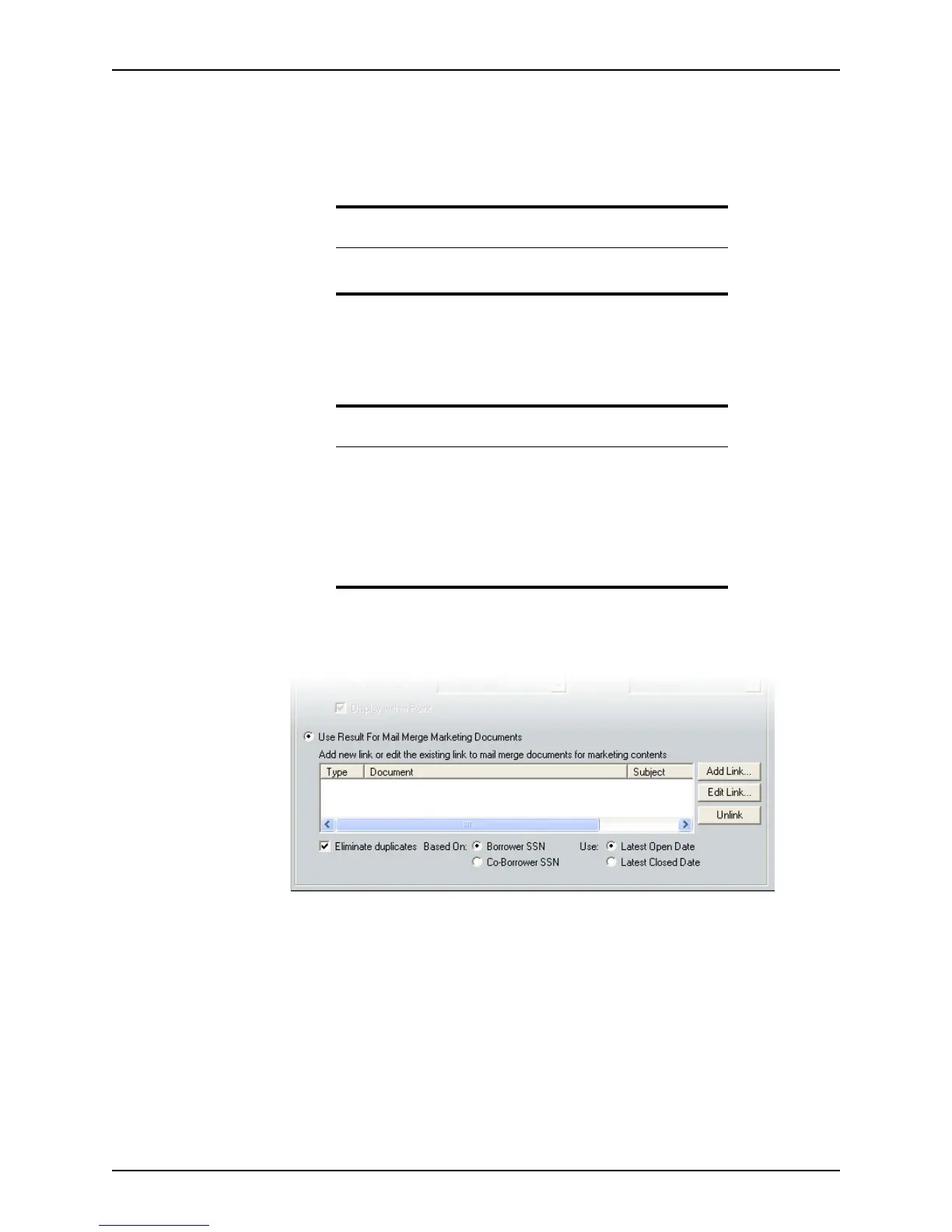
Use the Result for Mail Merge Marketing Documents.
Three options are available in Mail Merge mode:
Add Link...
Link to an existing mail merge document.
Edit Link...
Change any information in the mail merge document before linking.
Unlink
Unlink a mail merge document.
Related information
Refer to the Microsoft Excel documentation for information about how
to format an Excel spreadsheet.
Tip
When the report is generated for mail merge purposes, selecting the
Eliminate Duplicates check box can help avoid duplicates.
Check whether you want to avoid duplicates of the borrower or co-
borrower’s SSN, and whether you want to use the Latest Open Date or
Latest Closed Date.
All duplicate records are removed except for the one with the latest open
or closed date based on your selection.



 To Next Page