Point User Guide 453
Data import and export
Importing a Cardex database
To import an external Cardex database file into your Cardex database:
1 Select Utilities > Cardex Database.
2 In the
Cardex Database [Browsing for all records] dialog box, select File >
Import.
The
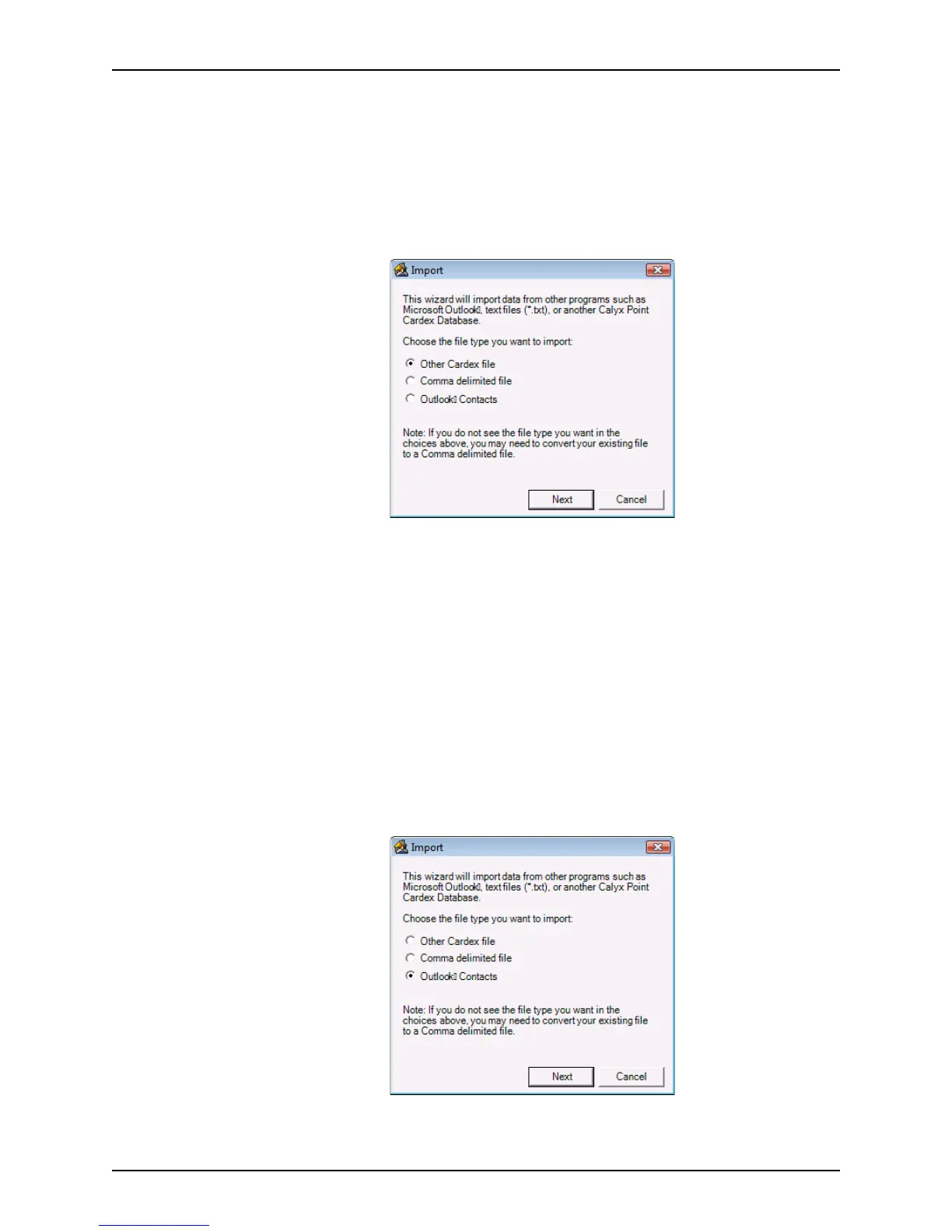
Import dialog box is displayed.
3 Select the
Other Cardex file radio button and click Next.
The
Import Source dialog box is displayed.
4 Click the ellipsis button (...) to navigate to the file to import. Select the file and click
Finish.
The Cardex database is imported.
Importing Outlook contacts
To import Outlook contacts into Cardex:
1 Select Utilities > Cardex Database.
2 In the
Cardex Database [Browsing for all records] dialog box, click File >
Import.
The
Import dialog box is displayed.
3 Select
Outlook Contacts and click Next.



 To Next Page