Point User Guide 19
Navigation panel
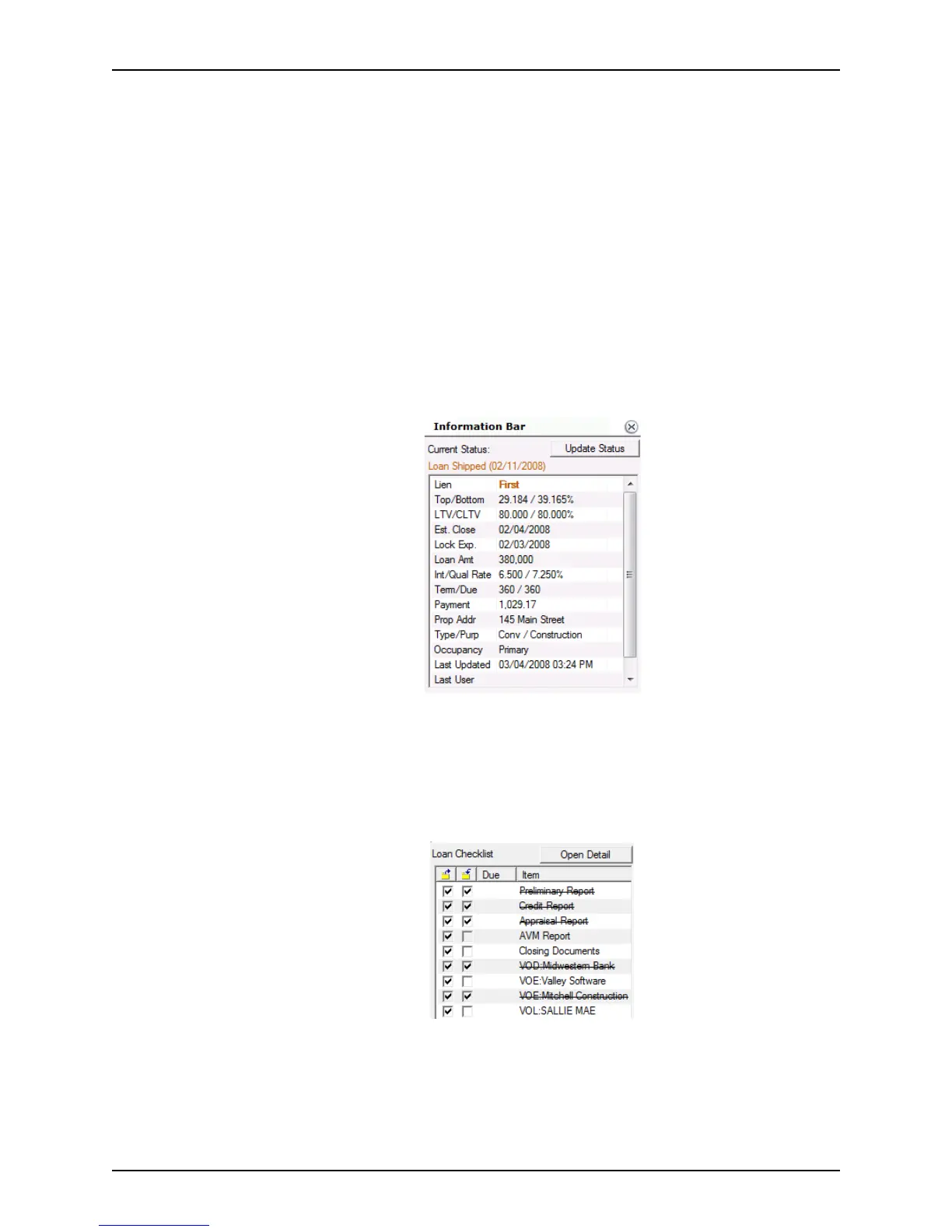
Information bar
The information bar is divided into two sections; Current Status and Loan Checklist.
Minimize the information bar by clicking the X button at the top of the bar. The information
bar is visible from any screen in an open loan file.
Current Status
The Current Status section includes important loan data such as:
• Loan status
• First or second loan
• Amount
• Property address
• Type and purpose
• Payment
• Note and Qual rates
• Payment
The Update Status button opens the
Update Status dialog box, which imports loan
information from the
Status and Checklist screen (Track > Status).
Loan checklist
The loan checklist shows the status of document deliverables that are required for the
loan, such as a credit report or appraisal.
This checklist tracks the following dates for each item:
•Order date
•Due date
• Received date



 To Next Page