10 Calyx Software
Installation
12 Click Finish to complete the installation process.
Network administration installation
The administration installation is designed for networks with ten or more computers. After
you have completed the installation on the server and client workstations, Point
automatically checks the server for updates when launched from the client computer.
Installing Point on the network server
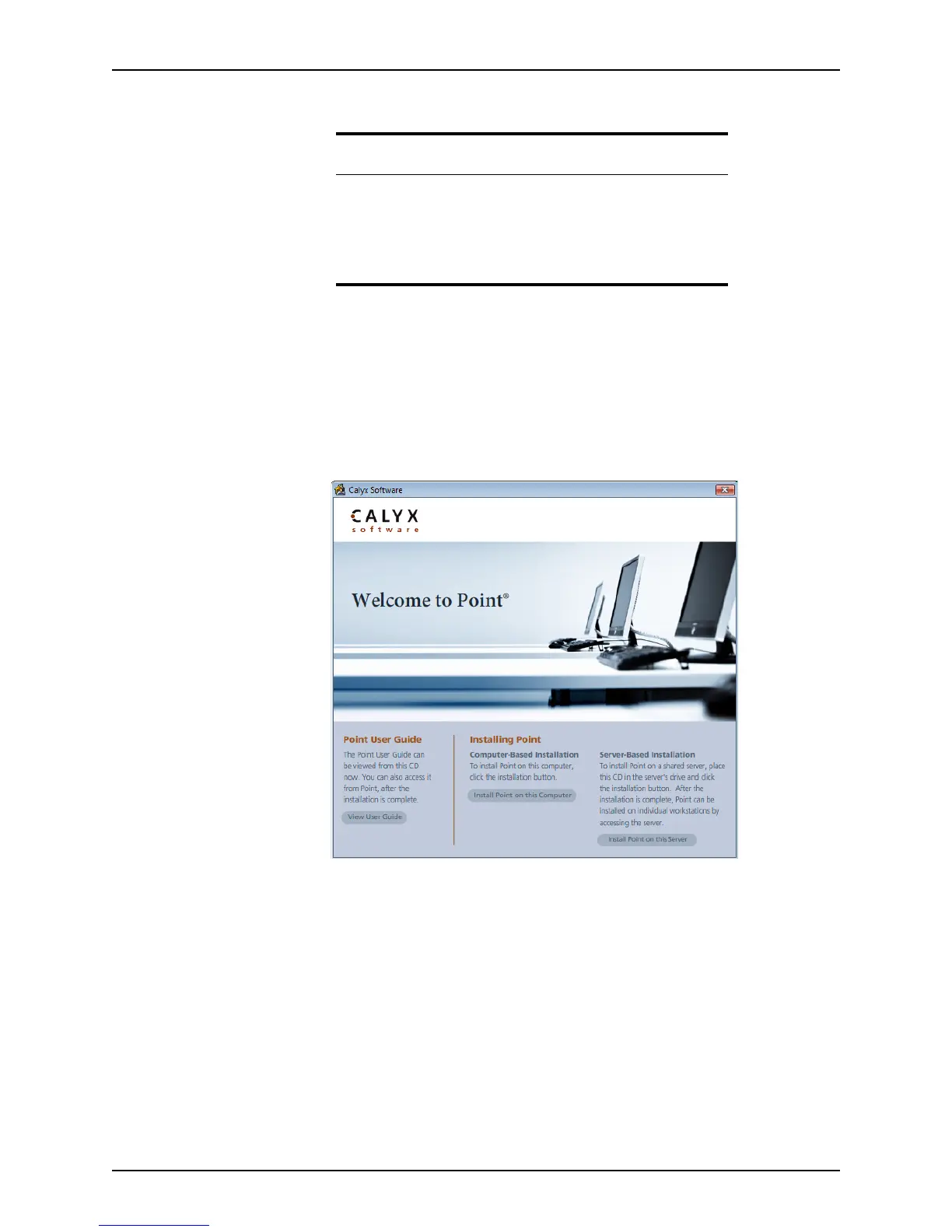
1 Insert the Point CD-ROM in the server CD-ROM drive to start the installation process.
2 Click Install Point on this Server.
3 When the
Welcome screen is displayed, click Next to continue the installation.
4 Read the Software License Agreement. If you accept the terms, select the
I accept the
terms in the license agreement
button and click Next to proceed.
If you do not accept the terms of the agreement, the Next button is not enabled and
you are unable to proceed with the installation process.
The
Customer Information dialog box is displayed.
Related information
For more information about installing Point, see the following
Knowledge Base articles at www.calyxsupport.com.
• #0126 Installation Troubleshooting
• #0128 Installing Point in Windows Safe Mode
• #0207 Networking Point with an Admin installation



 To Next Page