74 Calyx Software
Loan file overview
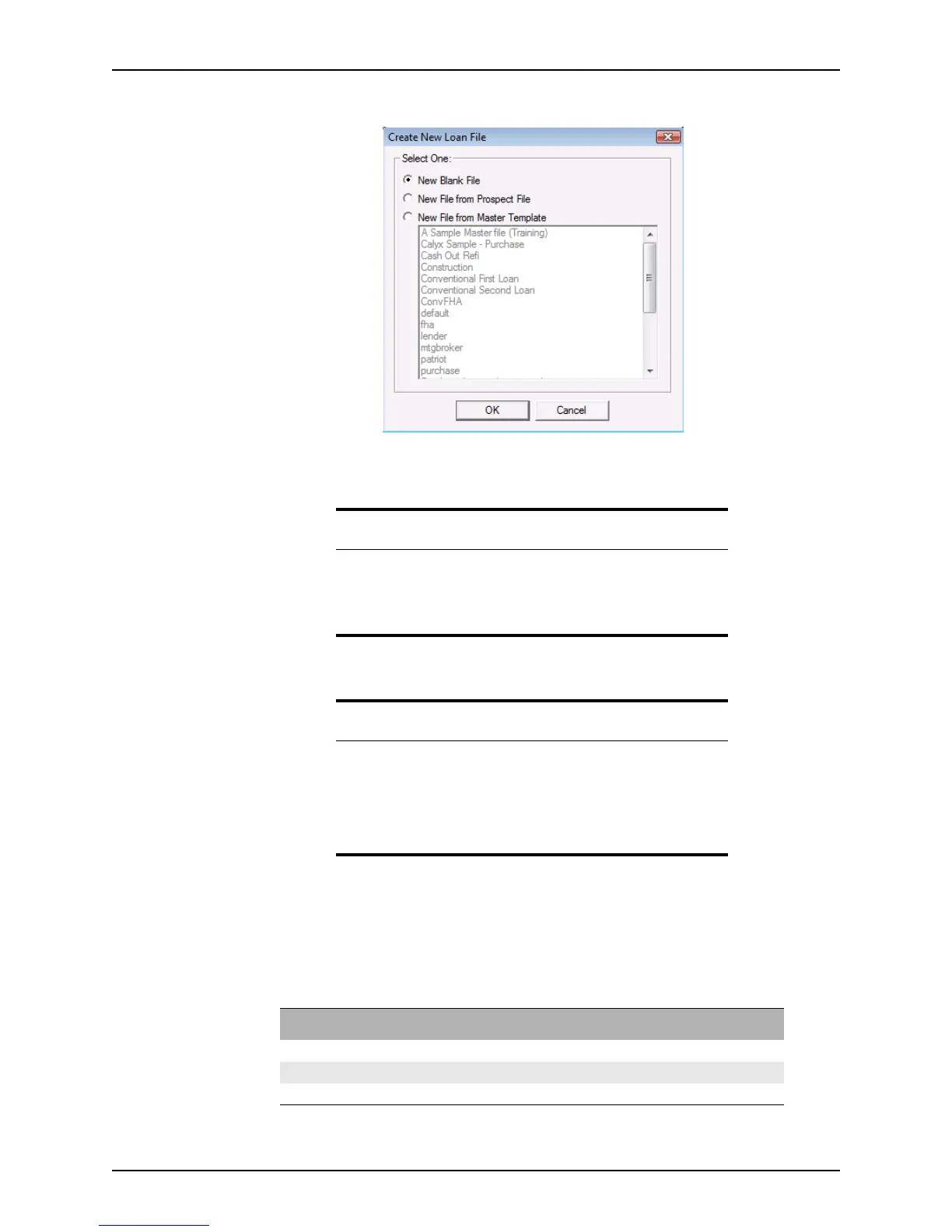
The Create New Loan File dialog box is displayed.
3 Select the source of the new co-borrower file and click OK.
The file automatically opens to the
Co-Borrower Information screen.
Saving loan files
To save prospect and borrower files:
Select File > Save or click the Save icon on the toolbar.
Files are saved in the following formats:
Tip
To view combined debt-to-Income ratios, use the Combined
Transmittal Summary
in the primary borrower file.
It is accessible from the shortcut toolbar or by selecting Forms >
Transmittal Summary > Combined Transmittal Summary.
Related information
• Refer to Creating new prospect loan files, on page68, and Creating
new borrower loan files, on page69, for information about the
options that are available for selecting source files.
• For more information about adding unmarried co-borrowers, see
Knowledge Base article #0058 Adding non-married or non-occupant
Co-Borrowers.
File type Extension Location
Prospect .
prs
c:\PNTDATA\Prospect\pointfile.prs
Borrower .
brw
c:\PNTDATA\Borrower\pointfile.brw
Co-Borrower
.cbx
c:\PNTDATA\Borrower\pointfile .cbx



 To Next Page