Point User Guide 31
Buttons and options
Marketing
Marketing buttons are located in various locations and on the marketing forms in prospect
and borrower files.
Marketing forms include forms such as the
Prequalification screen and the
Amortization Schedule. Buttons that were previously described are not included in this
list.
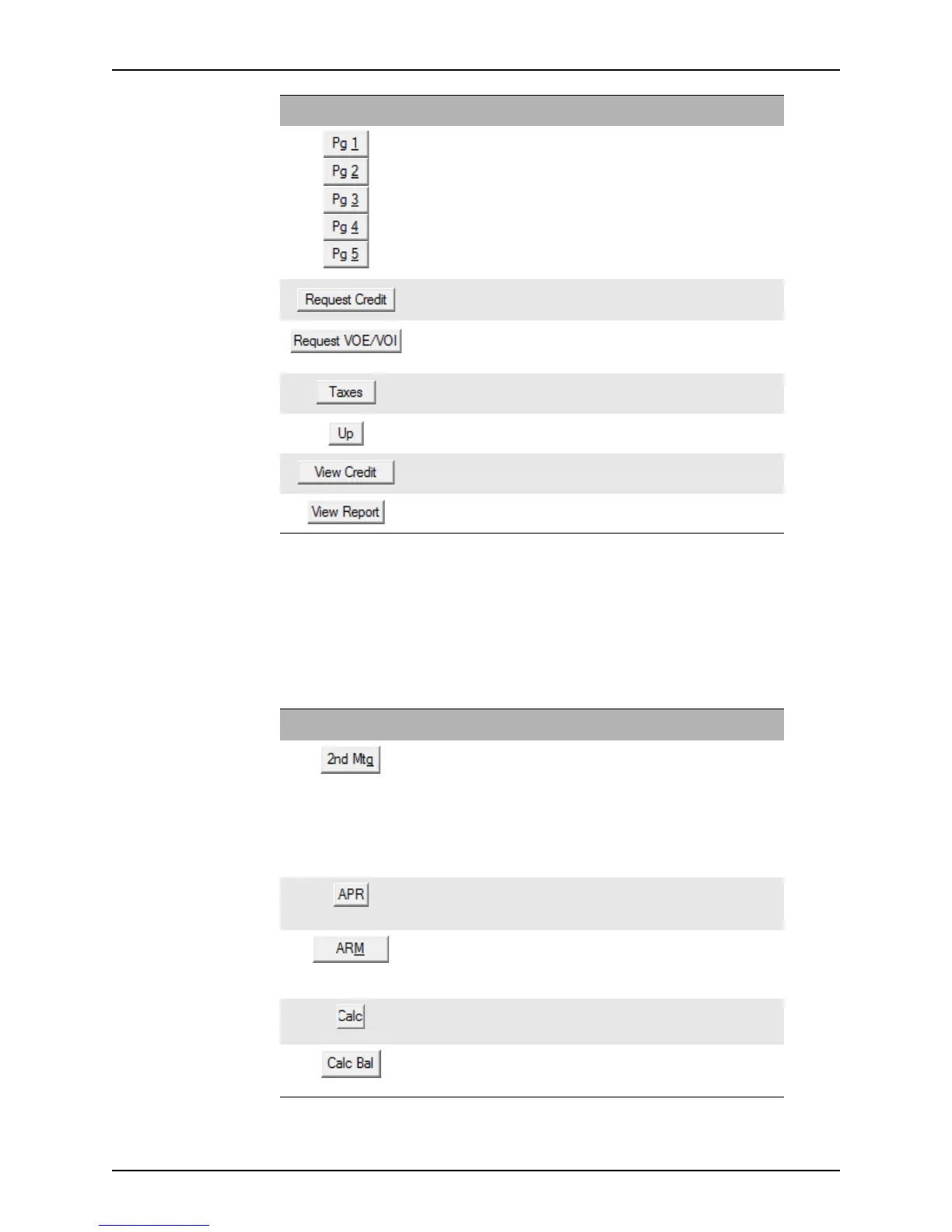
Opens the corresponding page of the Loan
Application
.
All
Opens the Credit Report Request dialog box which is
used to request credit information for a borrower.
3
Opens the
VOE/VOI Request dialog box which is used
to request a borrower’s verification of employment or
income.
2
Accesses a calculator to determine the monthly property
tax.
2
Moves the selected entry up in the employer list. 2
Opens the Credit Report dialog box. 3
Opens the
View Report dialog box, which is used to
select a VOE/VOI report to view.
2
Button Description Page
Button Description Screen
Opens the Subordinate Financing
Information
dialog box which is used to
enter information about second loans and
link the first and second files together.
You can also access this dialog box from the
Sub Financing button on the
Information,
Good Faith Estimate, and
Prequalification screens.
Debt Consolidation
Worksheet
Calculates the prepaid finance charges on the
Good Faith Estimate to determine the
annual percentage rate.
Loan Comparison
Prequalification
Opens the
ARM dialog box where you can
make rate adjustments to the proposed loan
and the loans that are used for the
comparison.
Loan Comparison
Calculates the maximum property value for
which the prospect qualifies.
Prequalification
Opens the
Balance Calculation dialog box
which is used to calculate the actual balance
of the loan.
Debt Consolidation
Worksheet



 To Next Page