210 Calyx Software
Electronic loan files
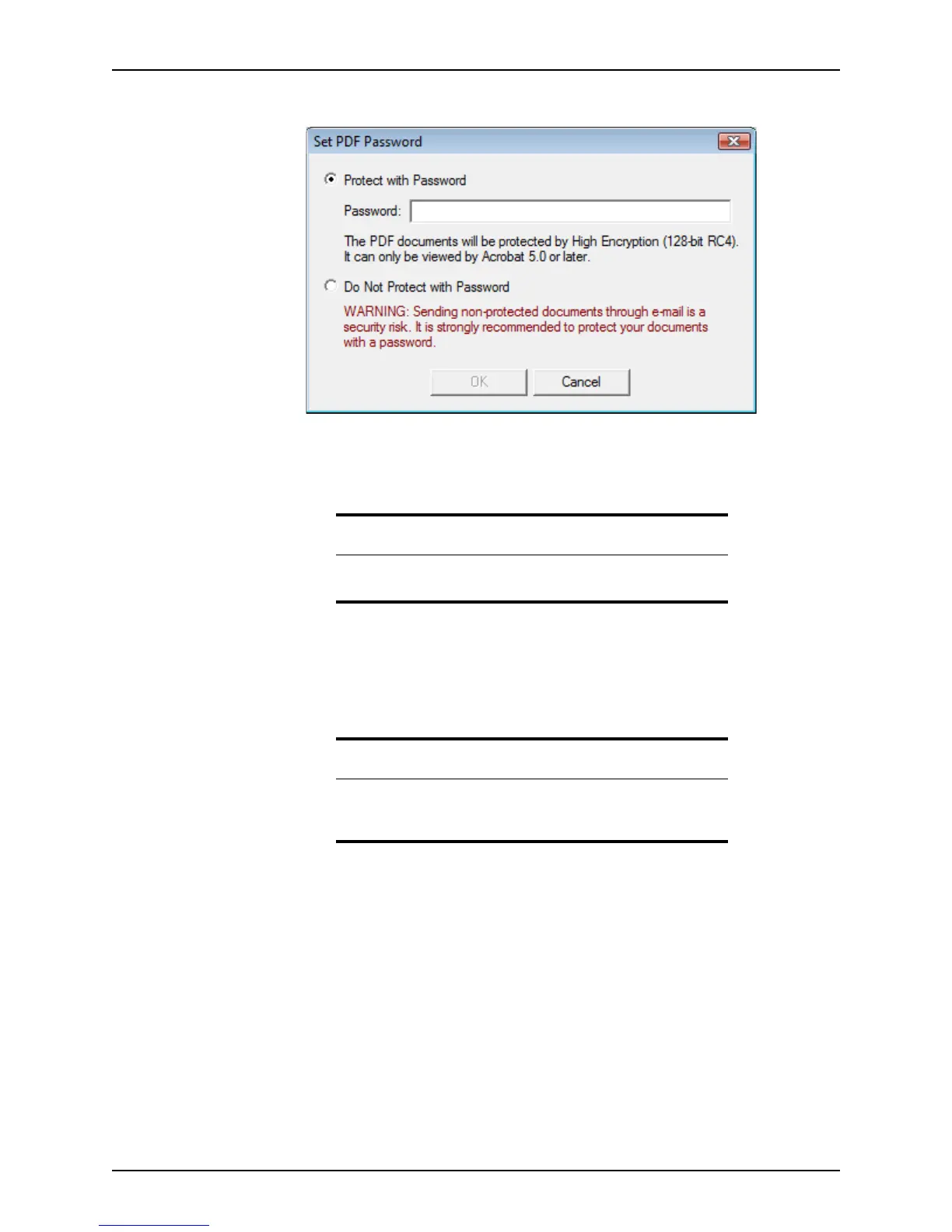
The Set PDF Password dialog box is displayed.
5 Select either
Protect with Password or Do Not Protect with Password.
• If you select
Protect with Password, enter the password and click OK.
• If you select
Do Not Protect with Password, click the OK button.
The
Save As dialog box is displayed.
6 Navigate to the location where you want to save the file and enter the file name, select
the file type, and click Save.
The file is saved to the location you specified.
E-mailing files from the document repository
To e-mail documents from the document repository:
1 Open the borrower or prospect file that contains the files you want to e-mail.
Important
If you password-protect the document, anyone who attempts to open
the document is prompted to enter the password.
Note
If you selected more than one document to save to another location, the
documents are merged and saved in one PDF file in the order they appear
in document storage—they are not saved as individual files.



 To Next Page