446 Calyx Software
Contact management (Cardex)
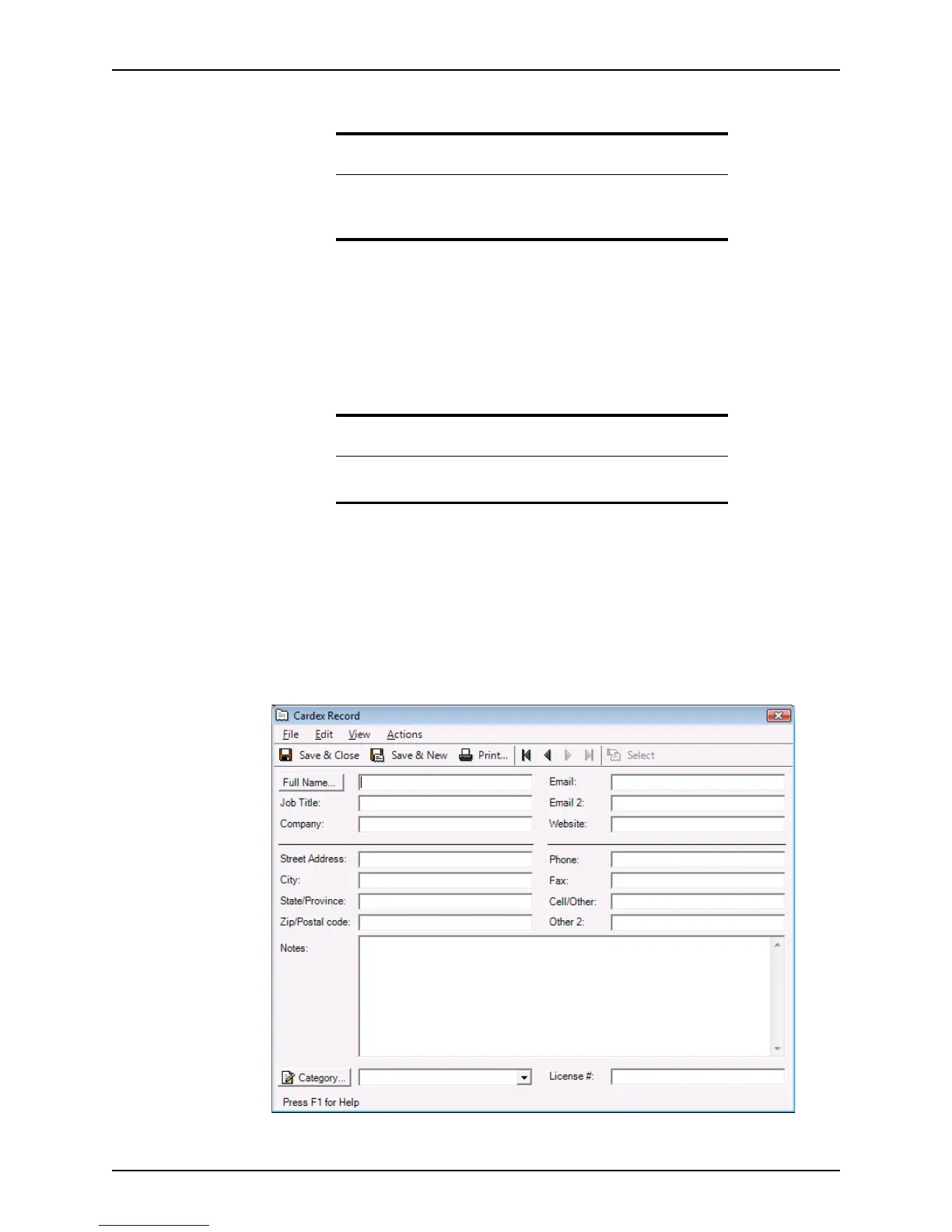
6 Select a category from the Category dropdown list.
7 Enter the license number of the agent or company in the
License# field, if applicable.
8 When you are finished entering the record, you can do one of the following actions:
• Click Save & New to create another record
• Click Print to print the record
• Use the arrow buttons to navigate to other records
• Click Save & Close to exit the Cardex Record dialog box.
Editing database entries
To edit a record in the database:
1 Select Utilities > Cardex Database to open the
Cardex Database (Browsing for
all records
) dialog box.
2 Select a record and click Open.
The
Cardex Record dialog box is displayed.
3 Edit the record as needed.
Tip
If you have not yet created a category for the record you are entering,
click the Category button to access the
Dropdown List: Cardex
Category
dialog box and create one here.
Related information
For more information about how to create a Cardex category, refer to
Creating categories, on page444.



 To Next Page