Point User Guide 127
Disclosures
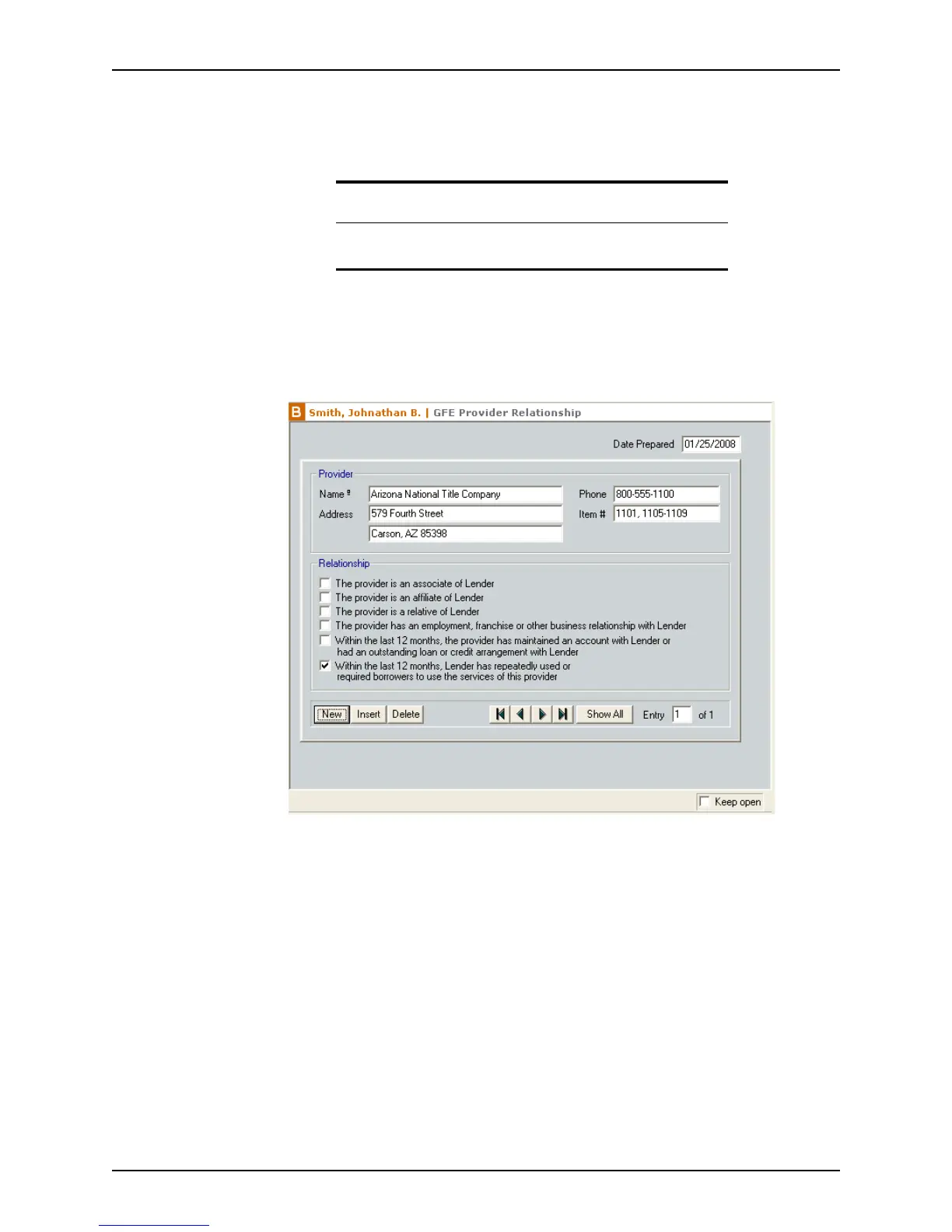
Completing the GFE Provider Relationship screen
The Good Faith Estimate Provider Relationship Disclosure is used by the lender to
disclose a relationship with any mandatory vendors.
To complete the
GFE Provider Relationship screen:
1 Open a prospect or borrower file.
2 Open the
GFE Provider Relationship screen from the Forms menu or the shortcut
toolbar.
The
DatePreparedfield is automatically populated with the current date.
3 Click New.
4 Enter the name, address, and telephone number of the provider.
Use the Cardex database to populate these fields or enter the information manually.
5 Enter the line number from the
Good Faith Estimate of the service that the vendor is
providing in the
Item# field.
6 Select the check box that describes your relationship with the provider.
7 Complete this form for all the vendors that you have required to be used for this loan.
Recommendation
Verify with your legal counsel if you are required to use this disclosure
form.



 To Next Page