Point User Guide 379
Creating custom reports
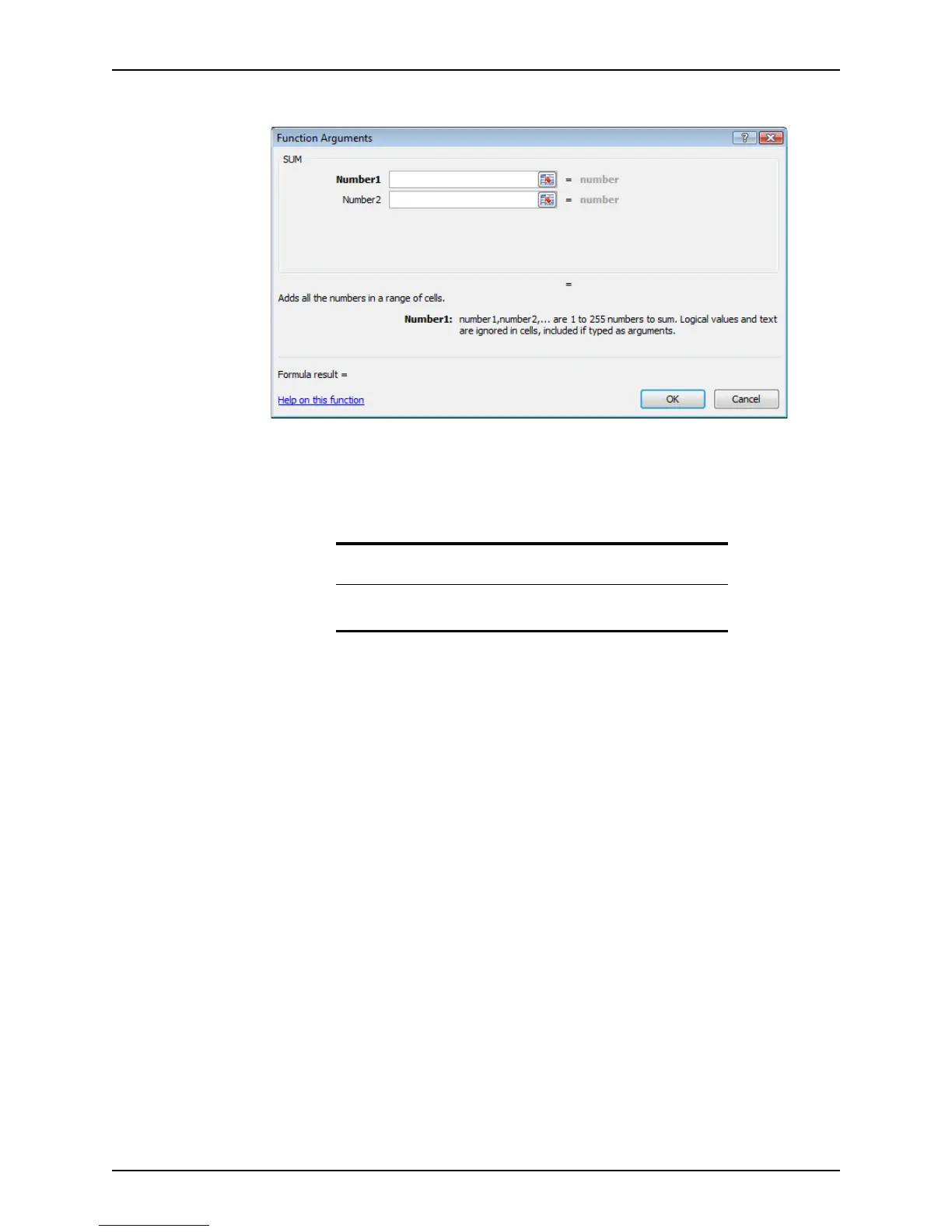
The Function Arguments dialog box is displayed.
Depending on the type of option selected, the number of arguments in the dialog box
will vary.
5 Enter the arguments.
6 Click OK.
Creating custom reports
If none of the reports that are supplied with Point meet your requirements, create your own
templates that fulfill your business needs.
Specifying data content
To specify the criteria to include in a report or marketing template:
1 Select the Templates tab from the navigation panel.
2 In the
Select a Template Category section, select Reports & Marketing.
Related information
For more information about using functions in Microsoft Excel, refer to
your Excel documentation.



 To Next Page