380 Calyx Software
Reports
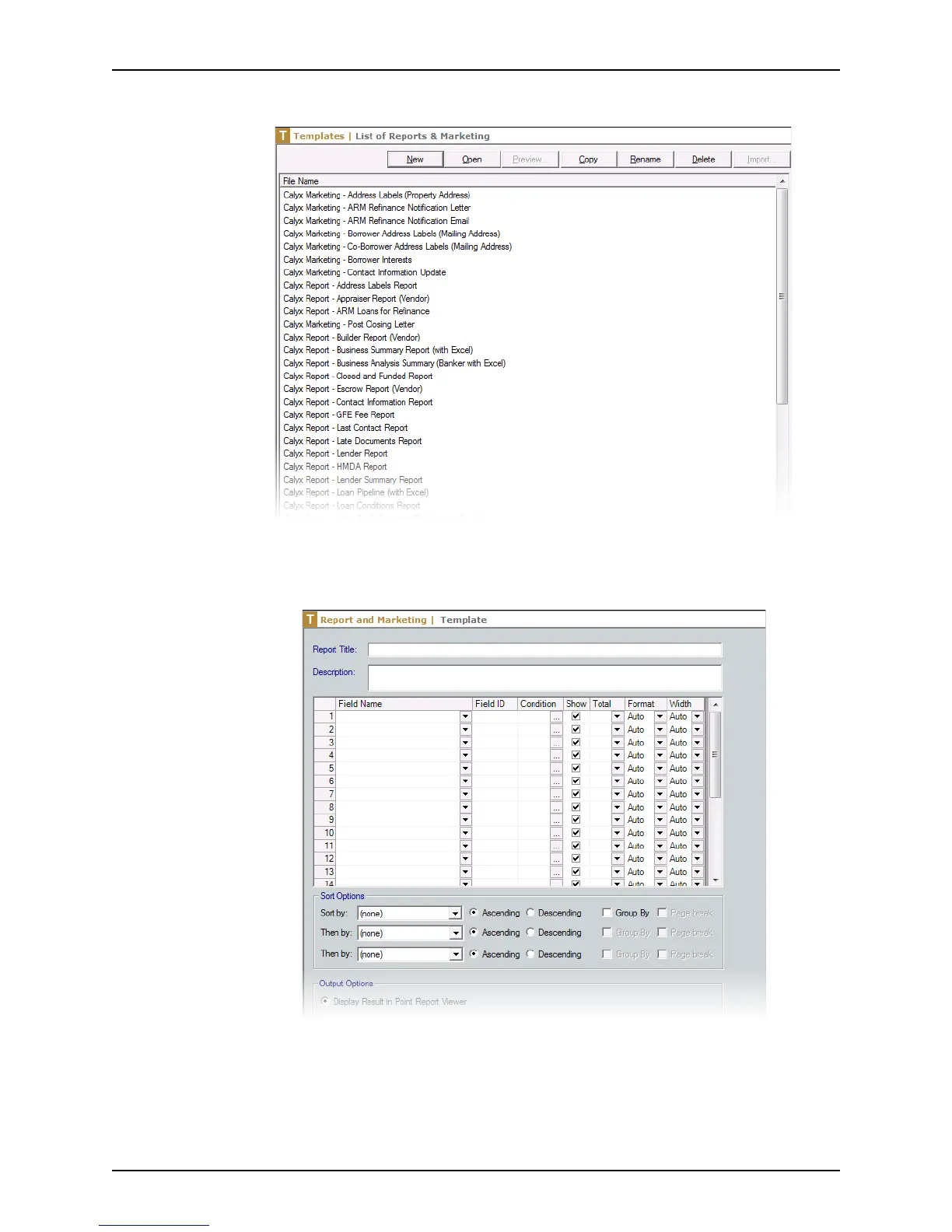
The List of Reports & Marketing screen is displayed.
3 Click New to open a blank template or copy an existing template to use as your
source.
The following example shows a blank template.
4 Enter a name for the template in the
ReportTitle field.
5 Enter a template description in the
Description field.
6 Select the data to include in the template:
a Select the fields to include in your output from the Field Name dropdown lists.



 To Next Page