264 Calyx Software
Banker functions
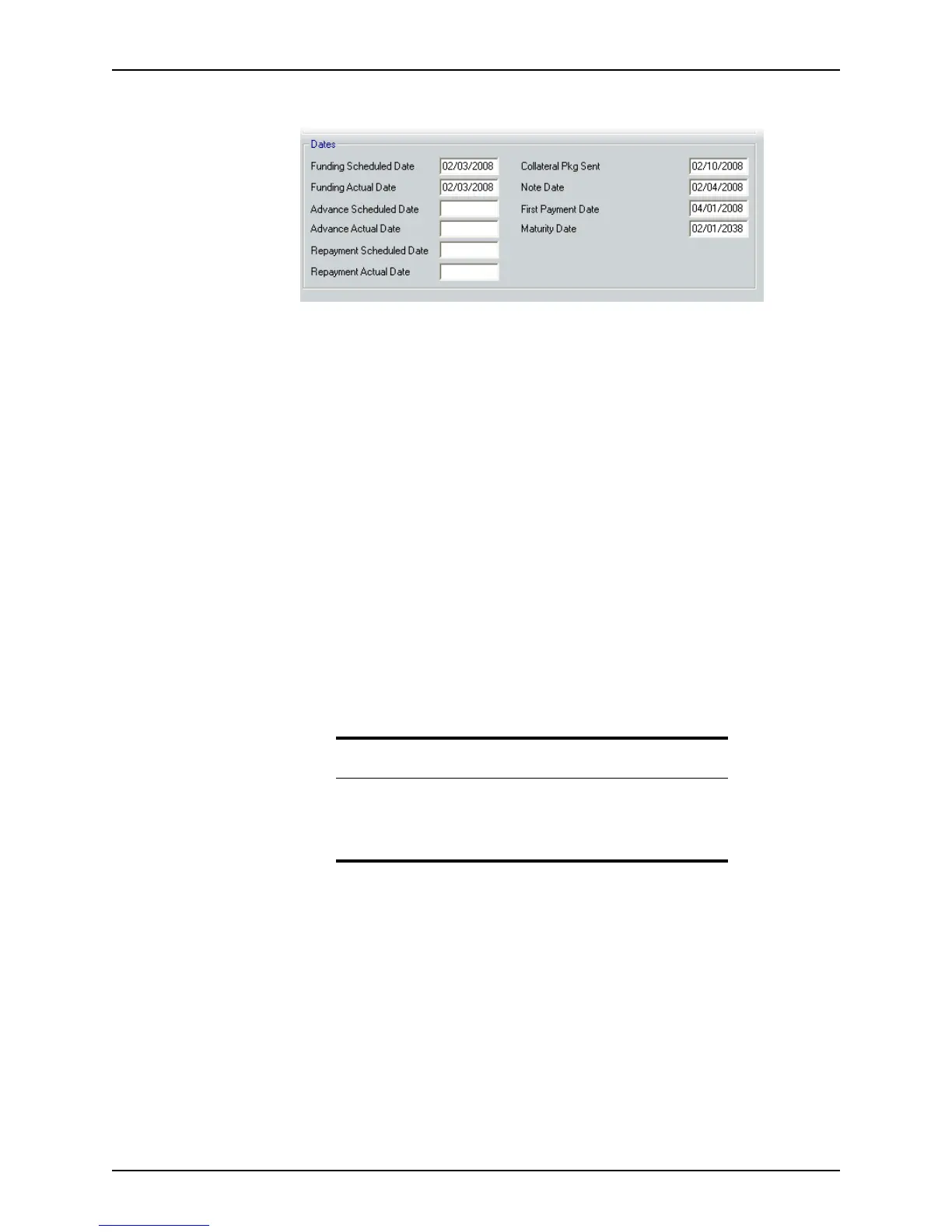
8 Complete the Dates section.
a Enter the date when the lender, closing agent, borrower and seller, and their
agents have agreed that the loan should be funded in the
FundingScheduledDate
field.
b Enter the date that the funding actually occurred in the
FundingActualDate field.
c Enter the date that the lender requested that the warehouse lender advance the
funds in the
AdvanceScheduledDate field.
d Enter the date when the warehouse advance is deposited in the recipient’s bank
account by the warehouse lender in the
AdvanceActualDate field.
e Enter the date when the lender is scheduled to repay the warehouse advance to
the warehouse lender in the
RepaymentScheduledDate field.
f Enter the date when the lender actually repaid the warehouse advance to the
warehouse lender in the
RepaymentActualDate field.
g Enter the date when the lender sent the collateral package to the warehouse
lender in the
CollateralPkgSent field.
h Enter the date of the note that the borrower will sign in the
NoteDate field.
i Enter the date when the first payment is scheduled in the
FirstPaymentDate field.
j Enter the date when the loan is to reach maturity in the
MaturityDate field.
Recording loans
Use the Recording screen to document the loan information that was used to record the
transaction with the county.
To use the
Recording screen:
1 Open a borrower file.
Related information
• Refer to Chapter 14, Templates, for information about creating loan
templates.
• Refer to Chapter 19, Contact management (Cardex), for information
about using the Cardex database.



 To Next Page