100 Calyx Software
Loan Application
5 Select how the title will be held from the Manner in which Title will be held dropdown
list.
6 Specify whether the estate will be held in
Fee Simple or Leasehold.
Typically, ownership is in Fee Simple. If Leasehold, specify the expiration date.
7 If the transaction is a purchase, select the source of the down payment from the
dropdown list.
If further explanation is needed about the down payment source or if the down
payment is coming from multiple sources, use the empty field below the dropdown list
to enter more information.
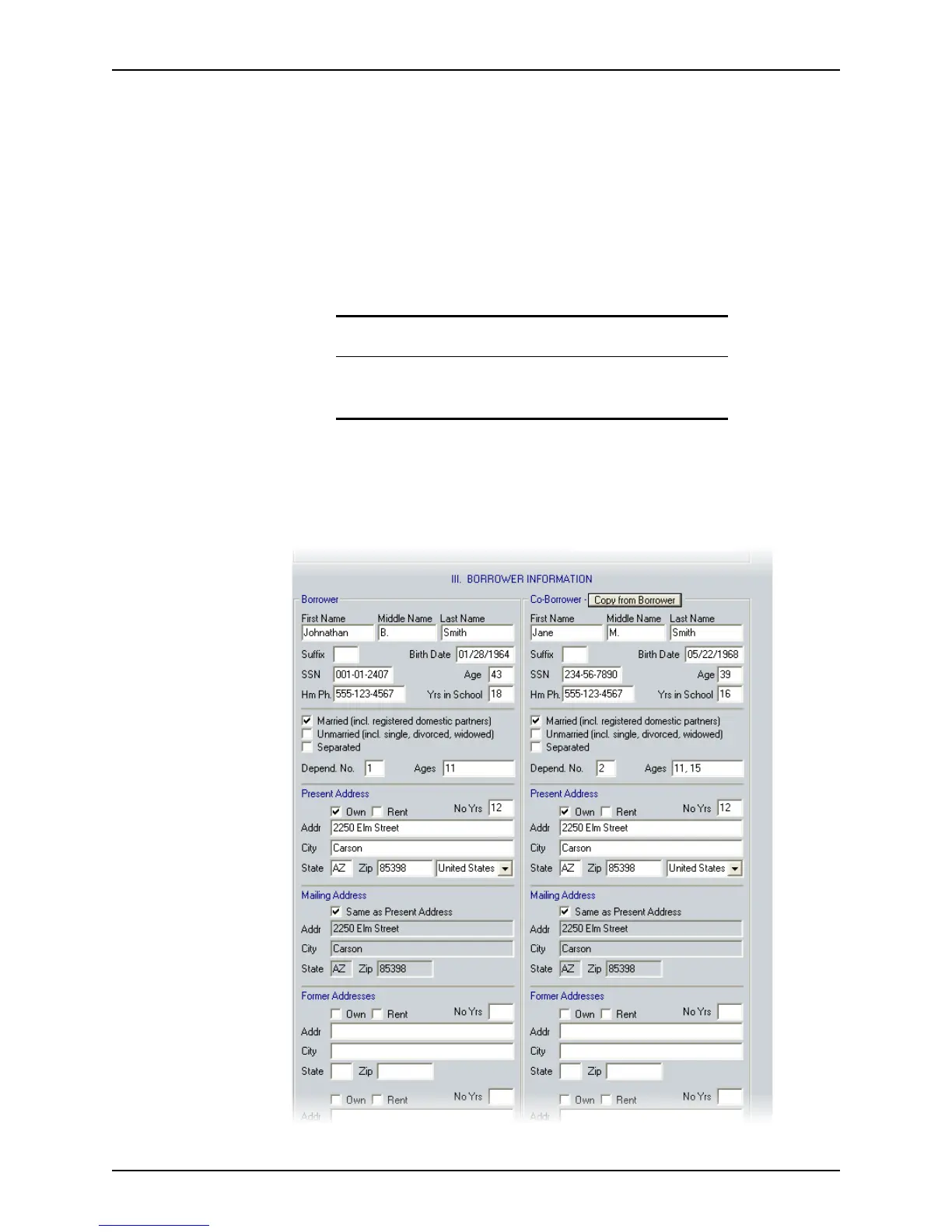
Entering borrower information
To enter borrower information:
1 Open page 1 of the
Loan Application and go to Section III. Borrower Information.
Related information
For more information about construction loans and completing this
section of the
Loan Application, refer to Construction loans, on
page290.



 To Next Page