Point User Guide 133
Disclosures
ARM Disclosure
Click the ARM Disclosure button to open the
ARM Disclosure screen.
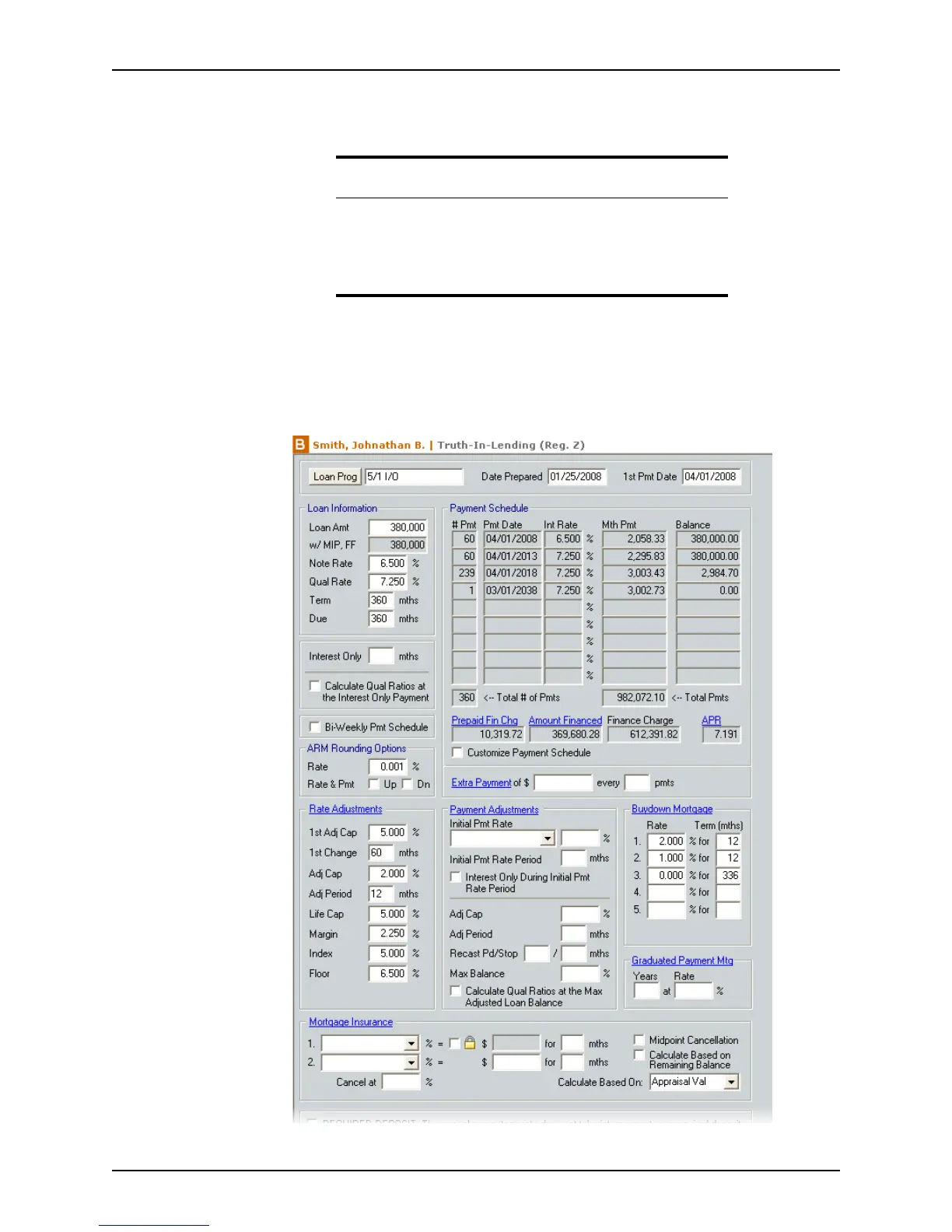
Completing the Truth-In-Lending Disclosure
To complete the Truth-In-Lending screen:
1 Open a prospect or borrower file.
2 Open the
Truth-in-Lending screen from the Forms menu or the shortcut toolbar.
Related information
• For information about the ARM Disclosure (Initial) screen, refer
to Initial ARM Disclosure statement, on page128.
• For information about completing the
Truth-In-Lending (Section
32)
screen, refer to Completing the High Cost Loan Disclosure
(Truth-In-Lending Section 32), on page136.



 To Next Page