204 Calyx Software
Electronic loan files
Adding Point forms to the repository
To add Point forms to the repository:
1 Open the borrower or prospect file that contains the information you want to store.
2 Select eLoanFile > Document Storage to access the
Document Storage dialog
box.
3 Click Add.
The
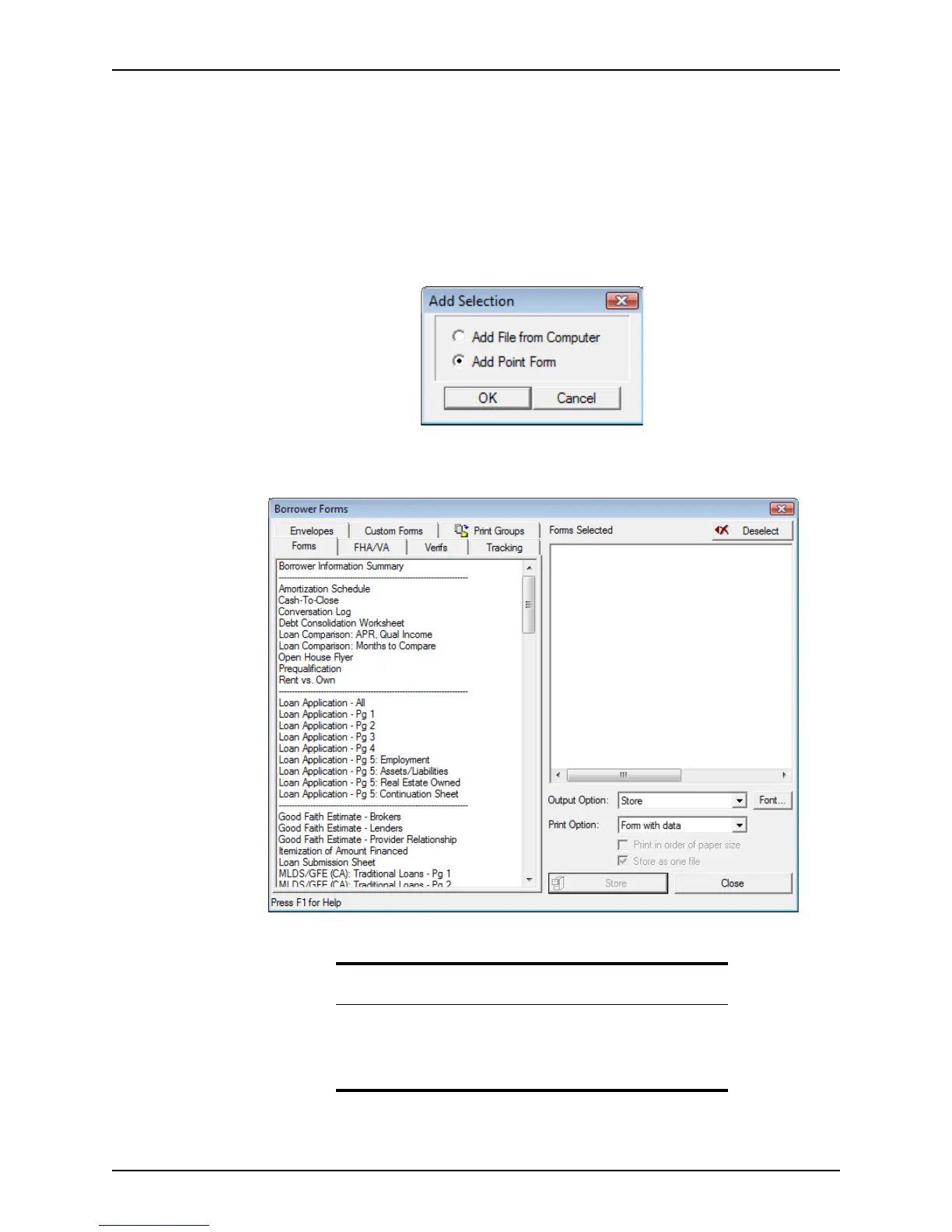
Add Selection dialog box is displayed.
4 Select
Add Point Form and click OK.
The
Borrower Forms dialog box is displayed.
Store is automatically selected as the Output Option.
Tip
You can also access the Borrower Forms dialog box directly by
selecting File > Store, File > Print, or File >Print Preview.
If you do not access the dialog box by using the Store menu option,
verify that the Output Option is Store before you complete the action.



 To Next Page