Point User Guide 203
Electronic document storage
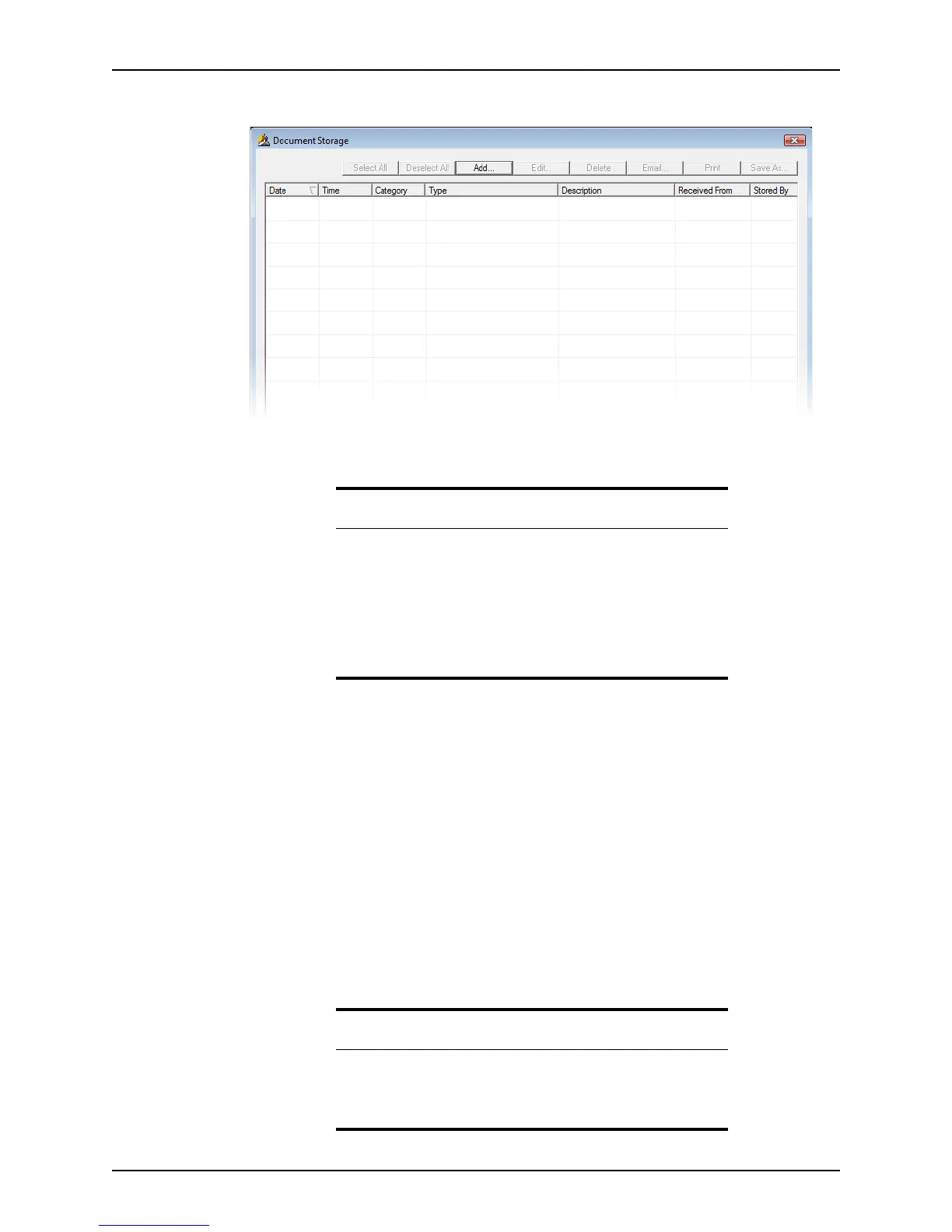
The Document Storage dialog box is displayed.
The
Document Storage dialog box is comprised of a set of buttons at the top of the
dialog box and the main window for document information.
You can perform the following actions from the
Document Storage dialog box:
• Add documents to the repository
• Edit category, description, and other document-specific information
• Delete documents
• Email documents
• Print documents
• Save documents to a different file
• Select or deselect all documents
The following information about the document is stored in the repository:
• Date and time the document was added to the repository
• MISMO document classification type
• Document name
• Document source
• Name of the person who stored the document
Tips
• To sort the documents by one of the columns, click the column
heading to sort the records in ascending order. Click the column
heading again to sort the forms in descending order. The default sort
order is by date.
The sort order is retained for all subsequent loan files until you
change it again.
• To resize the column width, place the cursor on the vertical line
between columns, click, and drag the column to the desired width.
Note
The name of the user who is logged in is automatically populated in the
Storedby field. When Point is not running in a secure mode, you can
change the name that displays by selecting Change Name from the File
menu.



 To Next Page