Point User Guide 91
Print and e-mail options
3 Complete your e-mail and send it as you normally would.
E-mailing forms
Use the Borrower Forms dialog box to create PDF documents of the selected forms that
you can attach to an e-mail.
To e-mail forms:
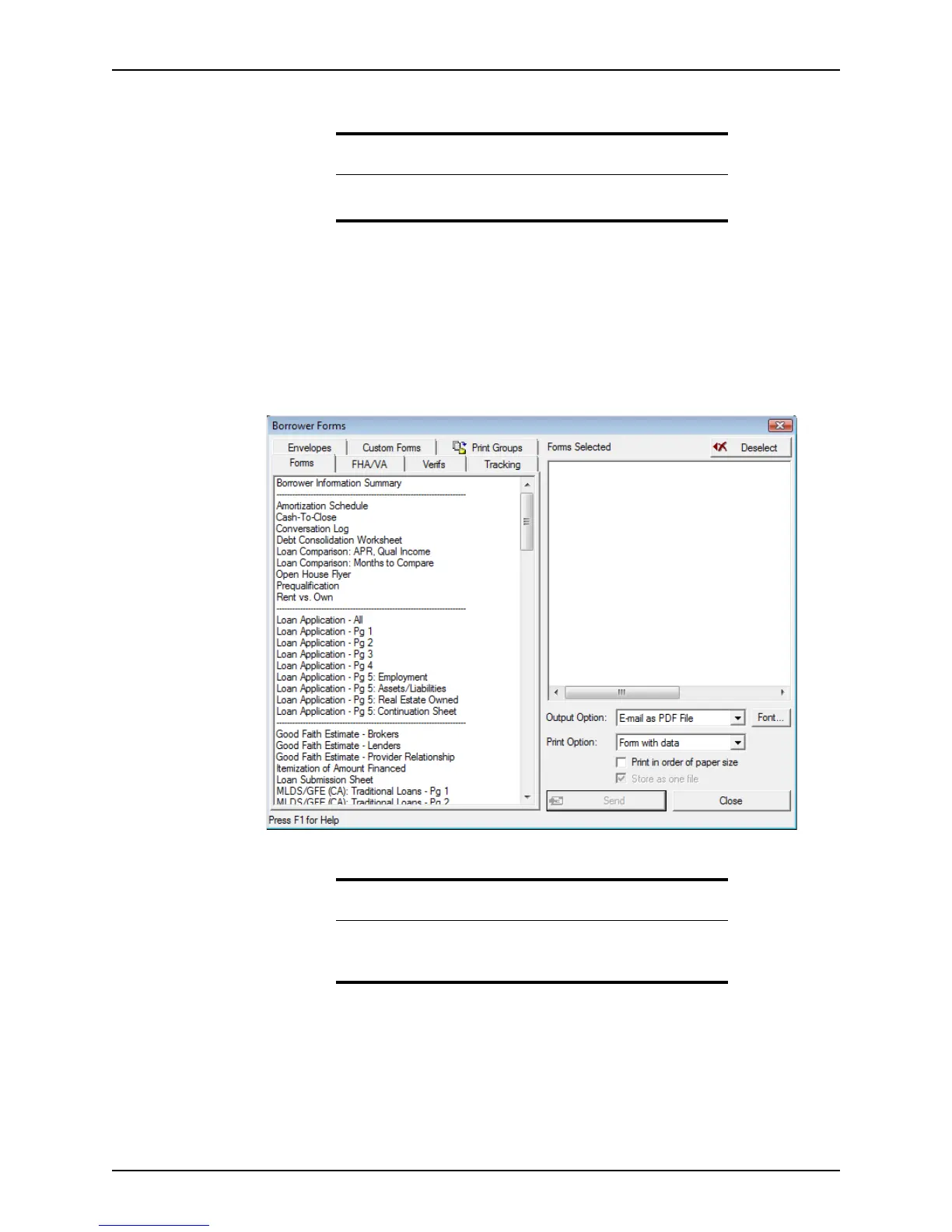
1 Select File > E-Mail > Form or click the E-mail icon and select E-Mail Forms.
The
Borrower Forms dialog box is displayed.
Related information
For more information about
.pcf
files, see Saving loan files as Point
compressed files (.pcfs), on page75.
Tip
You can also access the Borrower Forms dialog box by selecting File >
Print or File > Print Preview and selecting E-mail as PDF File from the
Output Option dropdown list.



 To Next Page