272 Calyx Software
Banker functions
The FinalBuydownRate is calculated by subtracting the lowest buydown rate
from the note rate.
e Enter
BuydownOriginalBalanceAmount.
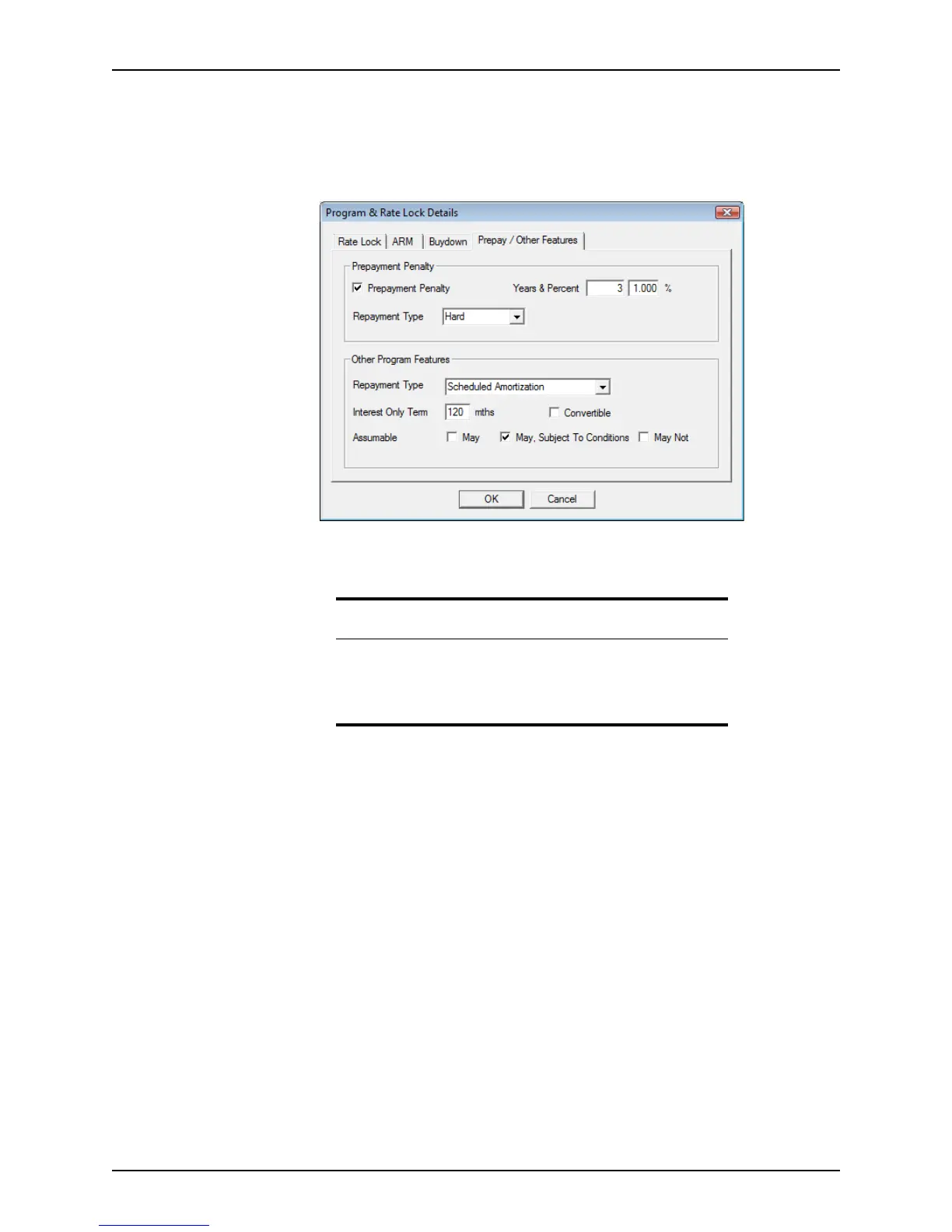
5 Click the Prepay/Other Features tab to view prepayment and other loan information.
6 Edit the information as needed.
7 Click OK to save the changes and exit the dialog box.
Appraisal information
The Appraisal Information dialog box is used to record detailed property appraisal
information. It is accessible by clicking the Appraisal button which is located at the bottom
of the workspace in the
Conditions and Closing screens.
To complete the
Appraisal Information dialog box:
1 Click the Appraisal button.
Important
Information is retained in each tab when you switch to another tab.
However, you must click OK when you exit the dialog box to
permanently save any changed data.
Click Cancel to exit the dialog box without saving any changes.



 To Next Page