Point User Guide 229
Tracking HMDA reporting information
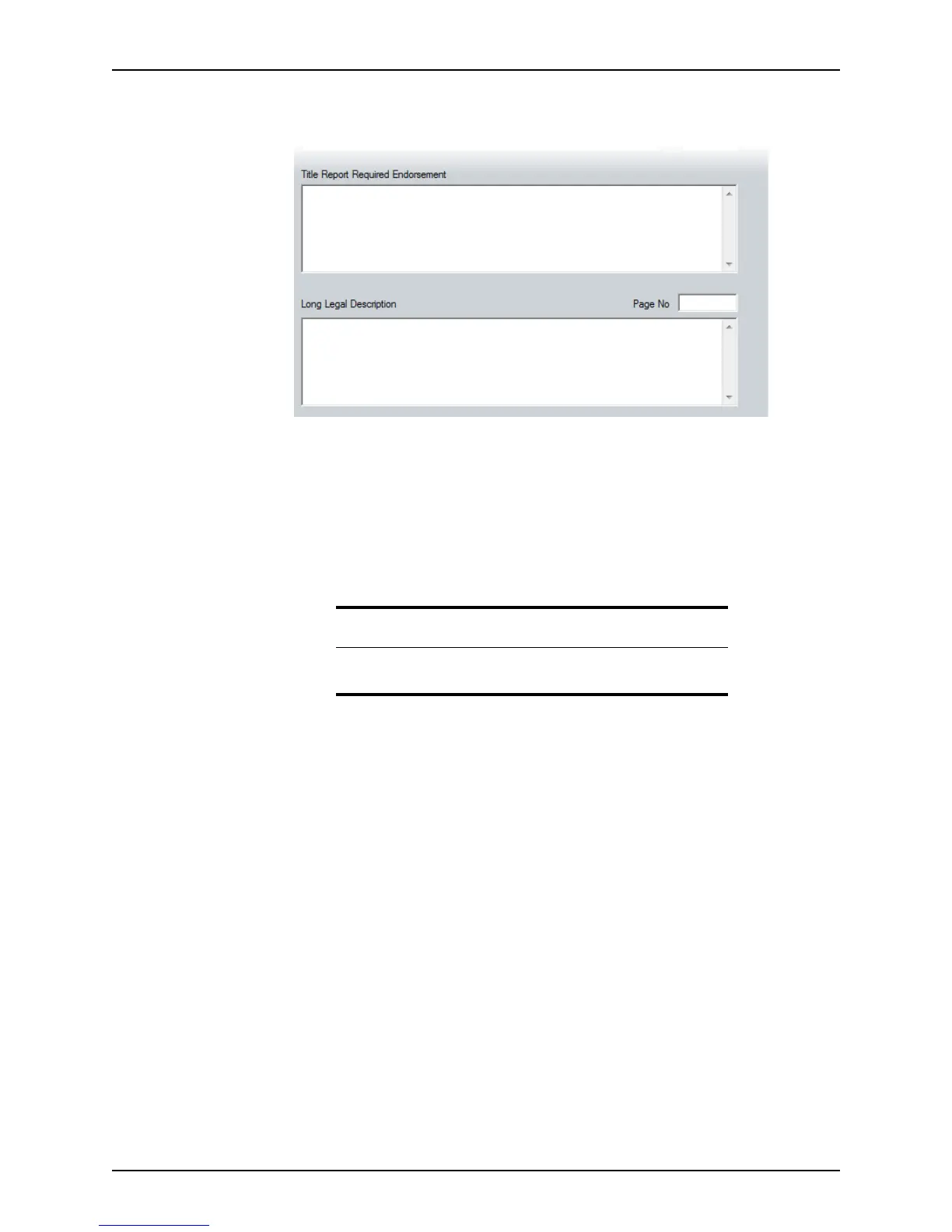
5 Complete the Title Report Required Endorsement and Long Legal Description
sections.
Tracking HMDA reporting information
The HMDA Reporting screen contains most of the information that is required to be
reported to the Federal Financial Institutions Examination Council (FFIEC) to comply with
the Home Mortgage Disclosure Act.
When a file is closed or another action is taken (for example, the application is withdrawn
or the loan is purchased), you must enter the closed date in this screen.
Additional information such as the loan type, loan purpose, and occupancy status are
populated from other Point screens.
To access the
HMDA Reporting tracking screen:
1 Open a prospect or borrower file.
Important
If you do not enter a Closed date in your loan files, the HMDA report will
not include these loans and your reporting will be inaccurate.



 To Next Page