332 Calyx Software
Integrated products and services
8 Click Submit.
9 Enter your Work Number login and password and click OK.
The request is processed and the verification information is displayed.
Populating employment into the Loan Application
You can populate selected data from the employment verification to the Loan
Application
.
To populate the
Loan Application with the employment information:
1 Open the
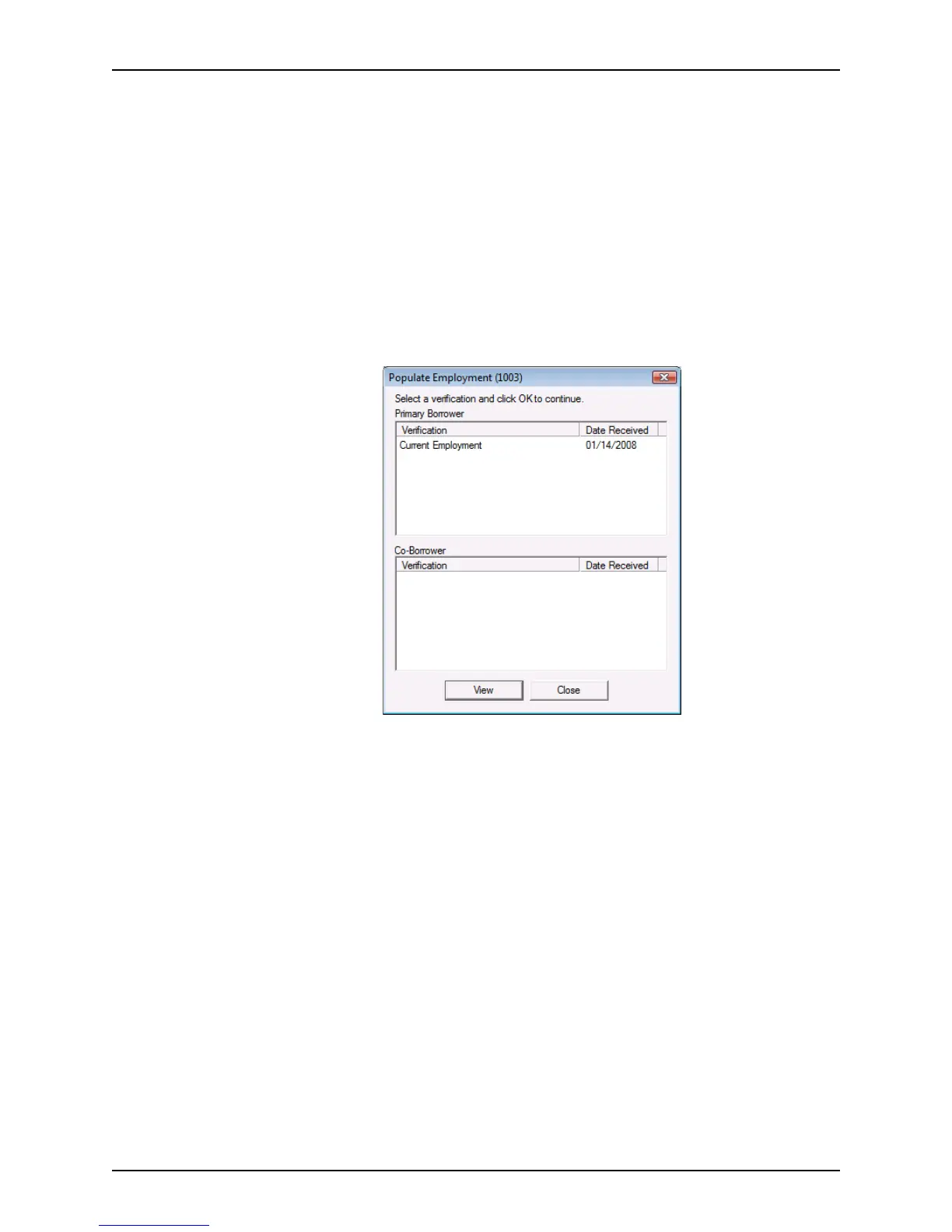
Populate Employment (1003) dialog box by doing one of the following:
Select Services > VOE/VOI > Populate Employment (1003) or select Services >
VOE/VOI > View Report.



 To Next Page