Point User Guide 363
Import and export templates
Creating and editing data export templates
The process for creating a new data export template is almost identical to the one for
building one from the sample.
To create your own data export template:
1 Select the Templates tab from the navigation panel and select
Data Export.
2 Click New.
The
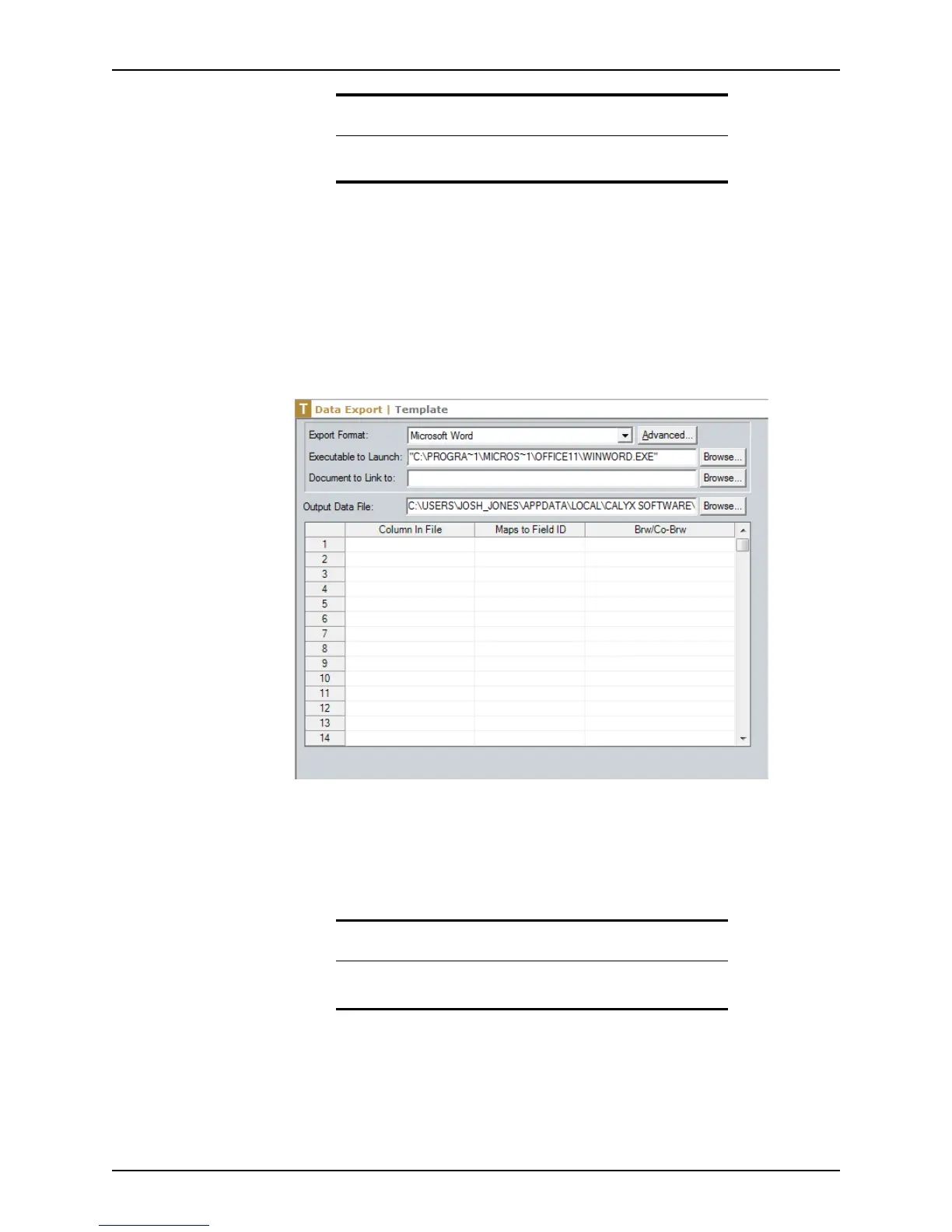
Data Export Template screen is displayed.
3 Select the export format from the Export Format dropdown list.
If the application you want to export to is not available, select <custom ASCII format>
and proceed to Step 5. The default format is Microsoft Word.
If you selected a Microsoft application, the default file path of the
.exe
file is
automatically populated in the Executable to Launch field.
Related information
For more information about field IDs, refer to Identifying fields and field
IDs, on page65.
Important
Be sure to verify that the path in the ExecutabletoLaunch field is
correct.



 To Next Page