114 Calyx Software
Loan Application
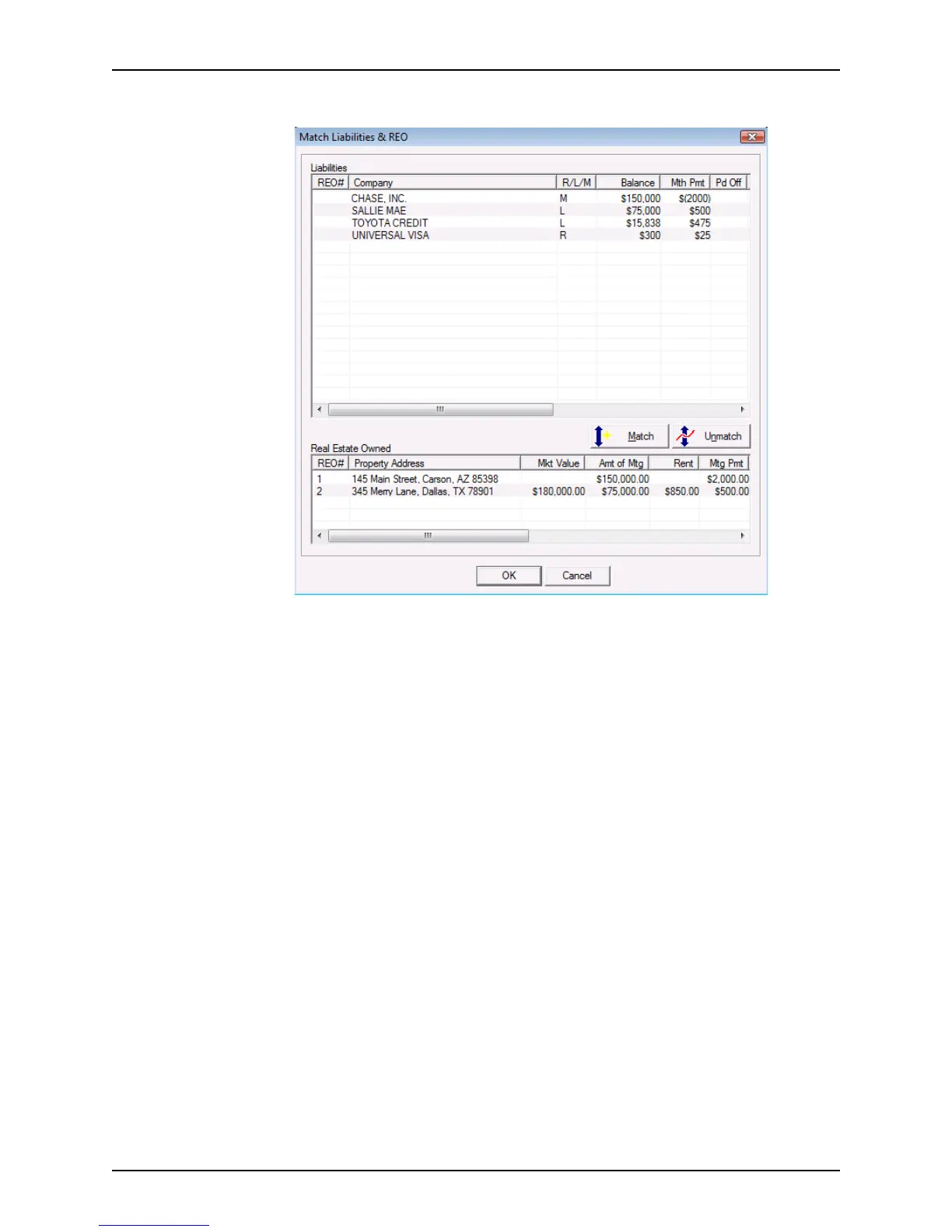
The Match Liabilities & REO dialog box is displayed.
3 Select a liability in the
Liability section that you want to associate with an entry in the
Real Estate Owned section.
4 Select the item in the
Real Estate Owned section that corresponds to the selected
item in the
Liability section.
5 Click the Match button.
The REO number is entered in the REO# column for the selected liability.
You can associate more than one liability with an REO.
6 To remove the association between a liability and an REO, select both items and click
the Unmatch button.
7 Click OK when finished matching liabilities and real estate.
Summarizing the transaction details
The Details of Transaction section is used to provide an overview of the entire transaction.
It summarizes the information that was entered in the
Good Faith Estimate and Loan
Application
. Adjust those entries in this screen if necessary.



 To Next Page