160 Calyx Software
Disclosures and other forms
3 Complete any missing information in the General Information section.
4 Complete any missing information in the
Amount, Terms and Fees section.
This section should be prepopulated except for the commitment expiration date (
Cmt
Expires
field). Enter the date that the borrowers’ rate lock and commitment expire.
5 Enter the terms of repayment according to the loan program in the
Repayment Terms
section.
6 Enter the type of title insurance required in the
EvidenceofTitle field.
7 List the conditions (known as prior-to-funding conditions) upon which loan approval is
contingent in the
Additional Required Items or Conditions fields.
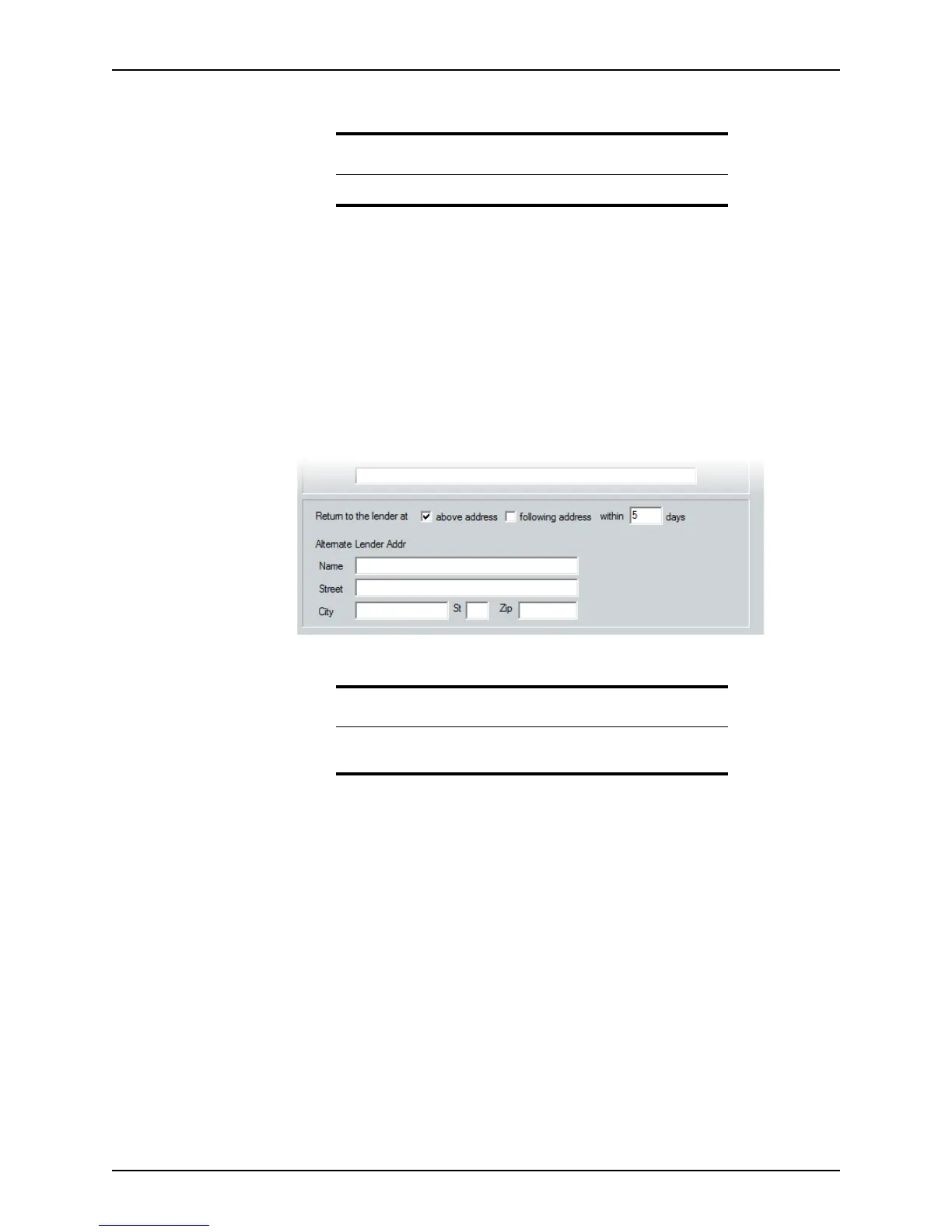
8 Complete the lender information at the bottom of the form.
Request for Appraisal, Evidence of Insurance, Payoff, or Title Commitment
Most of the information on these three screens is populated from other screens. Complete
at least the
Borrower Information or Prospect Information and Loan Application
screens first, then complete any blank fields and adjust any incorrect information.
Request for Survey
Most of the information on this screen is populated from other screens. Complete at least
the
Prospect or Borrower Information screen and Loan Application before printing
this form.
Statement of Credit Denial, Termination, or Change
The Statement of Credit Denial, Termination, or Change informs borrowers of any
reasons for their credit denial.
Tip
Use the Cardex database to populate the lender fields.
Related information
See Chapter 19, Contact management (Cardex), for information about
populating fields by using the Cardex database.



 To Next Page