116 Calyx Software
Loan Application
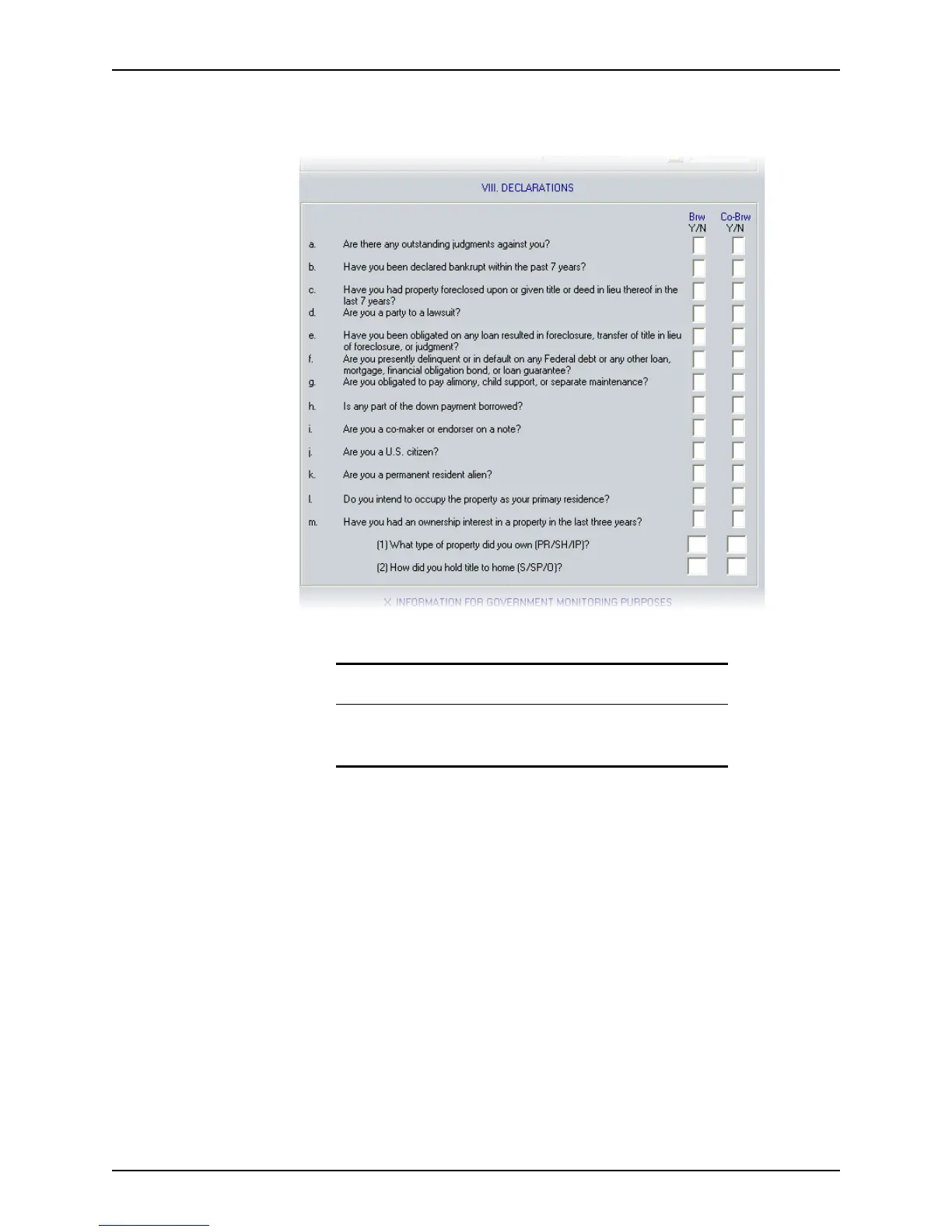
To enter declarations:
1 Open page 4 of the
Loan Application and go to Section VIII. Declarations.
2 Enter
Y or N to all questions for both the borrower and co-borrower.
Except for questions j and k, all Yes responses require an explanation. Click the
Declaration Explanations button at the bottom of the workspace to access the
Declaration Explanations dialog box.
3 Enter an explanation for all Yes responses in the borrower or co-borrower
Explanation
fields and click Close when finished.
Printing the Acknowledgement and Agreement clause
The following acknowledgement and agreement clause is located in Section IX.
Acknowledgement and Agreement
of the Loan Application.
This section is not included in the Point interface. However, you can specify that the
statement print with the
Loan Application.
“Right to Receive Copy of Appraisal: I/We have the right to a copy of the appraisal report
used in connection with this application for credit. To obtain a copy, I/we must send
creditor a written request at the mailing address creditor has provided. Creditor must hear
from me/us no later than 90 days after creditor notifies me/us about the action taken on
this application, or I/we withdraw this application.”
Tip
If you are using a master file, enter Y for all of the responses to avoid
repetitive data entry. If the borrower has any no responses, change the Y
to an N when you complete the loan application.



 To Next Page